18
1
Before You Begin
4
Save changes.
Press DISP/BACK to save changes.
5
Exit the menus.
Press DISP/BACK as needed to exit the menus and
return to the shooting display.
N
Some indicators are not displayed in all modes.
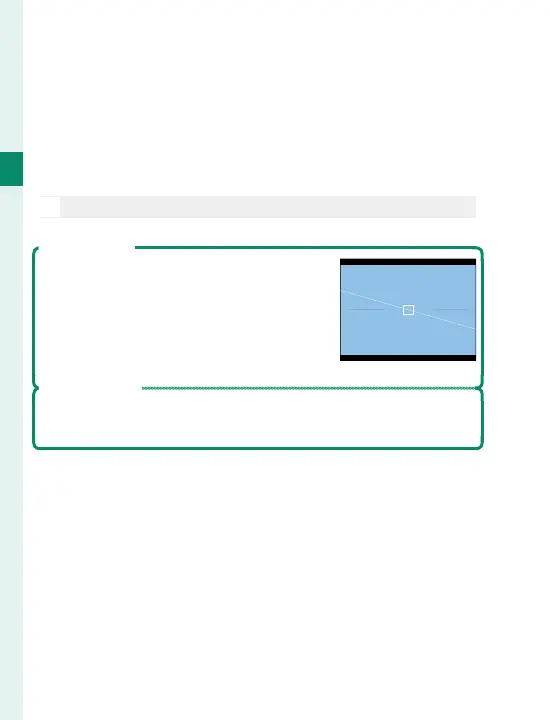
Virtual Horizon
Selecting ELECTRONIC LEVEL displays
a virtual horizon. The camera is level
when the two lines overlap. Note that
the virtual horizon may not be displayed
if the camera lens is pointed up or down.
Framing Outline
Enable FRAMING OUTLINE to make the borders of the frame
easier to see against dark backgrounds.



 To Next Page