59
4
Movie Recording and Playback
Viewing Movies
N
Press MENU/OK to pause playback and display volume
controls. Press the focus stick (focus lever) up or down
to adjust the volume; press MENU/OK again to resume
playback. Volume can also be adjusted using D SOUND
SET-UP> PLAYBACK VOLUME.
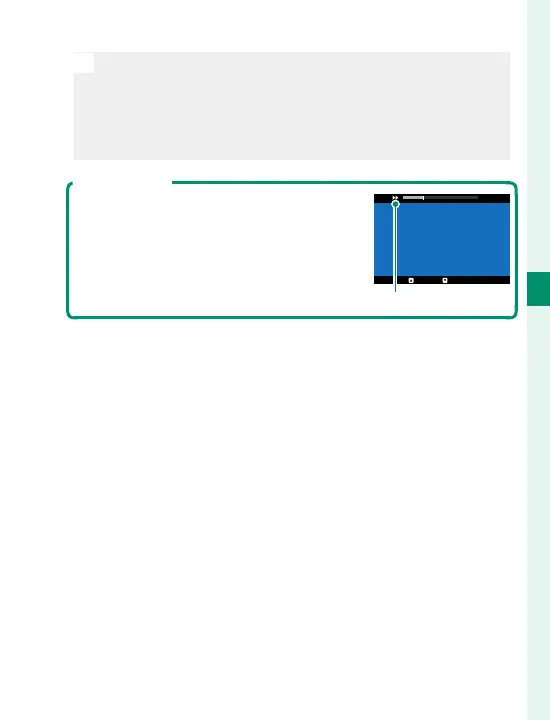
Playback Speed
Press the focus stick (focus lever) left or
right to adjust playback speed during
playback. Speed is shown by the num-
ber of arrows (M or N).
29m59s
PAUSE
STOP
Arrows



 To Next Page