System expansions
► Pull the EasyChange rails off the floppy disk slide-in module.
1
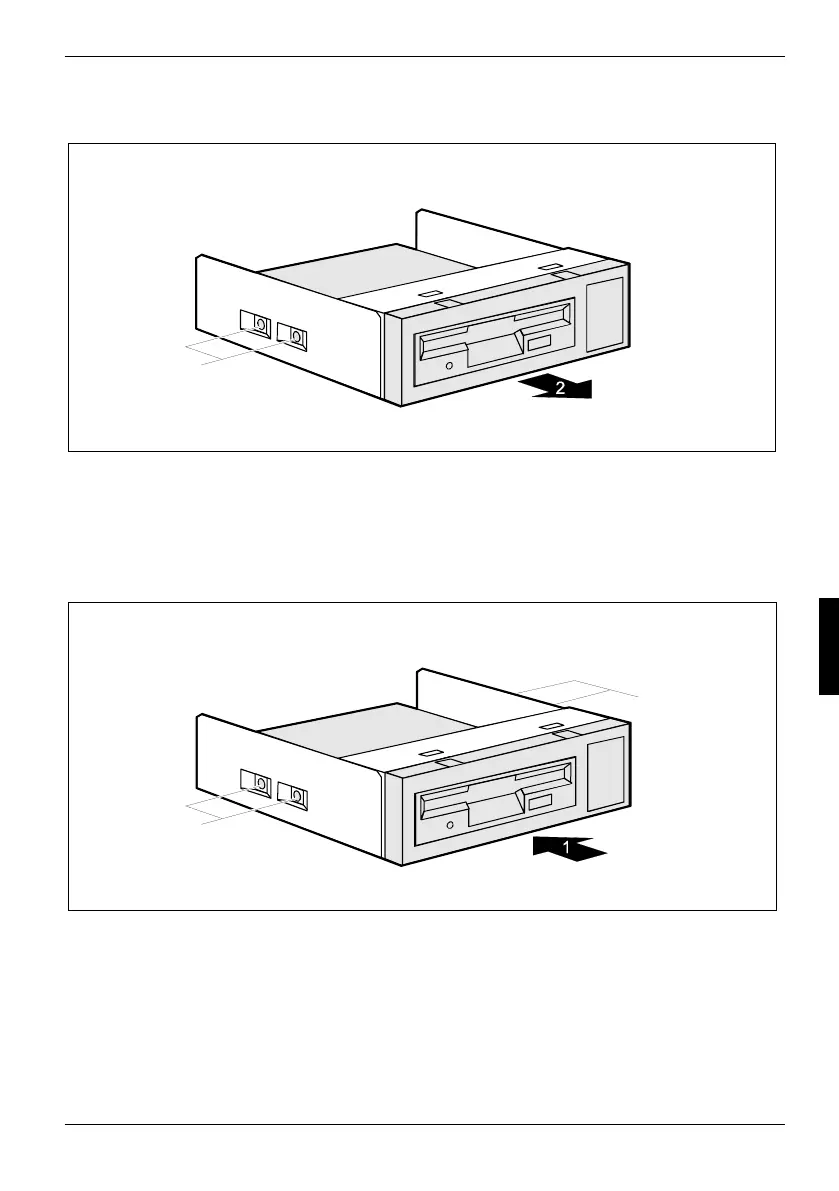
► Remove the screws (1) on both sides of the slide-in module.
► Pull the disk drive out of the slide-in module (2).
Installing the floppy disk drive
► Take the new floppy disk drive out of its packaging.
2
2
► Slide the floppy disk drive into the slide-in module (1).
► Fasten the floppy disk drive with the screws (2) on both sides of the slide-in module.
A26361-K665-Z126-1-19, edition 1 51



 To Next Page