19
2.2 Connecting to the Computer
HTTP communication must be encrypted to import certificates using Internet Services.
Certificate standards
X.509 Certificate (DER/PEM) (Root CA Certificate)
PKCS#7 (DER) (Root CA Certificate)
PKCS#12 (DER) (Device Certificate (is the Client Certificate)/Root CA Certificate)
Refer to Internet Services help for the types of certificates.
Wi-Fi Direct
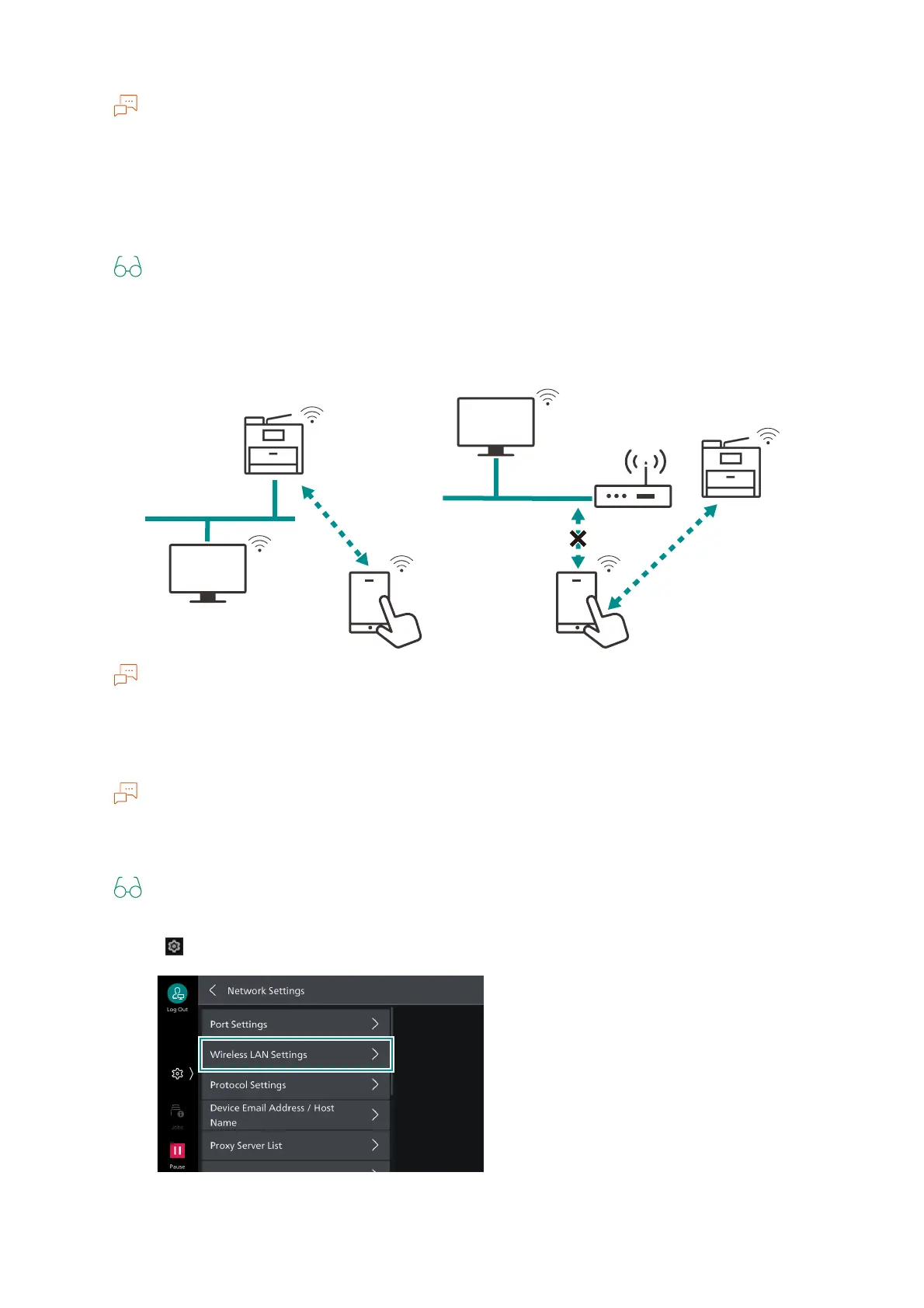
Connect the machine and mobile device directly without using the wireless LAN access point.
Wi-Fi Direct cannot be used in an IPv6 environment.
Up to five units can be connected simultaneously with Wi-Fi Direct.
Wi-Fi Direct Connection Settings
You can also set these settings from Internet Services.
1. Enable wireless LAN settings.
Refer to steps 1 to 4 in "Wi-Fi Connection Settings" (P.15).
2. Tap on > [Device] > [Network Settings] > [Wireless LAN Settings].
Wired LAN
Wired LAN
Wi-Fi Direct
Connection
Connection
Prohibited
Wi-Fi Direct
Connection


 To Next Page
 Loading...









