138
How to operate the Sound Adjustment Mode
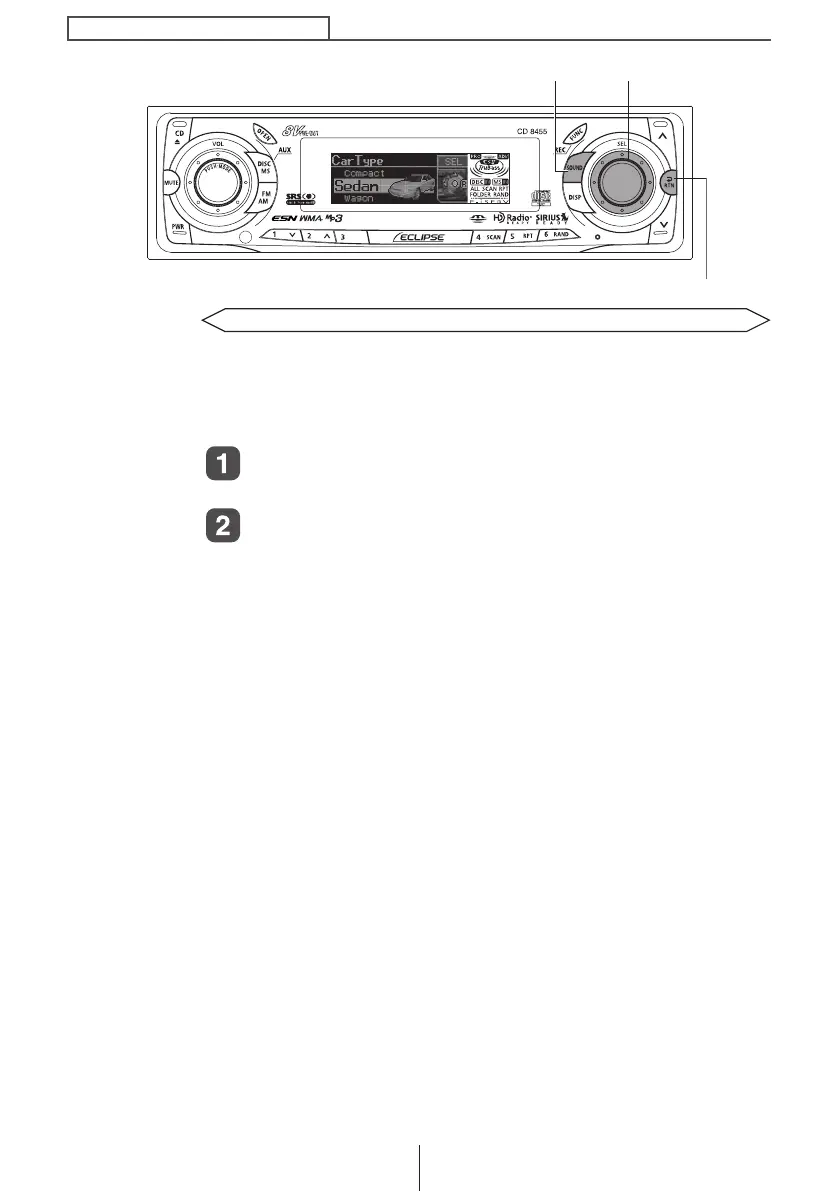
Selecting the type of vehicle (Car Type)
You can select the time alignment settings to match your vehicle
from a range of preset settings for different types of vehicle,
allowing you to select the optimum time alignment settings
automatically.
Turn the [SEL] button to select Car Type.
The selected item will be highlighted.
Press the [SEL] button.
The mode will change to car type selection mode.
[SOUND] button
[RTN] button
[SEL] button
CD8455.book 138 ページ 2004年12月11日 土曜日 午後7時24分



 To Next Page