Chapter 2 Installation and Connection
IP-9500e
11
2.1 Installation Conditions
This section describes the installation environment, air flow into and out from the device, and the
requirement for open space around the device.
2.1.1 Environment conditions
Ensure that installation site conditions do not exceed 55°C. Under this condition, IP-9500e can
operate in the multiple pile. Otherwise, the operating environment may damage and shorten the
product life of IP-9500e noticeably.
2.1.2 Installation environment
1. 19” rack mounting
Using the mounting kit, it is possible to mount on 19” rack complied EAI standard (1U size).
The mounting kit attached must be used to install. When the installation
is unstable, the serious accident may be caused.
(1) Check all cables disconnected.
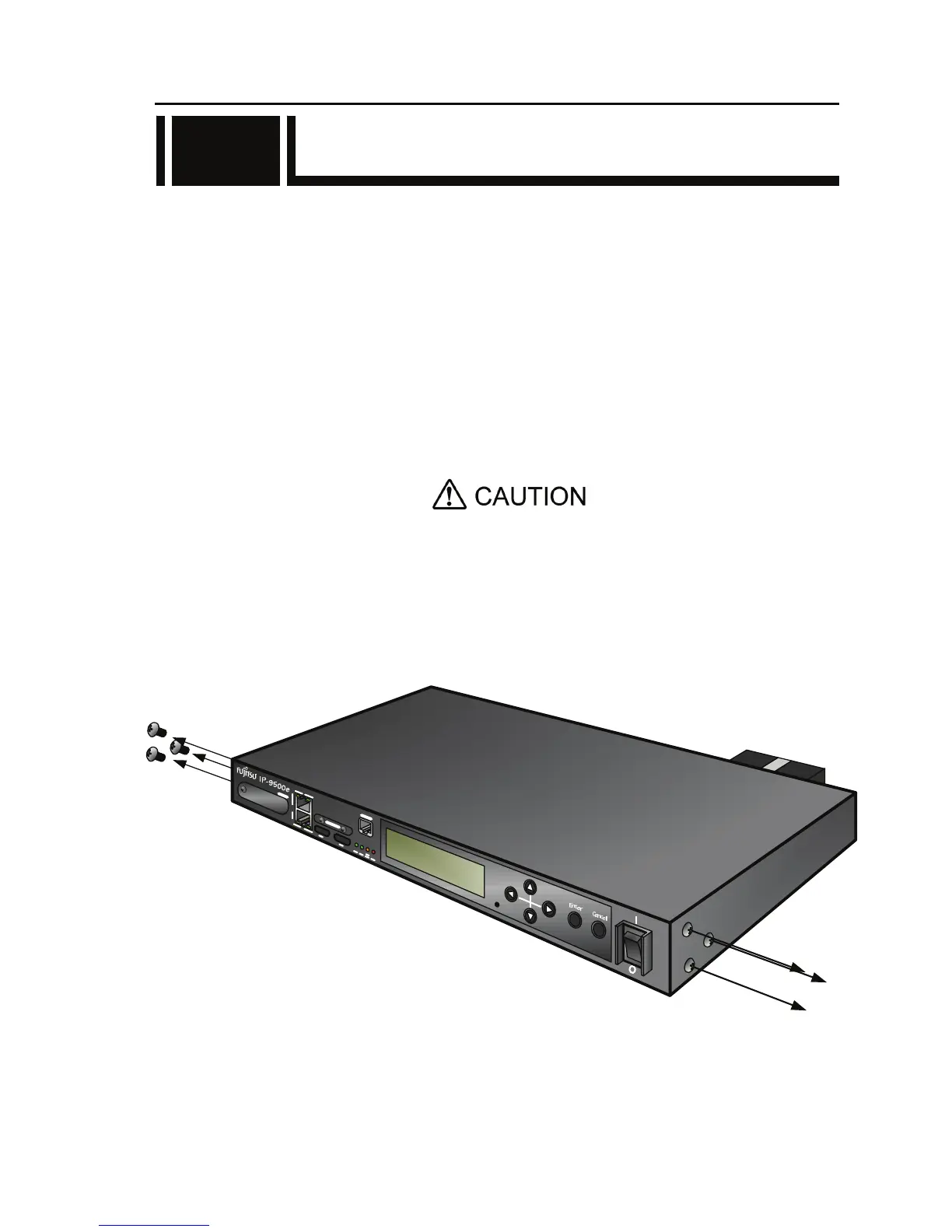
(2) Screw out six pan screws (three at right side and three at left side) to install the rack mounting
kit.
2.1



 To Next Page