Chapter 3 Operation instructions
IP-9500e
34
This section briefly explains the basic functions of the setup pages.
3.2.1 Maintenance page
Clicking the Settings, Log or Software management menu in the left frame of the browser displays
the corresponding device setting page so that you can set or display items.
3.2.2 Reboot
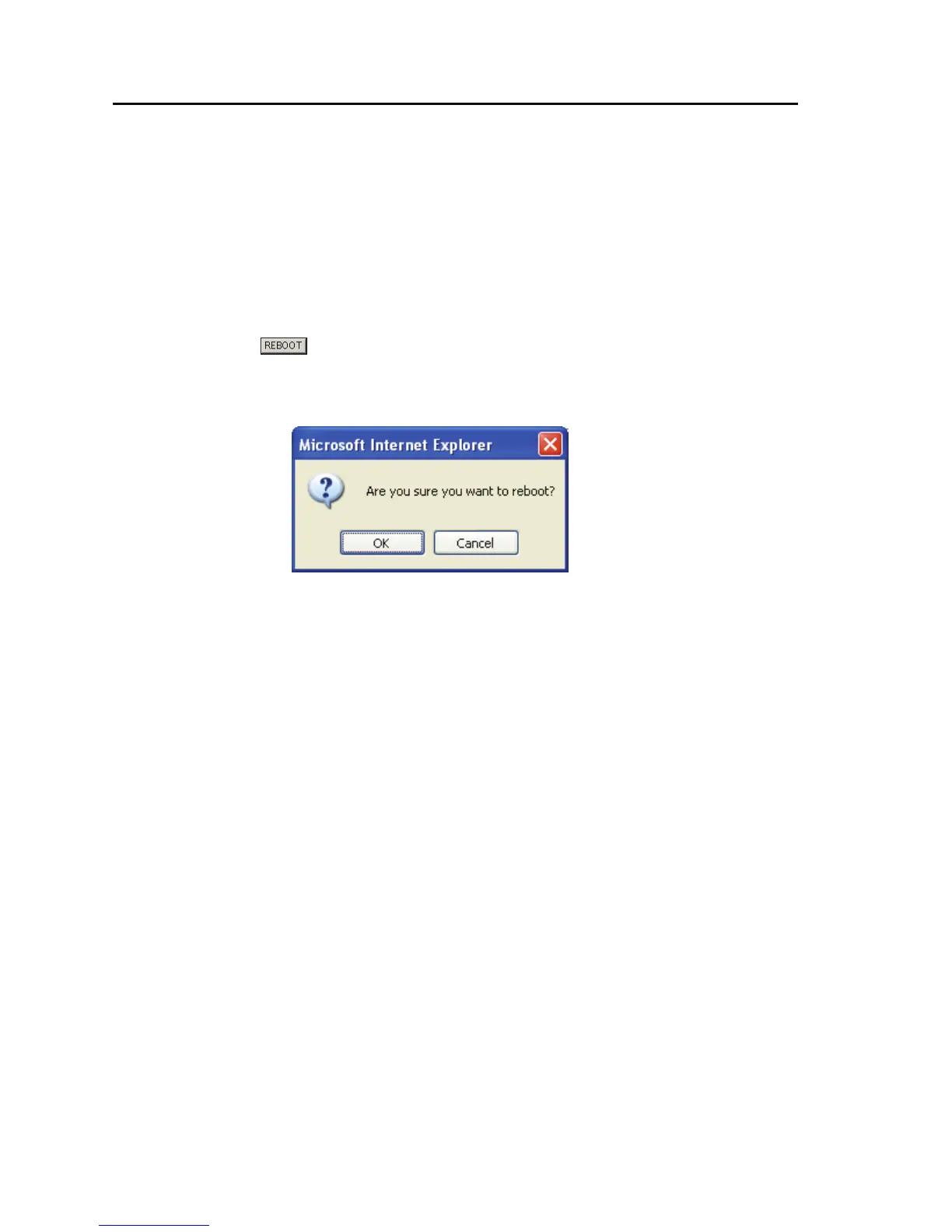
Clicking the button displayed in the left frame of the browser reboots the device. When
you click the button, the following dialog box shown below appears for confirmation. Click OK to
reboot.



 To Next Page