Chapter 2 Installation and Connection
IP-9500e
17
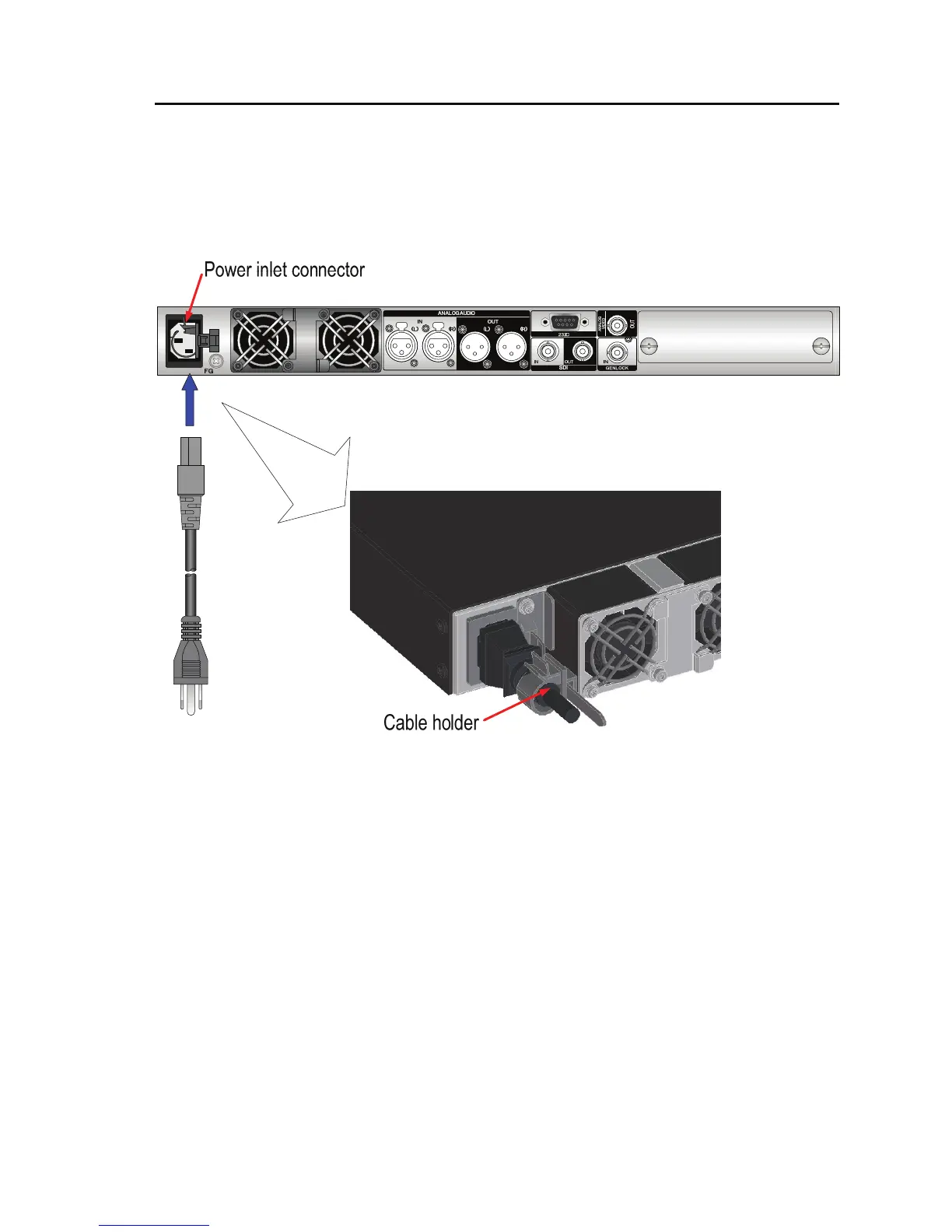
2.2.2 Connection to power source
IP-9500e operation requires a power supply of 100-240 VAC. Insert the power cord with the
standard two-prong plug with ground into the inlet connector.
The power cord is not supplied with the device. Procure it separately.
Figure Power cord connection
AC cord clamp
Insert the AC cord clamp into the AC cord clamp hole and fix the power cord as shown in
figure above. When remove the AC cord clamp, screw out and remove it with the mounting
kit.



 To Next Page