Chapter 3 Operation instructions
IP-9500e
35
3.3 Operation Management
3.3.1 Settings
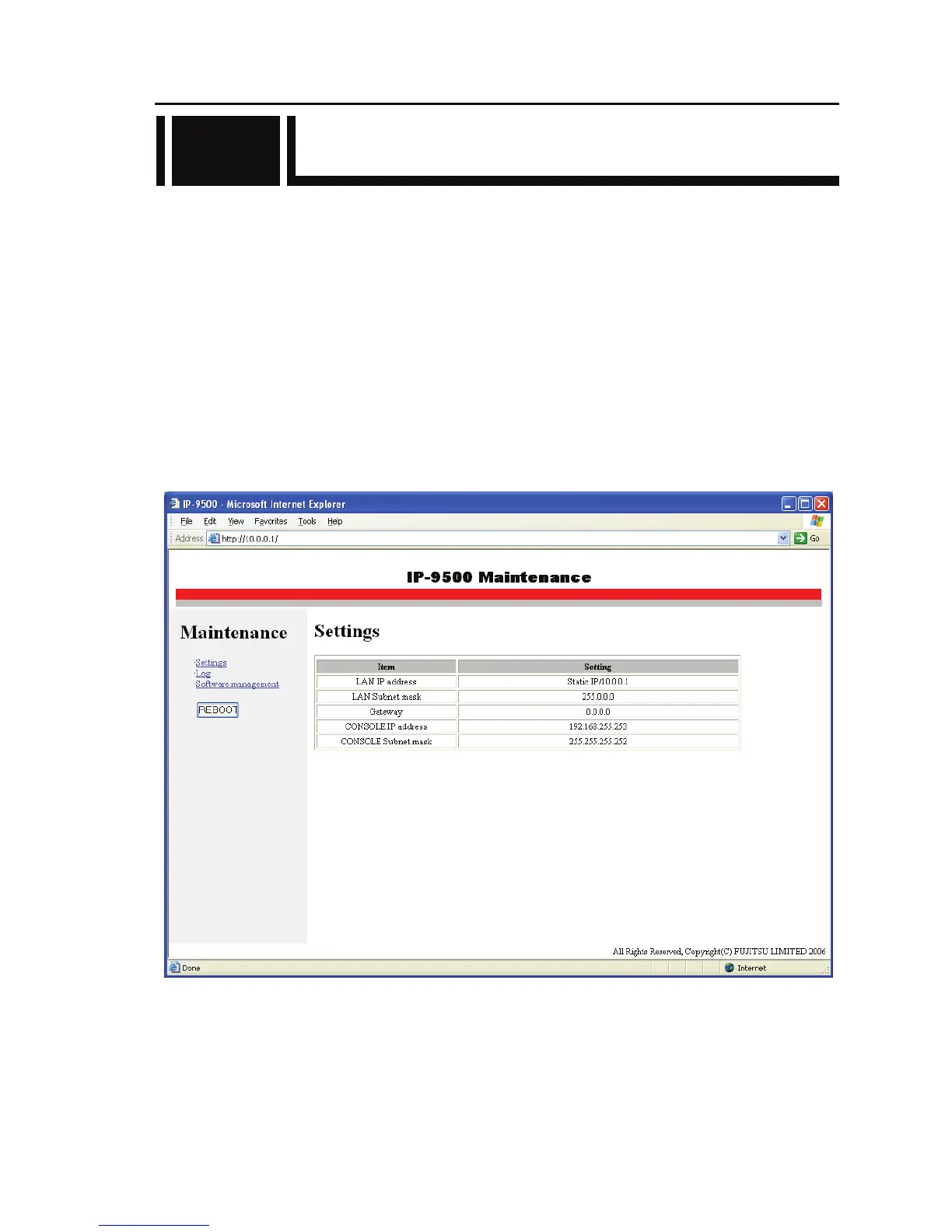
On the PC Web browser, specify the IP address of IP-9500e (LAN: 10.0.0.1, CONSOLE:
192.168.255.253) [example: http://10.0.0.1/ (LAN), http://192.168.255.253/ (CONSOLE)] to set up a
connection to the http server of the IP-9500e.
When using http://10.0.0.1/ for connection, set the PC IP address and subnet mask as follows:
- IP address : 10.xxx.xxx.xxx
(xxx is a number from 0 to 255, excluding 10.0.0.0, 10.0.0.1, and 10.255.255.255.)
[Example: 10.0.0.2]
- Subnet mask : 255.0.0.0
The page shown below first appears (Initial page at power-on immediately after shipment from the
factory). The IP addresses and subnet masks set for the IP-9500e on the LAN and CONSOLE, and
the gateway setting are displayed.
3.3



 To Next Page