Chapter 3 Operation instructions
IP-9500e
37
3.3.2 Log
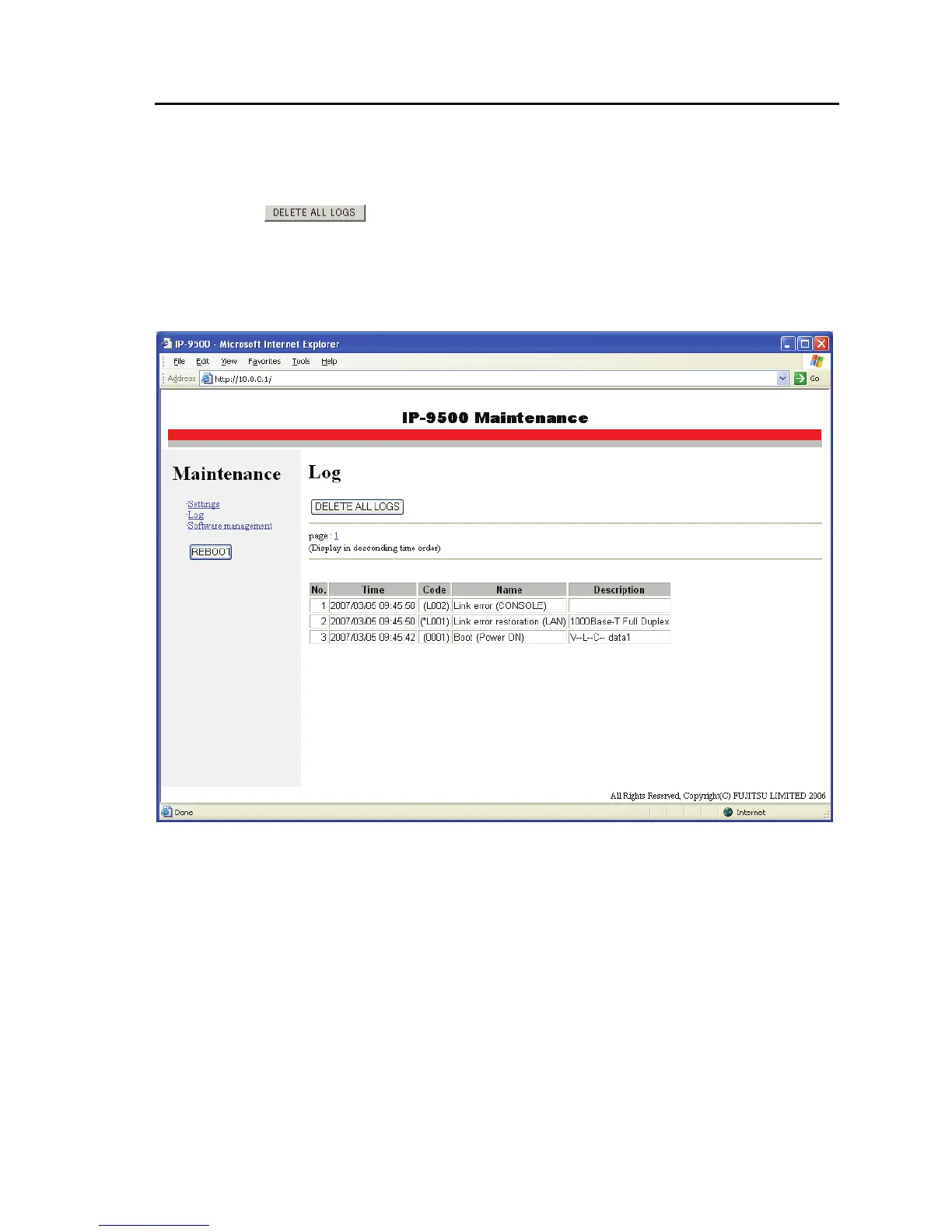
Click Log in the left frame of the browser to display the log information page in the right frame of
the browser, where you can check alarm log information on the IP-9500e.
Clicking in the right frame deletes all log information.
* Up to 1,000 log items can be saved. Log items exceeding 1,000 items overwrite existing items
beginning with the chronologically oldest item. (Ten pages of log information, 100 items per page,
are saved.)
For details of the alarm log information, see the alarm code list on the next page. Note that
messages may be changed after installation of each type of software. For details, see IP-9500e
Software User's Guide.



 To Next Page