Chapter 2 Installation and Connection
IP-9500e
16
2.2 Power Supply System
Connections
This section explains ground and power-source connections.
2.2.1 Connection to ground
Use a power cord with the standard two-prong plug with ground wire for FG and external ground
connections.
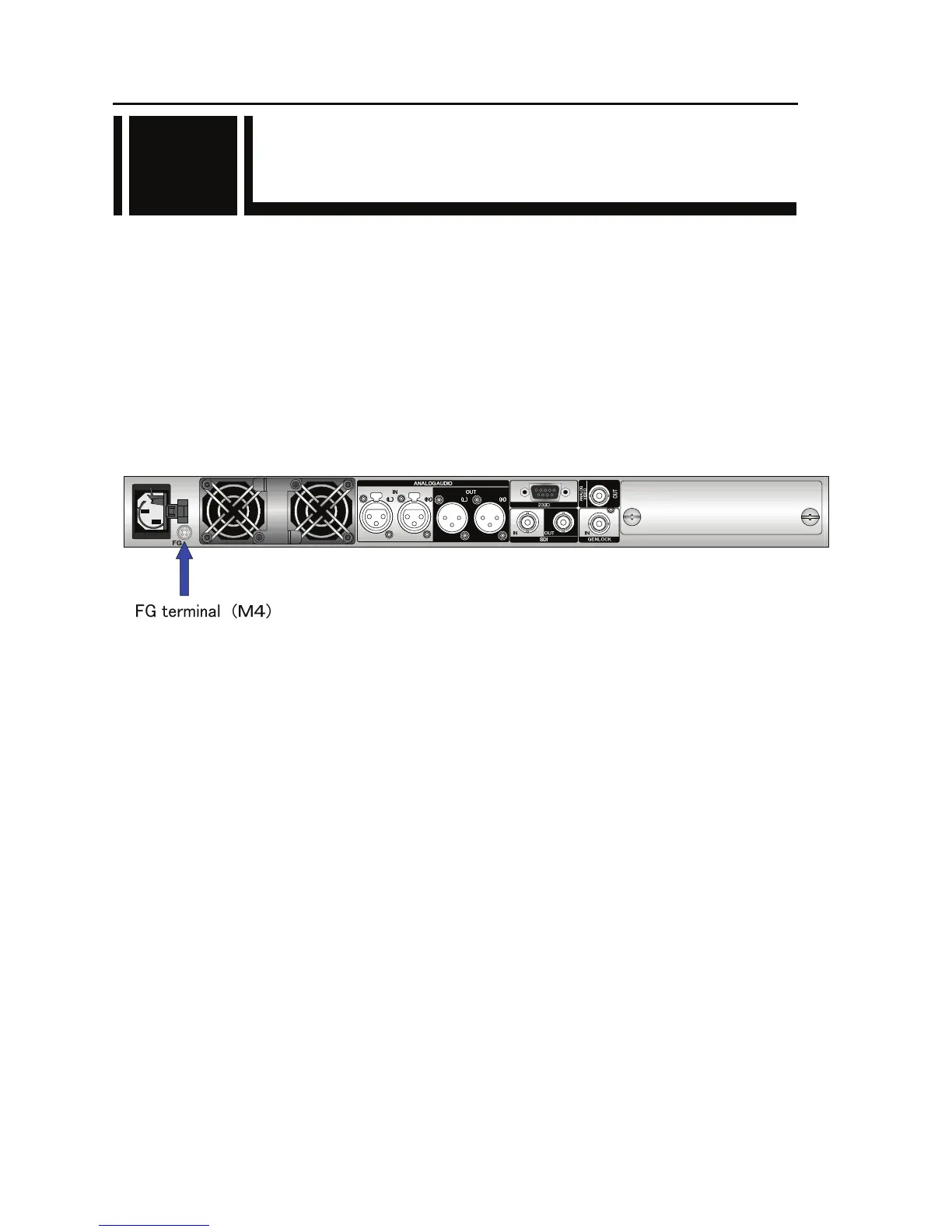
When not using a power cord with a ground wire, connect the FG terminal to an external ground.
The FG terminal has an M4 screw that comes with a plastic washer. To connect the FG wire,
remove this washer.
Figure Connection to ground
2.2



 To Next Page