Chapter 3 Operation instructions
IP-9500e
41
3.5 Operation Method and Page
Transition
This section explains page transition on the LCD panel before application software is installed. For
information on the operation procedure for each function after software is installed, see the software
user's guide.
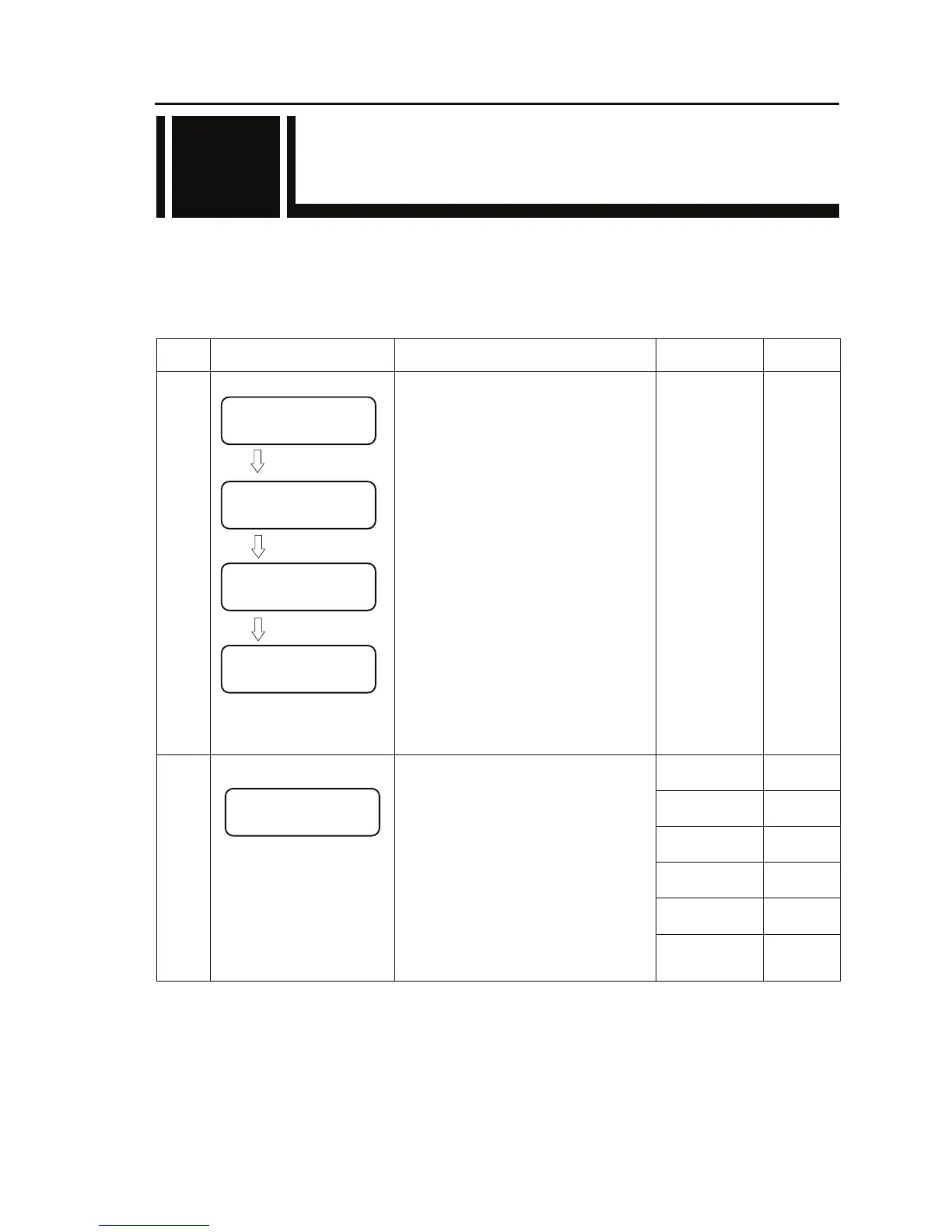
- IP-9500e startup (maintenance initial page)
Status
No.
Page status Description
Key operation
/Conditions
Transition
to
0
● Power-on
Maintenance initial page
(Initial screen)
Nothing is displayed on the LCD panel
for about 15 seconds from when the
power to IP-9500e is turned on to when
the RDY LED starts blinking in yellow.
After this, the message "Maintenance
Booting => Initializing..." appears and,
about one minute later, IP-9500e
initialization is finished and the RDY
LED at the front of the IP-9500e goes on.
Simultaneously, the maintenance initial
page as shown in the figure on the left is
displayed. (The figure on the left is a
display example.)
1
Press [Enter]
2-1
Press [Cancel]
-----
Press [△]
-----
Press [▽]
-----
Press [Y]
-----
1
●Maintenance initial page
The current software version is displayed
on line 1.
When the factory shipment setting is
effective, "Maintenance Vxxlxx" is
displayed. "xx" in the left figure
indicates the current version.
Configuration data is displayed on line 2.
When the factory shipment setting is
effective, "Configure#1" is displayed.
If the power is turned on with the
[Cancel] key pressed, "---" is displayed
on line 2. For more information, see
Section 3.6, "Special Use of the Cancel
Key."
Press [Z]
-----
3.5
(Blank)
IP-9500 VxxLxxx
Maintenance Booting
Maintenance VxxLxx
Configure#1
IP-9500 VxxLxxx
Initializing...
Maintenance VxxLxx
Configure#1



 To Next Page