Chapter 3 Operation instructions
IP-9500e
42
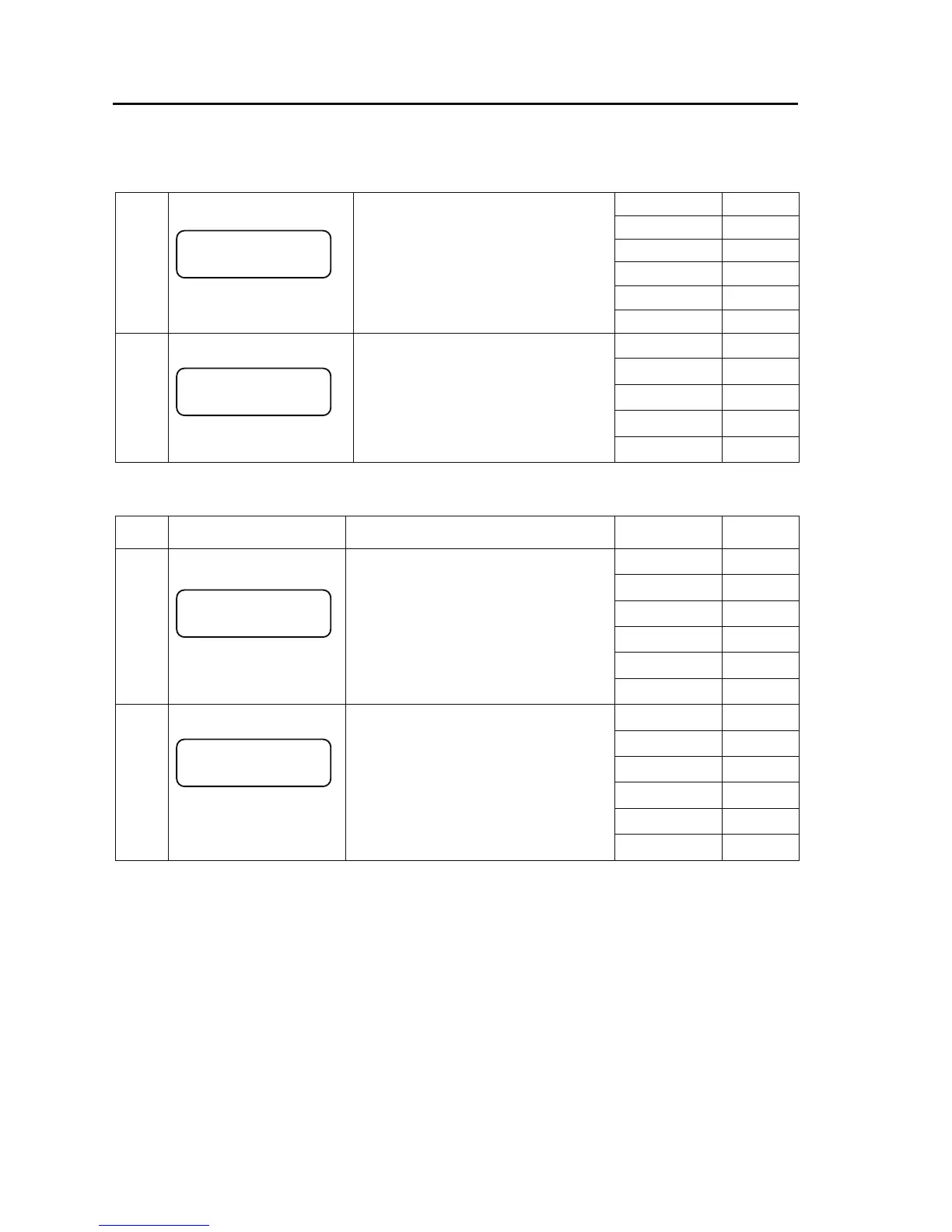
- Maintenance menu
Press [Enter] 3-1
Press [Cancel] 1
Press [△] 2-2
Press [▽] 2-2
Press [Y] -----
2-1
●Maintenance menu page 1
Pressing the Enter key while the initial
page of the maintenance menu is
displayed proceeds to this page.
This menu displays various settings on
the LAN or CONSOLE side.
Press [Z] -----
Press [Enter] 6-1
Press [Cancel] 1
Press [△] 2-1
Press [▽] 2-1
2-2
●Maintenance menu page 2
This menu is used to put the IP-9500e in
the state in which it can be turned off or
rebooted.
Press [Z] -----
- Status menu page
Status
No.
Page status Description
Key operation
/Conditions
Transition
to
Press[Enter] 4-1
Press [Cancel] 2-1
Press [△] 3-2
Press [▽] 3-2
Press [Y] -----
3-1
●Status menu page 1
Pressing the Enter key while the
Maintenance menu page 1 is displayed
proceeds to this page.
Pressing the Enter key at this page displays
the settings on the LAN side.
Press [Z] -----
Press [Enter] 5-1
Press [Cancel] 2-1
Press [△] 3-1
Press [▽] 3-1
Press [Y] -----
3-2
●Status menu page 2
Pressing the Enter key displays the settings
on the console side.
Press [Z] -----
Maintenance
1>Status
Maintenance
2>Shutdown
Status
2>Console Status
Status
1>LAN Status



 To Next Page