Chapter 2 Installation and Connection
IP-9500e
13
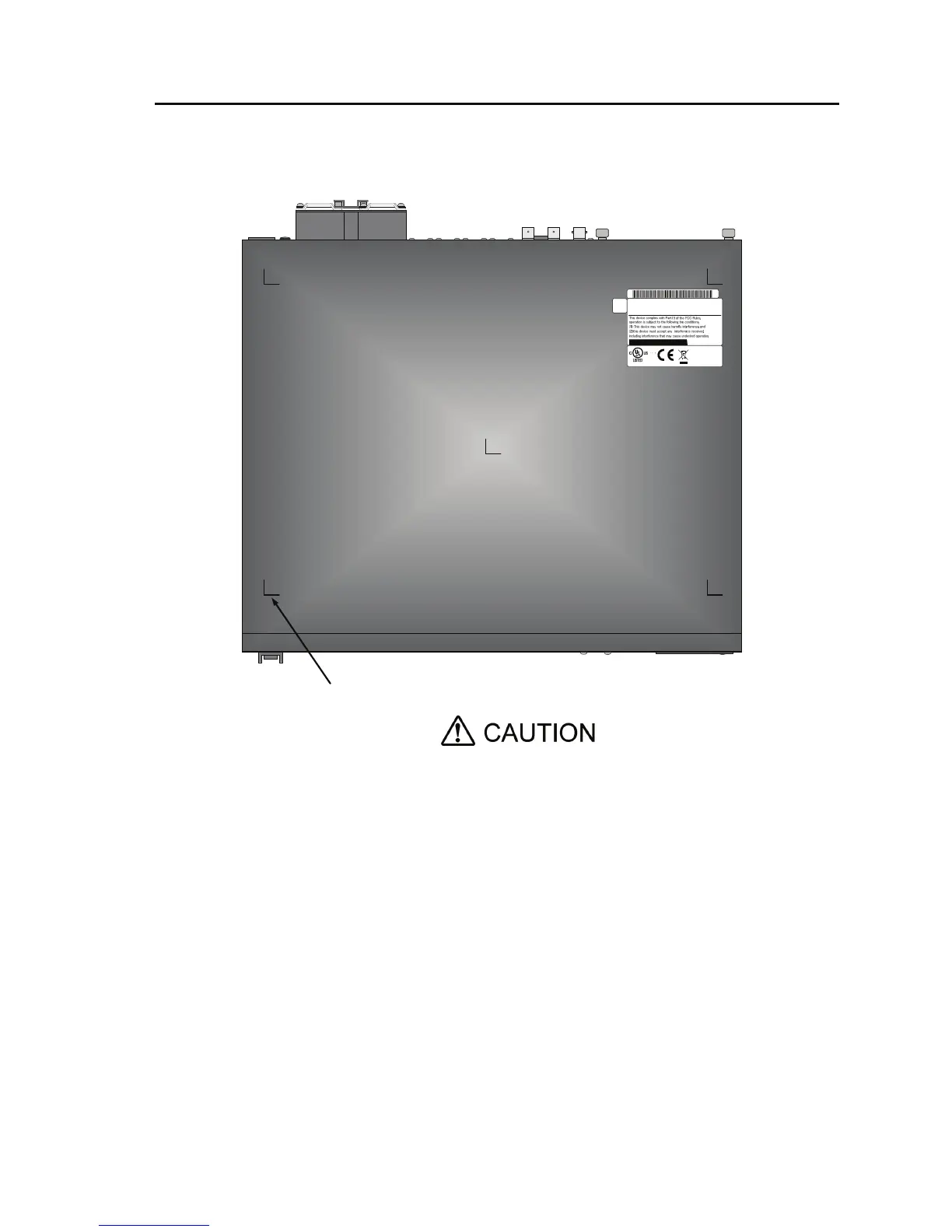
2. Desk-top installation
Install IP-9500e referring Section 2.1.3, “Air flow into and out from the device” and Section
2.1.4, “Open space required around the device” after sticking the five rubber feet (Rack
mounting kit is not required).
Safety installation instruction:
1) Multiple pile
The maximum 5 IP-9500e can be piled under the environment condition
specified. Please install considering the maintenance-ability. When
IP-9500e are piled, please fix them to avoid to fall (Do not cover the air
intake.). See Section 2.1.4, “Open space required around the device” for
the installation space.
2) When IP-9500e is installed in a closed or multi-unit rack, the operating
ambient temperature inside of the rack environment may be greater
than room ambient. Therefore, the consideration should be given to
operate in the environment compatible with the specifications in
Appendix 2.2 “Environment Specifications.”
- The consideration for adjustment of the air condition like air
circulation should be given to prevent the internal rack ambient
from exceeding the maximum operating ambient temperature of
IP-9550e.
- The maximum operating ambient temperature for IP-9500e: 55°C.
Mark for rubber feet
MODEL
PART NO.
IP-9500e
TA22791-B70X
MADE IN JAPAN
0.93A-0.44A
1φ
100V-240V~
50/60Hz
6kg
FUJITSU LIMITED
01A
07-08
00001
0.093kVA-0.106kVA
1K91
I T E



 To Next Page