Chapter 2 Installation and Connection
IP-9500e
19
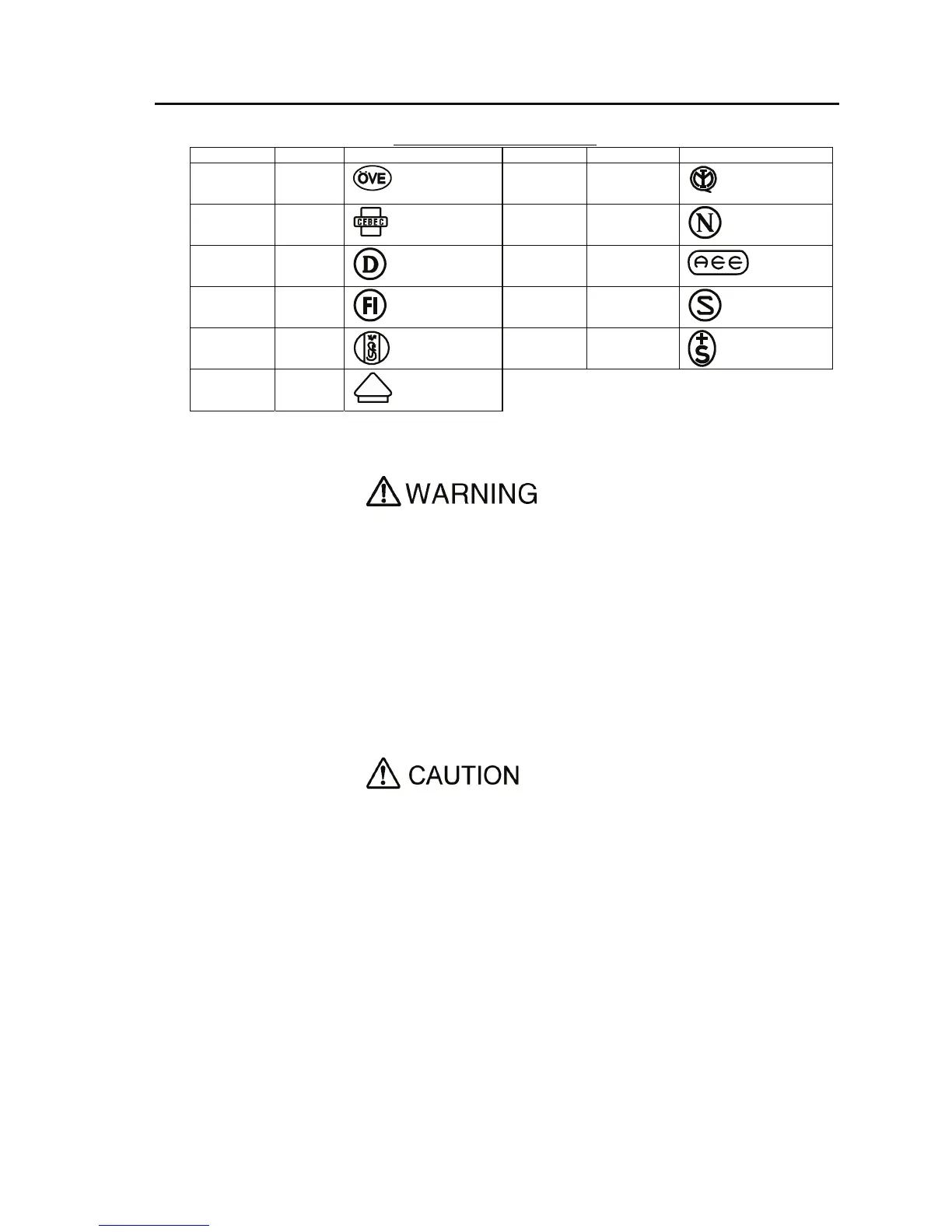
CERTIFICATION MARKING
Country Agency Certification Mark Country Agency Certification Mark
Austria OVE
Italy IMQ
Belgium CEBEC
Norway NEMKO
Denmark DEMKO
Spain AEE
Finland FEI
Sweden SEMKO
France UTE
Switzerland SEV
Germany VDE
Possibility of electric shock, fire, and damage to the device
Always observe the precautions given below.
This indicates a hazardous situation that could lead to electric shock, fire, or
damage to the device.
Always connect the power cord to a power receptacle for the standard
two-prong plug with ground.
Use a power receptacle with a capacity of 1A or more. When using a power
extension cable, be sure that the total power consumption of all devices
connected to the cable does not exceed the rated capacity of the cable. If the
power receptacle capacity is low, or power consumption exceeds the rated value,
the power cord or power wiring may overheat and start a fire.
Possibility of damage to the device
Do not turn on the device until connection of peripheral devices is completed.
Otherwise, the device may be damaged.
100-240 VAC
Using a power cord with the standard two-prong plug with ground, connect
IP-9500e to 100-240 VAC outlet.
Provide a power receptacle for the standard two-prong plug with ground.
V
DE



 To Next Page