Working with the Tablet PC
Working with the Tablet PC
Tablet,operationTablet
This chapter describes the basics for ope rating your Tablet PC. You can find instructions
on ho w to connect external devices (e.g. mouse, flash storage) to the Tablet PC in
the chapter "
Connecting external devi ces", Page 63.
Please refer to the notes in the c hapt er "Important notes", Page 13.
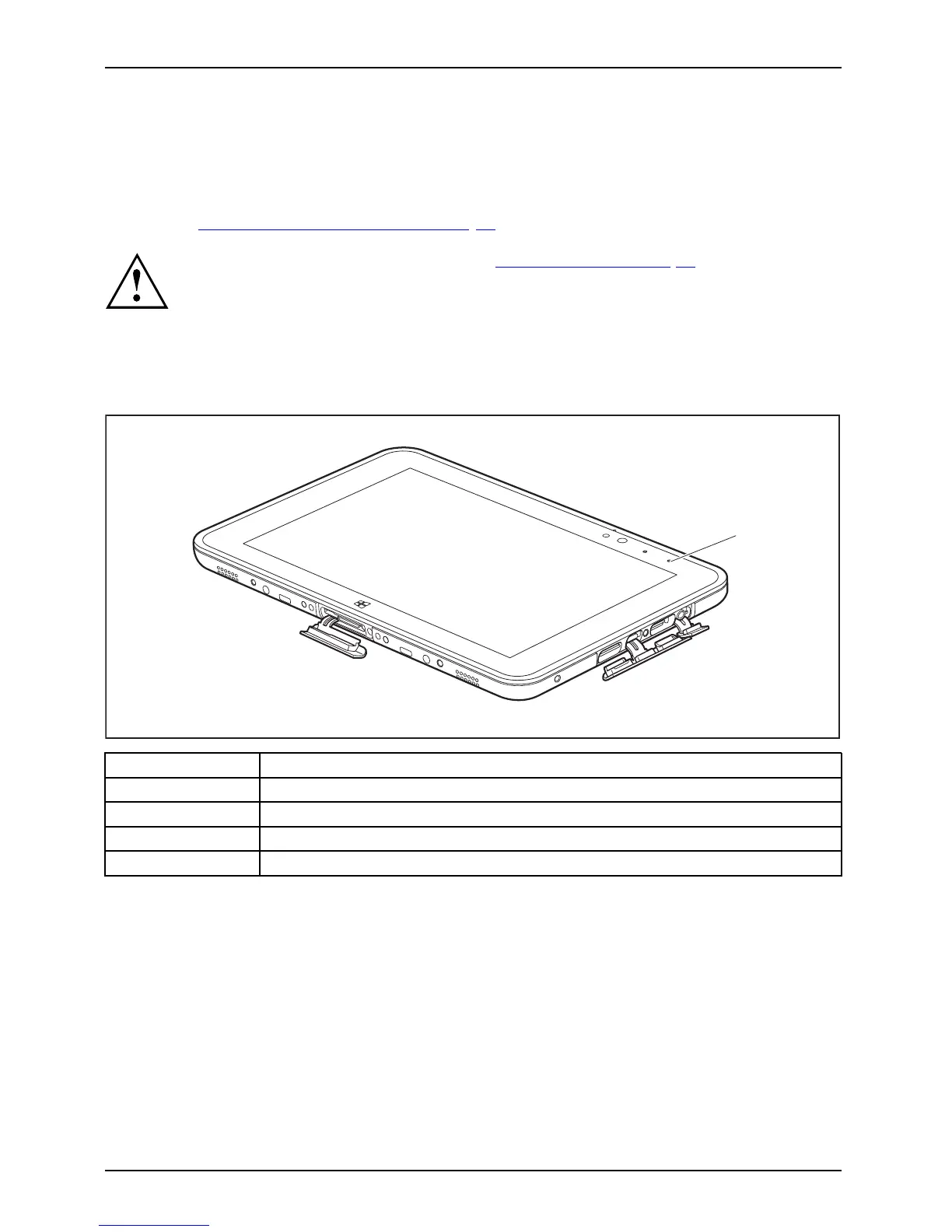
Battery charging indicator
StatusindicatorsSymbols
The battery charging indicator (1) gives information about the status of the power supply.
1
Status / color Description
Off The Tablet
PC is not connected to AC voltage.
Green The battery is fully charged, the Tablet PC is connected to A C voltage.
Orange
The battery is being charged.
Red
A fault h
as occurred. The ba ttery cannot be charged.
22 Fujitsu



 To Next Page
 Loading...











