Working with the Tab let PC
Switching the Tablet PC on
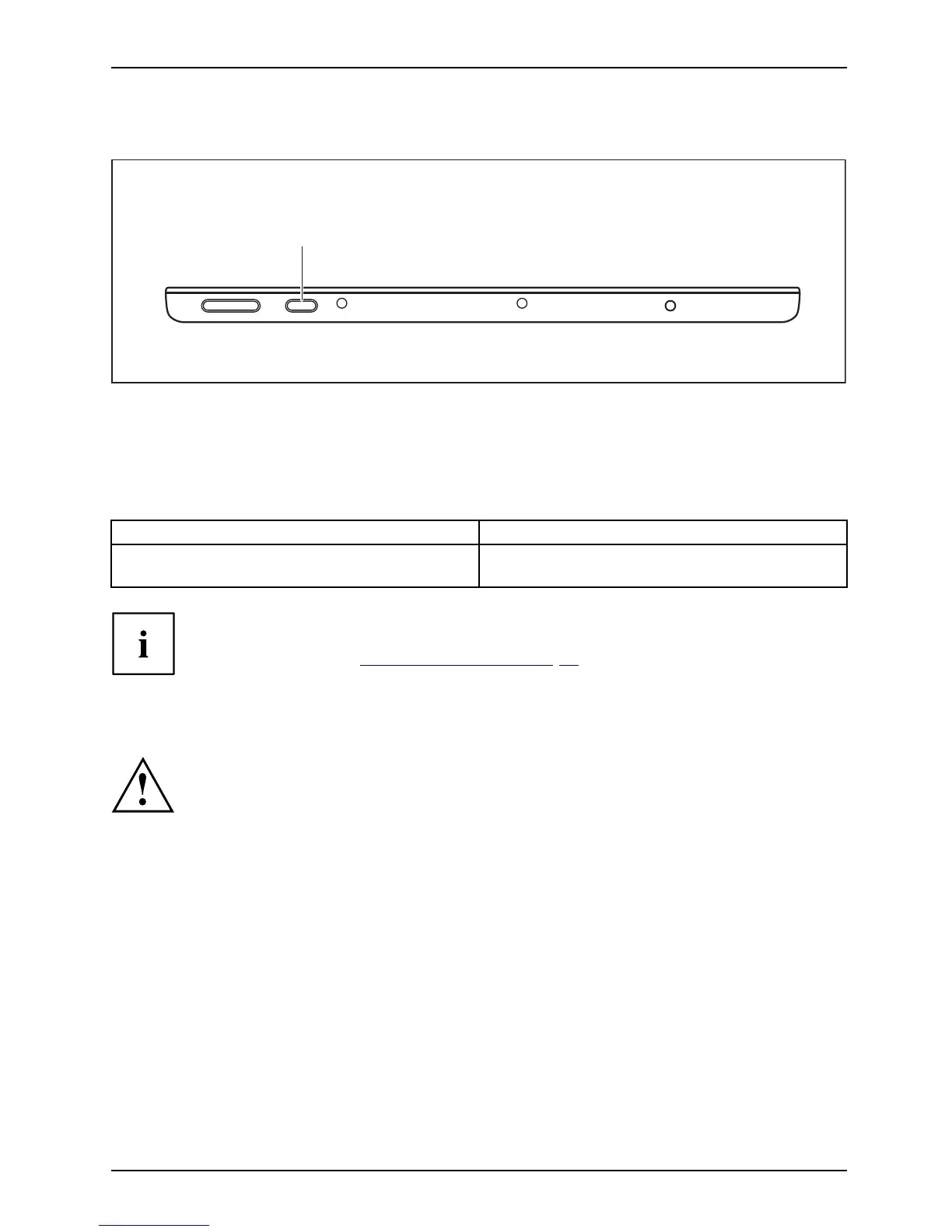
Tablet:SwitchingonPower-onPower-onindicatorSuspend/Resum ebutton
1
► Press the ON /OF F button (1) for about one secon d to switch the device on.
Programing the ON/OFF button
You can program th
e ON/OFF button:
Operating system Menu
Windows 8.1
Windows 8.1 Desktop - Control Panel - Hardware
and Sound - Power Options
If you have ass
igned a password, yo u must enter this when reque sted to
do so , in order
to start the operating system. Detailed information can be
found in the c
hapter "
Secu rity functi ons", Page 58.
Switching the Tablet PC off
Back up your data and close all applications before you switch off your
device. Otherwise data might be lost.
► Shut down the operating system correctly.
Switchingoff
or
► Press the ON/O FF button for < 2 seconds to switch into connected standby mode.
or
► Press t
he ON/OFF but ton fo r > 2 seconds to < 10 seconds to display the
"Swee
p downwa rds to sw itch off" popup.
or
► If the Tablet PC is not switched off automatically, press the ON/OFF button
for about 10 seconds (forced shutdown).
Fujitsu 23



 To Next Page
 Loading...











