Accessories for yo ur Tab let PC (opti
onal)
Setting up the cradle
Select a suitable location for the c rad le before setting it up. In doing
so, please follow these instructions:
• Placethecradleonaflat, stable, non-slippery surface.
• Never place the cradle or the AC adapter on a heat-sensitive surface.
• Do not expose the cradle to extreme environmental conditions.
• Protect the cradle from dust, moisture and heat.
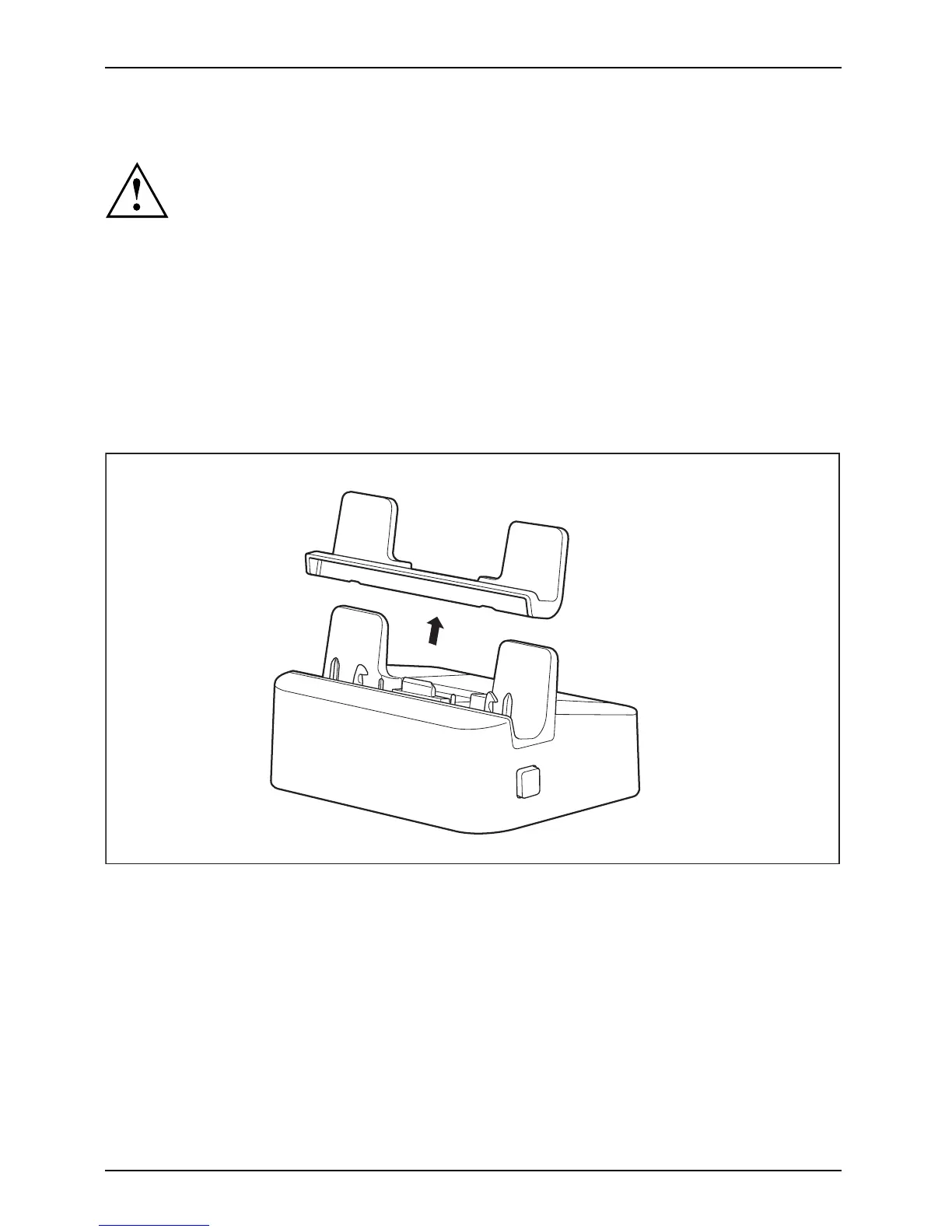
Removing the attachment from the cradle
When using the Rugged Case (optional), you must first remove the attachment from the cradle
before you can c onn ect the Tablet PC in the Rugge d Case to the cradle.
1
► Remove the attachment from the cradle (1).
46 Fujitsu



 To Next Page
 Loading...











