Working with the Tab let PC
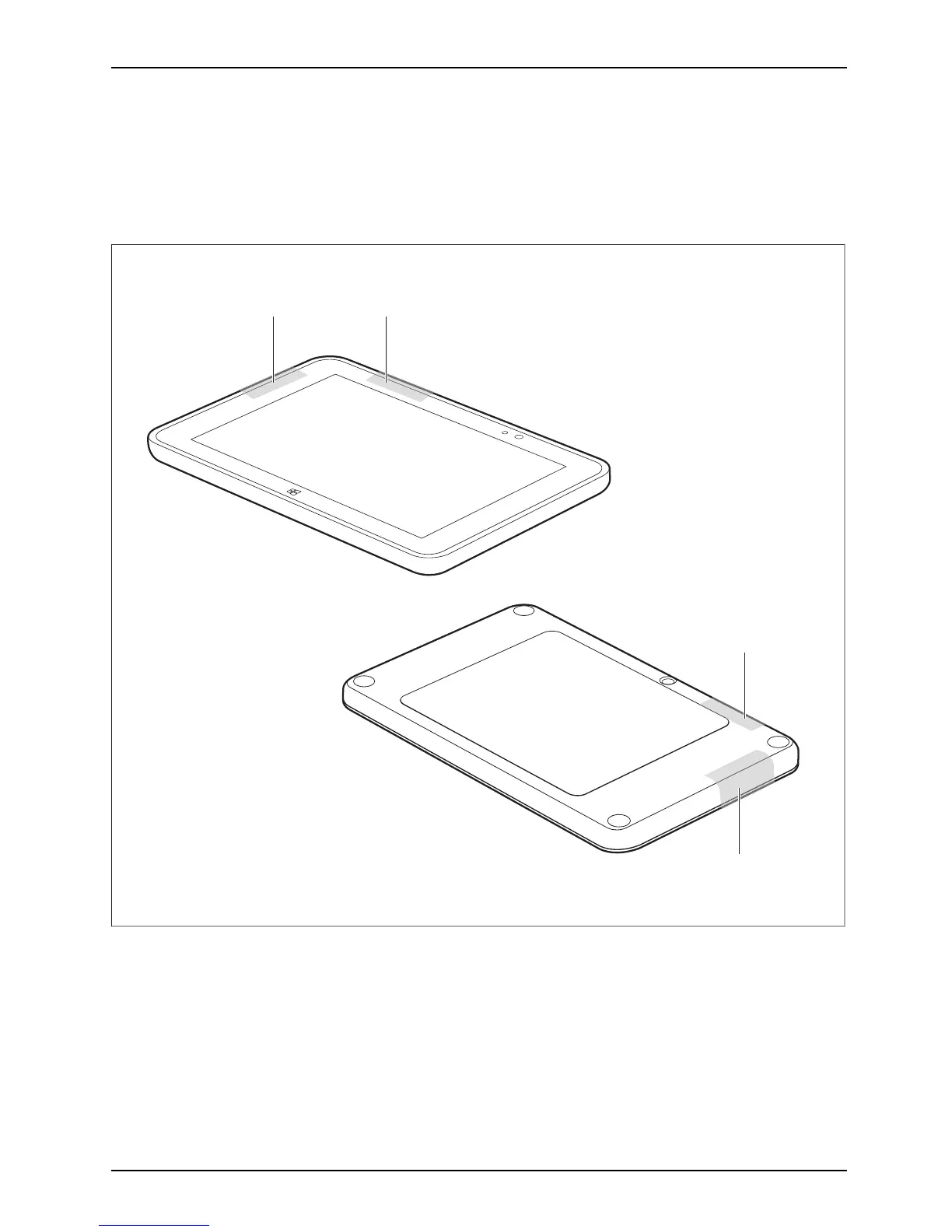
Antenna positions
Your d evice meets guidelines for limiting the exposure to radio waves (SAR, Specific Absorption
Rate) when kept at least 2. 5 cm away from yo ur body. It is recommended that you memorize the
antenna positions (GPS and NFC only) marked below and not to touch these areas nor bring them
closer than 2.5 cm to your body. The an tenna positions (1) are highlighted gray in the picture below.
11
1
1
Fujitsu 39



 To Next Page
 Loading...











