Working with the Tablet PC
Actions with one fin ger (Windows 8.1 Desktop)
Action Description
Selecting objects (click w ith the left mouse
button)
► Tap once briefly with the finger on the object.
Starting programs (double-click with the left
mouse button)
► Use one finger to tap twice in quick
succession on the program symbol.
Moving objects/windows (while holding the left
mouse but ton pressed, drag & drop)
► Place your fi nger on the object/window,
keep your fi ngertip pressed against
the touchscreen and move the desired
object/window.
Opening a conte xt menu (click with the right
mouse button)
► Tap your finger on the desired item.
Keep your finge rtip pressed against the
touchscreen.
The context me
nu appears.
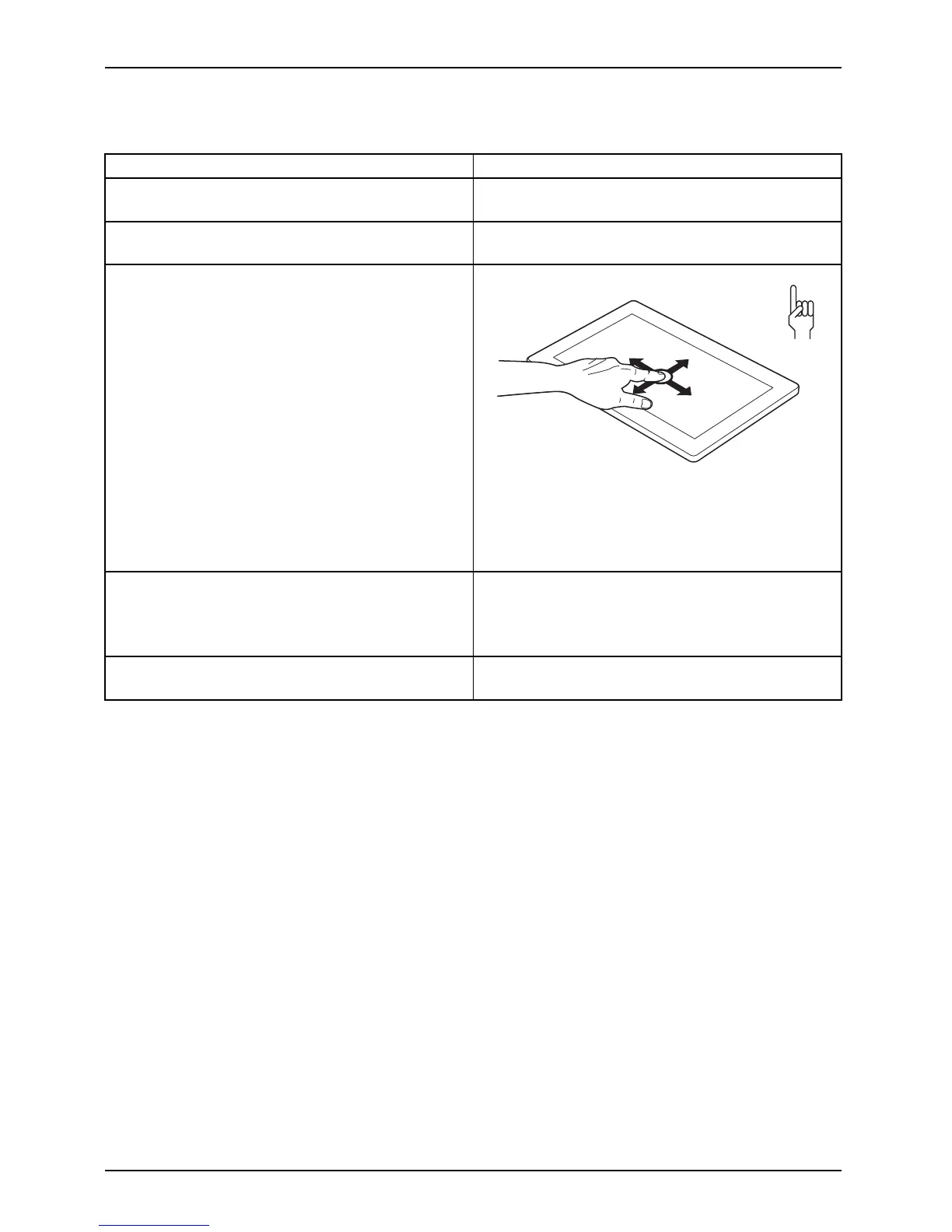
Moving the cur
sor
► Position one finger on the touchscreen and
move your fingers in the desired d irection.
30 Fujitsu



 To Next Page
 Loading...











