Connecting external devices
Connecting USB devices (Tablet PC or
Universal Docking C radle)
USBports
Do not connect any external devices to the micro USB port, this port is
only used for the powe r supply of the Tablet PC.
On the USB ports you can connect exter nal devices that also have a USB port
(e.g. a DVD drive, a printer, a scanner or a m odem).
USB devices are hot-pluggable. This me ans you can connect and disconnect the
cables of USB devices while the operating system is running.
USB 1.x has a maximum data t ransfer rate of 12 Mbps.
USB 2.0 has a data transfer rate of up to 480 Mbps.
Universal Docking Crad le only: USB 3.0 has a data transfer rate of up to 5 Gbps.
Additional information can be found in the documentation for the USB devices.
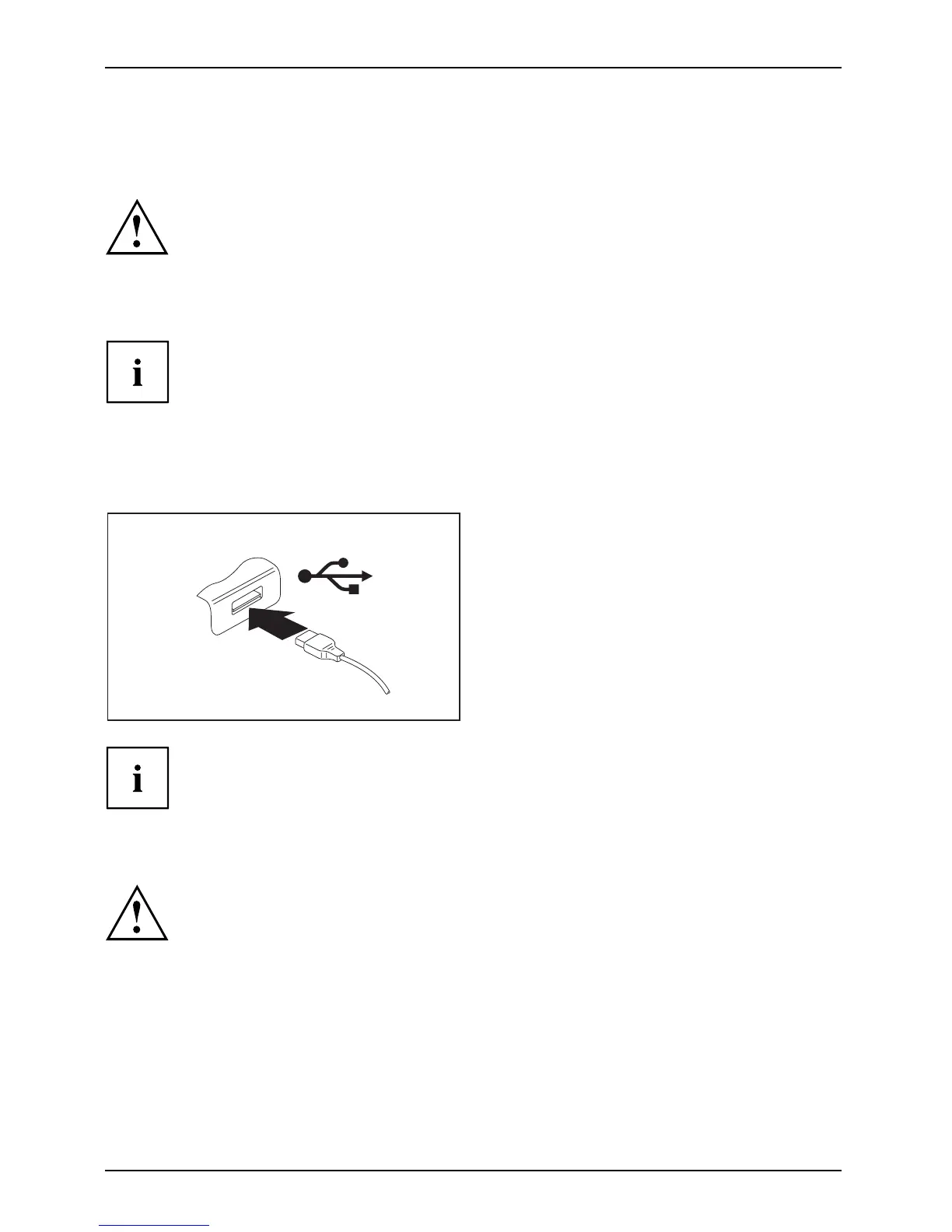
► Connect the data ca ble to the
external device.
► Connect the data cable to a USB
port of the Tablet PC.
or
► Connect the da
tacabletoaUSBport
of the Univers
al Docking Cradle.
Device drivers
USB devices will be automatically recognized and installed by your operating system.
How to remove U SB devices correctly
Always correctly remove the device according to the rules described below,
to ensure that none of your data is lost.
► Tap the symbol for safe removal of the hardware.
► Select the device you wish to shu t down and remove.
► Tap OK.
Wa it for the dialog box which tells you that it is now safe to remove the device.
64 Fujitsu



 To Next Page
 Loading...











