Accessories for your Tablet PC (opti
onal)
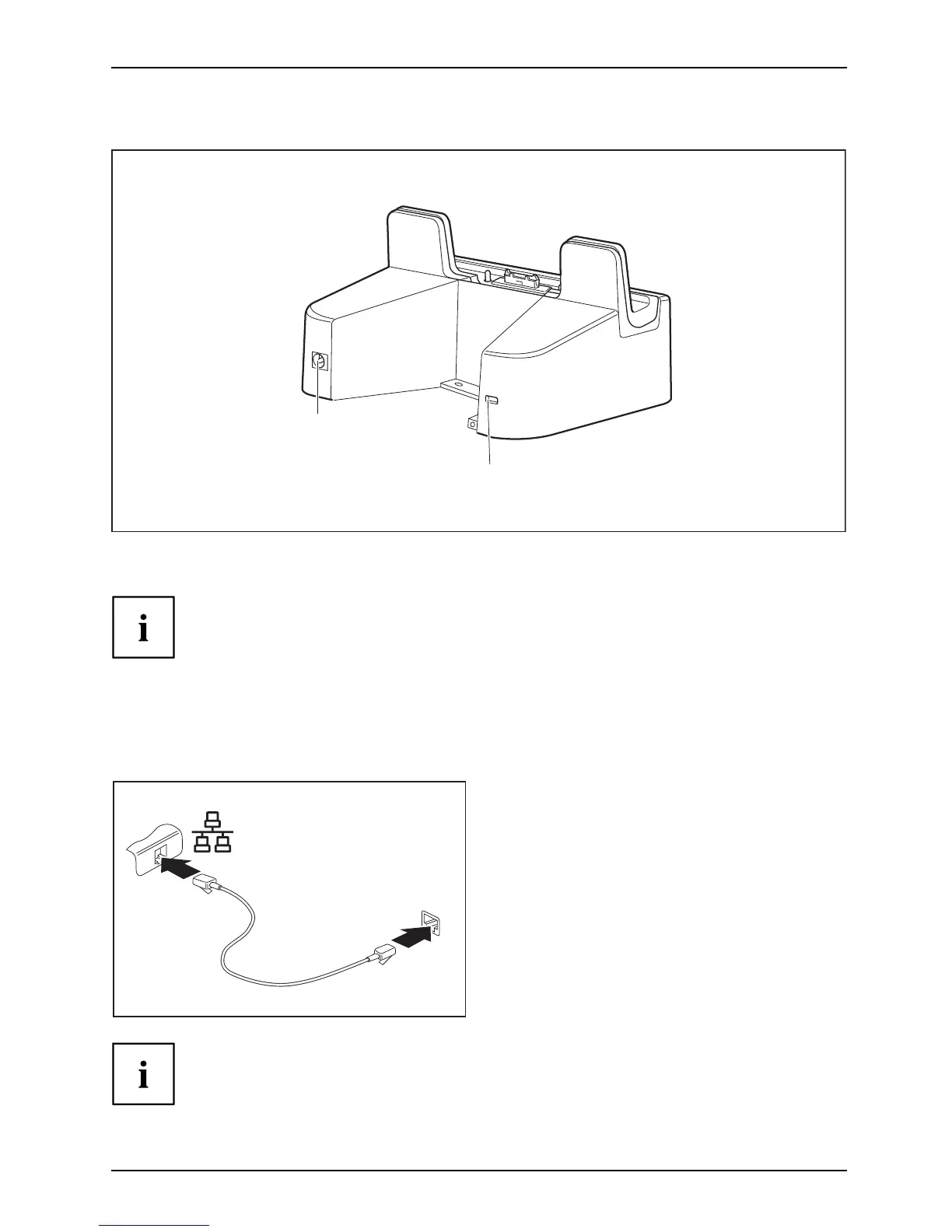
Rear (Universal Cha rg ing Cradle with AC adapter)
3
4
3 = DC jack socket (DC IN) 4 = Security Lock device
The instructions described below are identical fo r both cradle variants.
Ethernet a nd LAN (only with Universal Docking Cradle)
EthernetLA
N
The internal network module of y our Tablet PC supports Ethernet LAN. You can use it to
establish a connection to a local network (LAN = Local Area Network).
2
1
► Connect the network cable to the LAN port
of the Universal Docking Cradle (1).
► Connect the network cable to your
network connection (2).
Your network administrator can help you to configure and use the LAN connections.
The network cable is not included in the delivery s co pe. This type o f
cable can be obtained from a specialist dealer.
Fujitsu 45



 To Next Page
 Loading...











