Working with the Tablet PC
Action Description
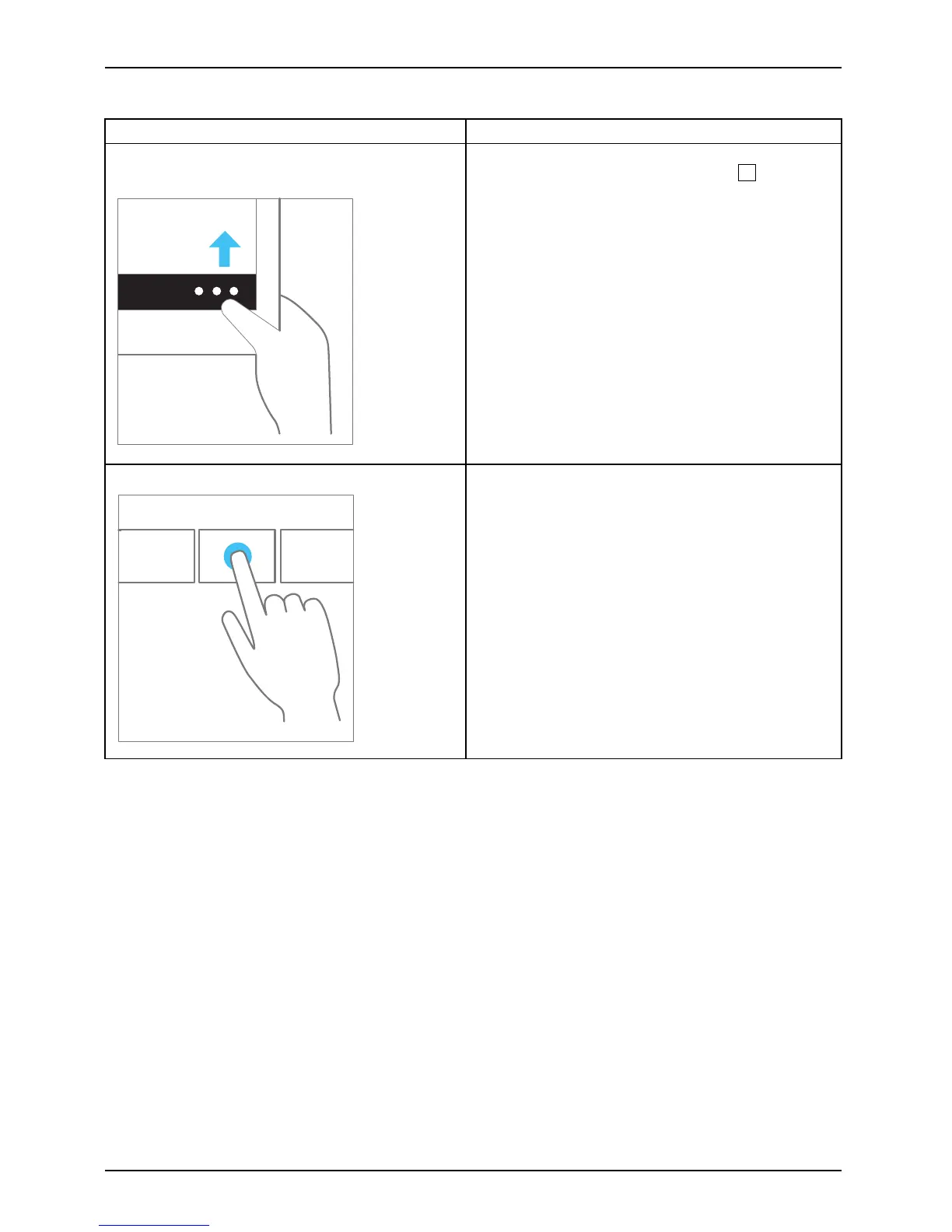
Wipe your finger over the screen from the top
or bottom edge.
► Open the App commands (equivalent to
pressing the Windows button +
Z
button).
Wipe from the top to the bottom of the screen
to dock or close the curre nt App.
► Working with the mouse: Right-click on the
App to display the App commands.
Press and hold
► Keep your finger pressed on an object on the
screen to display a menu w ith further options.
► Workingwiththemouse:Movethemouse
pointer over the ob ject to disp lay a m enu with
further options.
28 Fujitsu



 To Next Page
 Loading...











