Working with the Tablet PC
Action Description
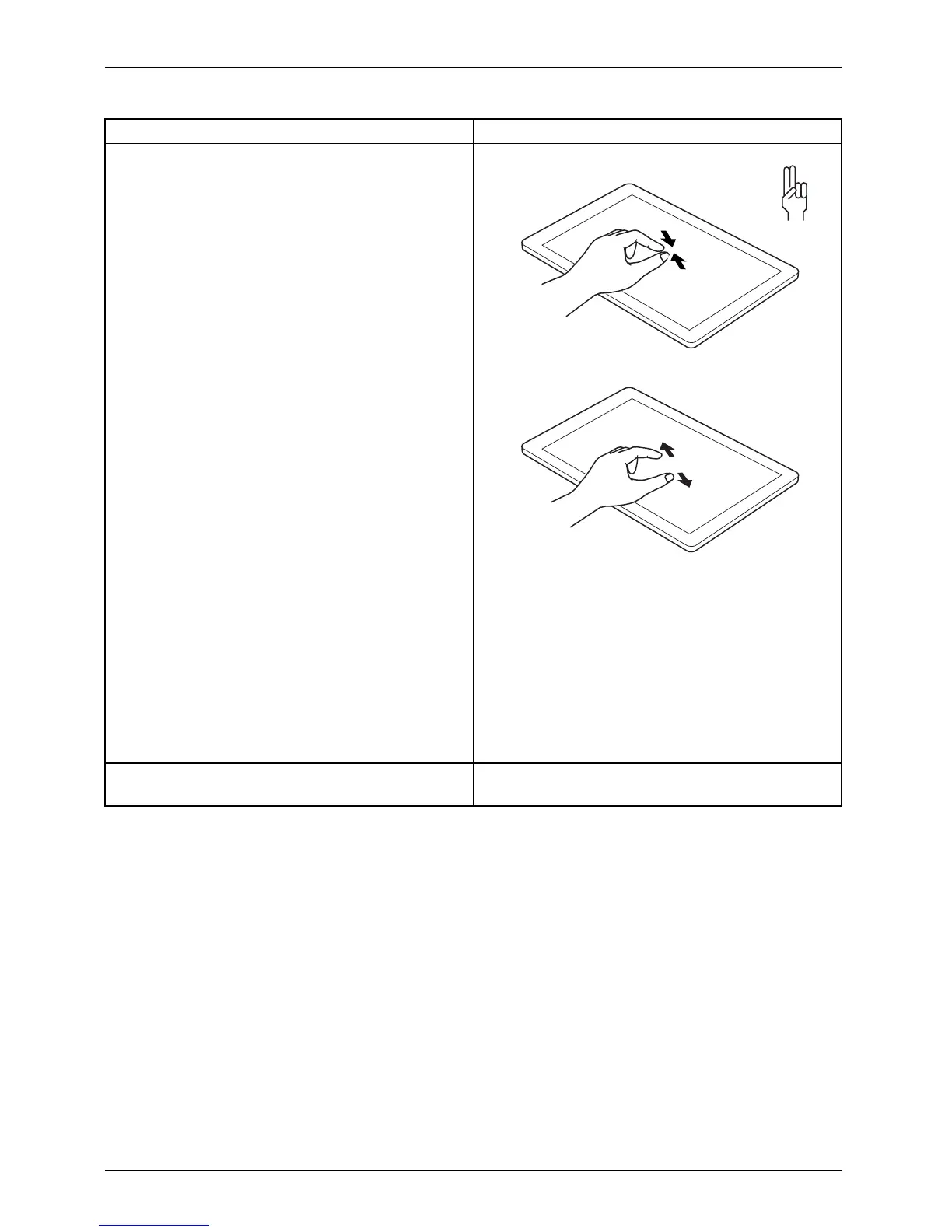
Increase or decrease zoom
► Put two fingers on the touchscreen and
move them apart to increase the size of t he
zoom.
or
► Put two fingers on the touchscreen and
move them together to decrease the size
of the zoom/view.
Lock context-sensitive menus
► Use two finge rs to tap twice in quick
succession on the touchscreen.
32 Fujitsu



 To Next Page
 Loading...











