Working with the Tab let PC
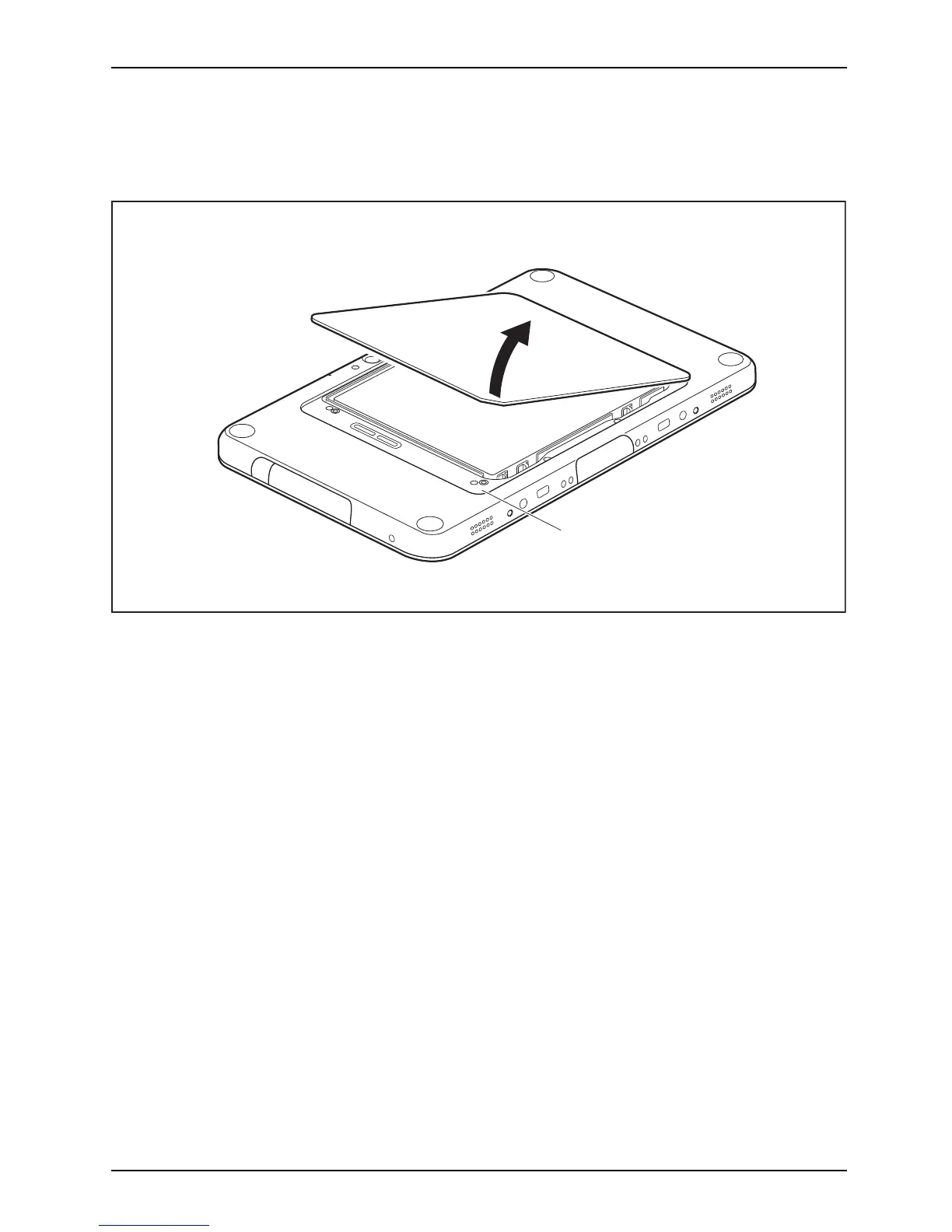
Removing the rechargeable battery
► Turn the device over and place it on a stable, flat and clean surface. If necessary, lay an
anti-slip cloth on this surface to prevent the de vice from being scratched.
a
1
► Reach into the opening (a) with one finger and withdraw the battery cover
in the direction of the arrow (1).
Fujitsu 35



 To Next Page
 Loading...











