Accessories for yo ur Tab let PC (opti
onal)
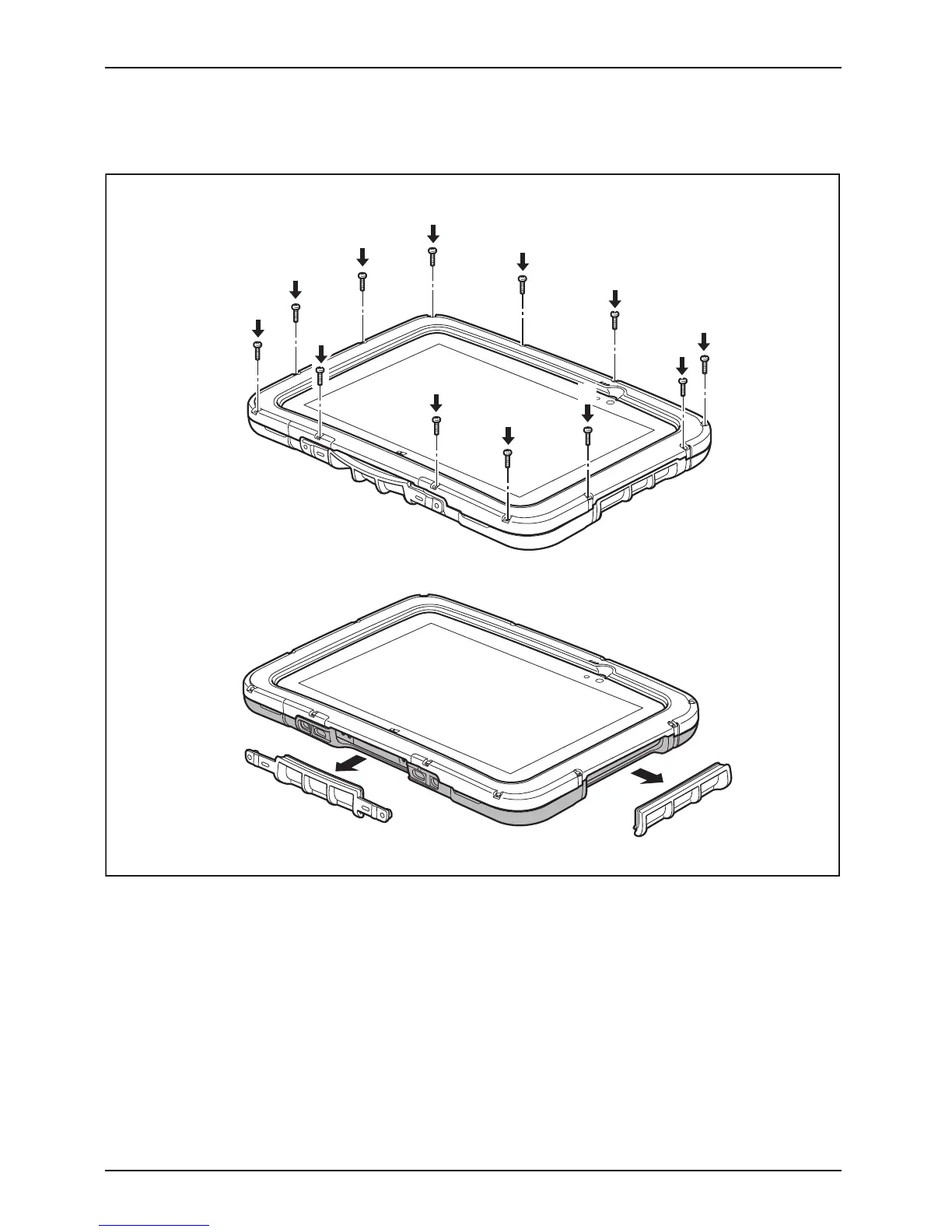
► Position the Tablet PC onto the lower part of the Rugged C ase as shown (1).
► Place the upper part onto the lower part as show n (2).
1
4
4
3
3
3
3
3
3
3
3
3
3
3
3
► Connect the lower and upper parts using the screw s (3).
► When re
quired, remove the c overs (4) to be able to access the ports
and ope
rating controls below them.
56 Fujitsu



 To Next Page
 Loading...











