Fullwood Packo FullClean Plus
8. Hardware description
This section gives a description of the hardware of the FullClean Plus.
8.1. The User Interface
The FullClean Plus controller cabinet is divided into two interconnected sections.
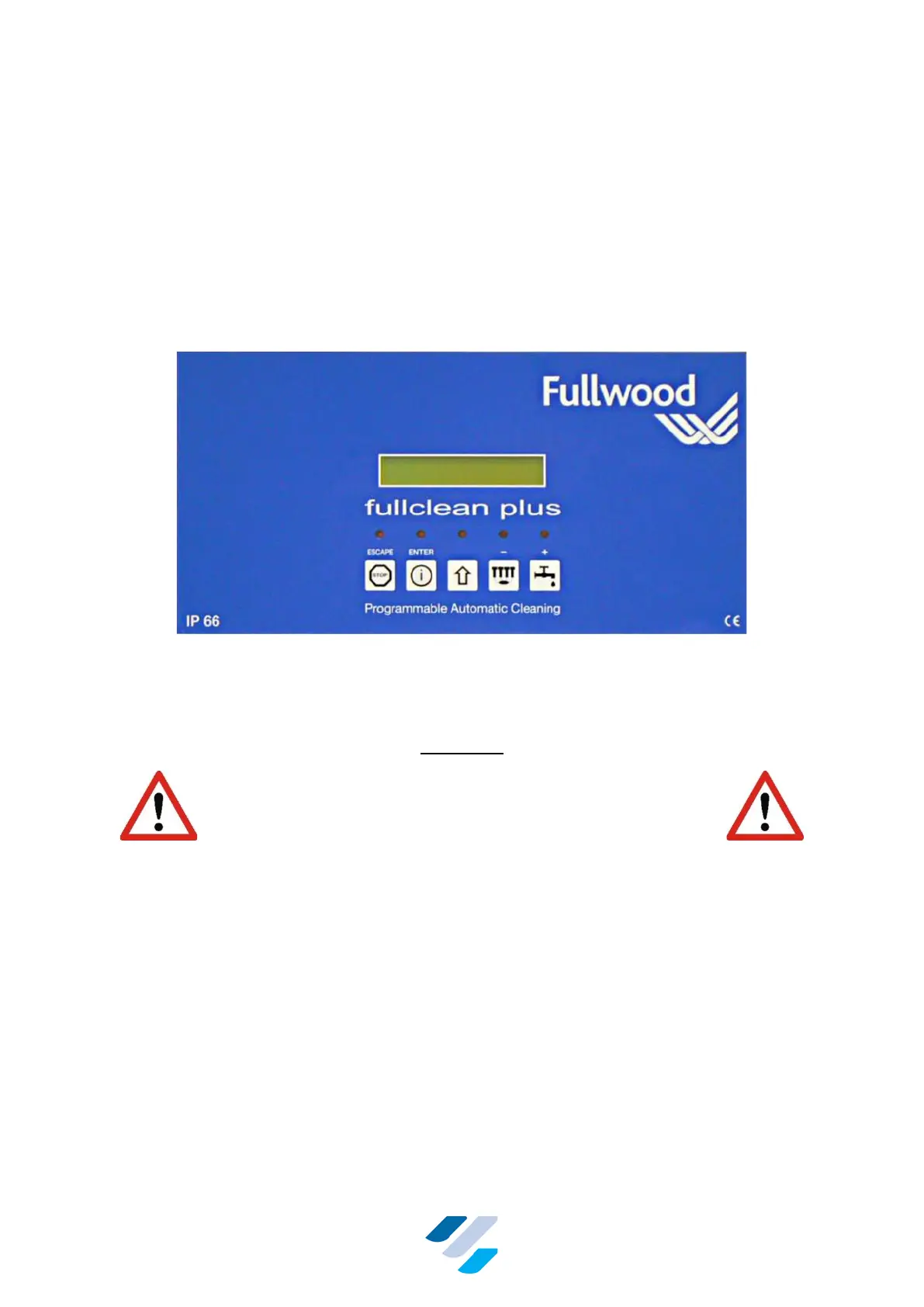
The top section with the blue front label, houses the user interface of the controller. It has five
keys, five indication LEDs and an LCD display. This section is a hinged lid which can be
opened like a door. This is the "electrically safe" section of the controller and does not carry
the dangerous mains voltage.
Figure 1 The Control Panel of the FullClean Plus Enclosure
The bottom section contains all the connectors for the FullClean Plus (in and outputs) and can
only be opened using a screwdriver.
WARNING
THE BOTTOM SECTION OF THE FULLCLEAN PLUS CAN
HAVE HIGH VOLTAGES INSIDE, EVEN AFTER THE UNIT
HAS BEEN SWITCHED OFF! ACCESS TO THE UNIT IS ONLY
ALLOWED FOR QUALIFIED SERVICE ENGINEERS AND
AFTER ALL POWER SUPPLIES HAVE BEEN SWITCHED
OFF.
Depending on the type used, the FullClean Plus controller can be powered by 24 V AC/DC or
115/230 V AC.
At the back side of the terminal’s top section (the lid), two small PCBs are mounted. One
controls the LCD display and the other reads the keys of the front. These two PCBs are
connected to the main board of the controller with a ribbon cable.


 To Next Page