Fullwood Packo FullClean Plus
10.1.6. User Setting Mode
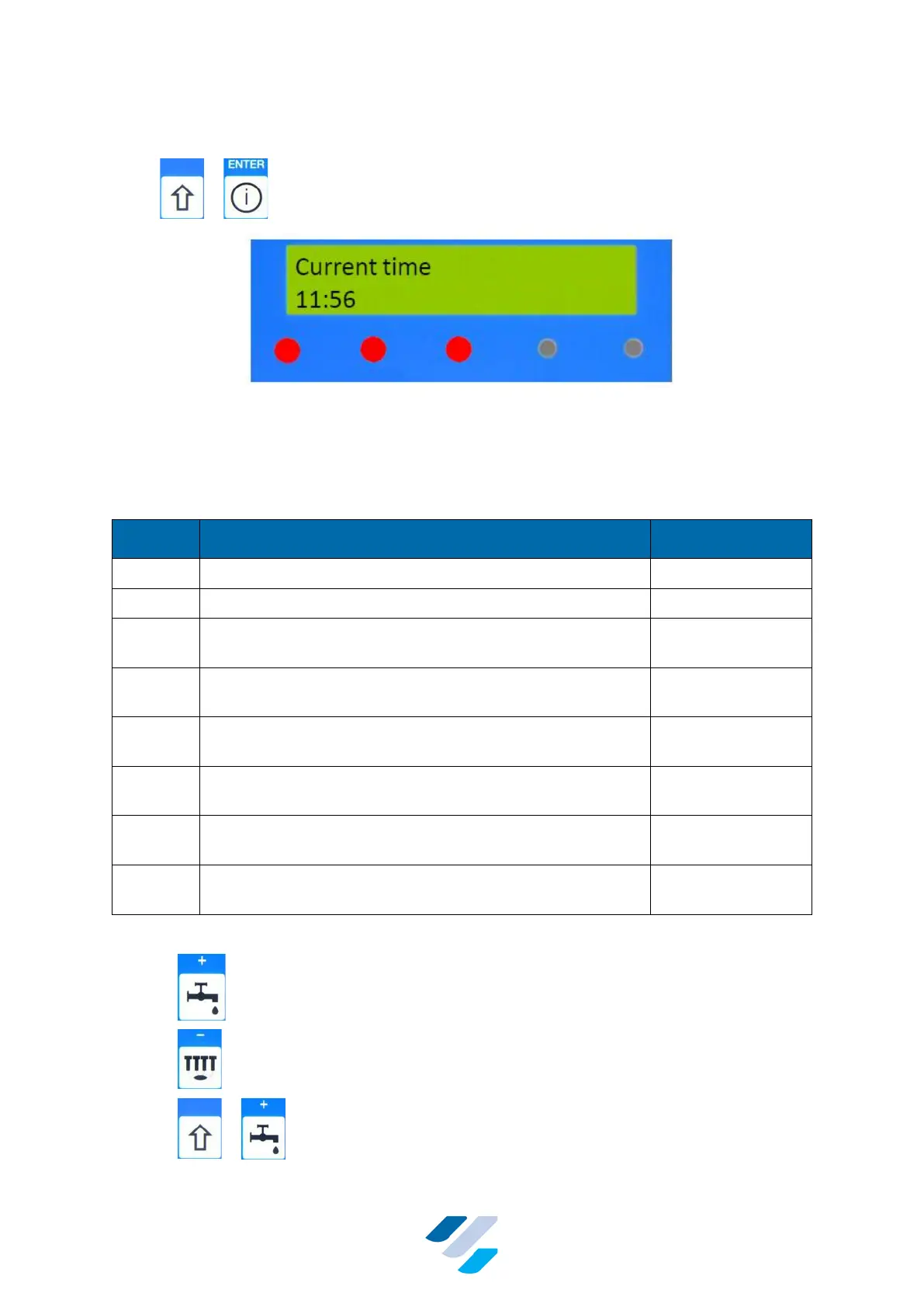
Press + to enter “User setting Mode”.
Figure 20 Display & LEDs during the User Setting Mode
This mode can be used by the farmer to make a number of user settings. Table 4 shows all
available user settings.
Table 4 Available User Settings
Morning disinfect (First starting time for automatic
disinfection)
Noon disinfect (Second starting time for automatic
disinfection)
Evening disinfect (Third starting time for automatic
disinfection)
Morning warmup (First starting time for heater to start
heating up water)
Noon warmup (Second starting time for heater to start
heating up water)
Evening warmup (Third starting time for heater to start
heating up water)
The next keys can be used in the User settings Mode:
• – Increase minute/day value of the displayed setting
• – Decrease minute/day value of the displayed setting
• + – Increase hour/month + year value of the
displayed setting


 To Next Page