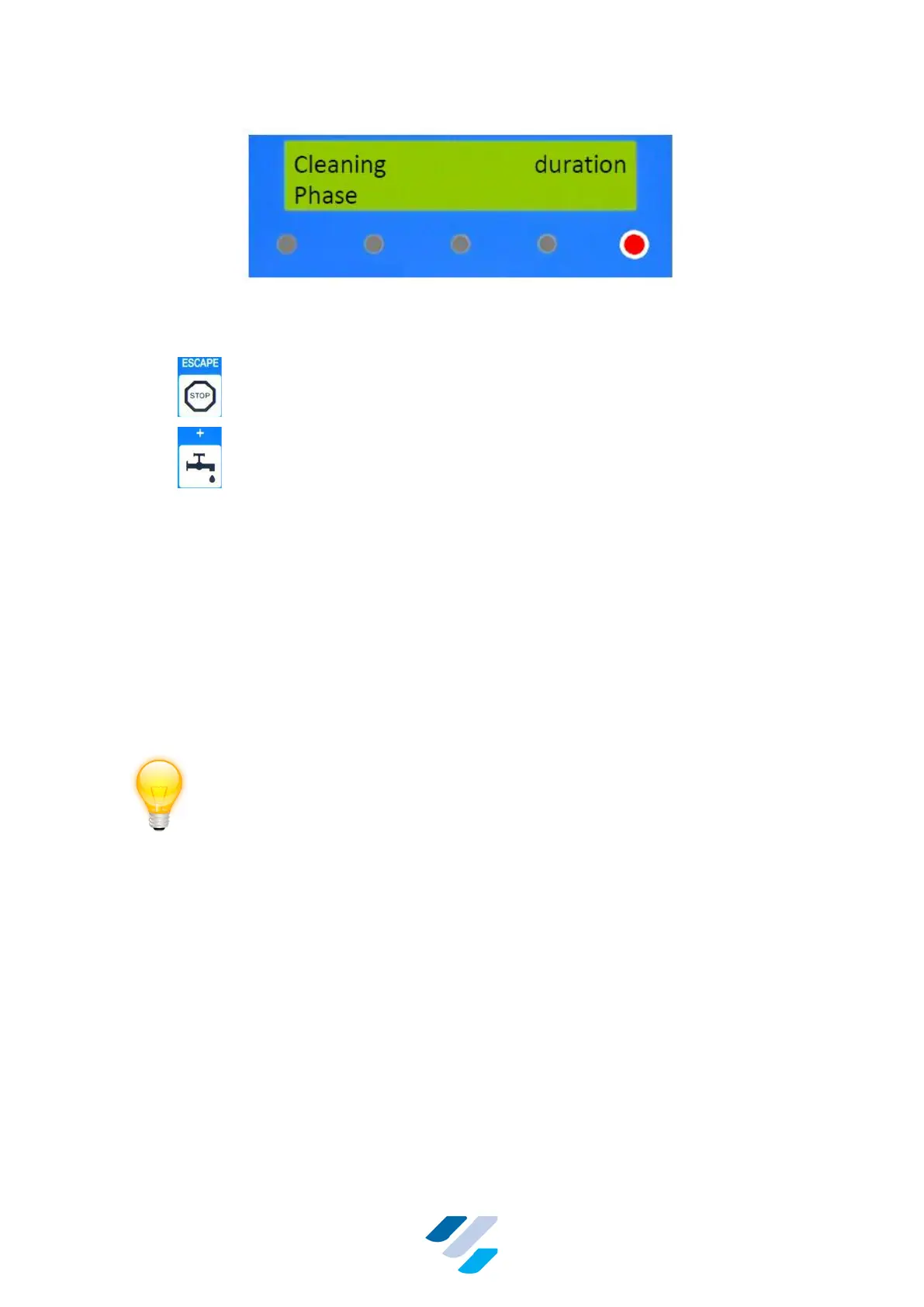
Figure 15 Display & LEDs during the Cleaning Mode
In the Automatic Cleaning Mode following keys can be used:
• – Stop cleaning immediately and go to “Standby Mode”
• – Pause or resume cleaning. When this key is pressed, the
controller pauses. During a pause the right most LED will
blink fast, and all outputs are switched off. When the key
is pressed once more, the timer of the current cleaning
phase is reset and the controller starts that cleaning
phase from the beginning again
10.1.3.1. Errors
If during cleaning an error is detected, this error will be displayed as in Figure 17 for 5 minutes.
Also the alarm output is closed (alarm signal is provided). After these 5 minutes, and if the
delivery line is in the right position, the cleaning will be terminated with an emergency drain-
and-dry procedure. After this procedure the controller will enter Standby Mode and the three
leftmost LEDs will blink simultaneously (Figure 17). The alarm is now off.
10.1.3.2. Power failure
If during the Cleaning Mode a power failure occurs of less than two minutes, upon its
restoration the controller will return to the beginning of the cleaning phase it was in at the start
of the power failure and continue from there. There will be no other alarm than the usual 2 s
alarm at the power-up of the FullClean Plus controller. The incident however, will be stored in
memory.
If the power failure takes more than two minutes, upon its restoration the alarm output of the
controller is activated, the rightmost LED blinks, and an emergency “drain & dry” cleaning
phase is performed. Hereafter, the Standby Mode is entered with the leftmost three LEDs
blinking, see Figure 17. Press escape to cancel the blinking LEDs notification.
10.1.3.3. Alarm notifications
Figure 16 shows the error warnings as can be seen at the display of the FullClean Plus
controller within 5 min. after its occurrence. The alarm output is closed (alarm signal is
provided).


 To Next Page