Available options are (number of items depending on the type of cleaning system as set in the
adjust mode):
• Drain and Dry
• Disinfection
• Pre-rinse
• Hot wash
• Final-rinse
• 2nd after-rinse
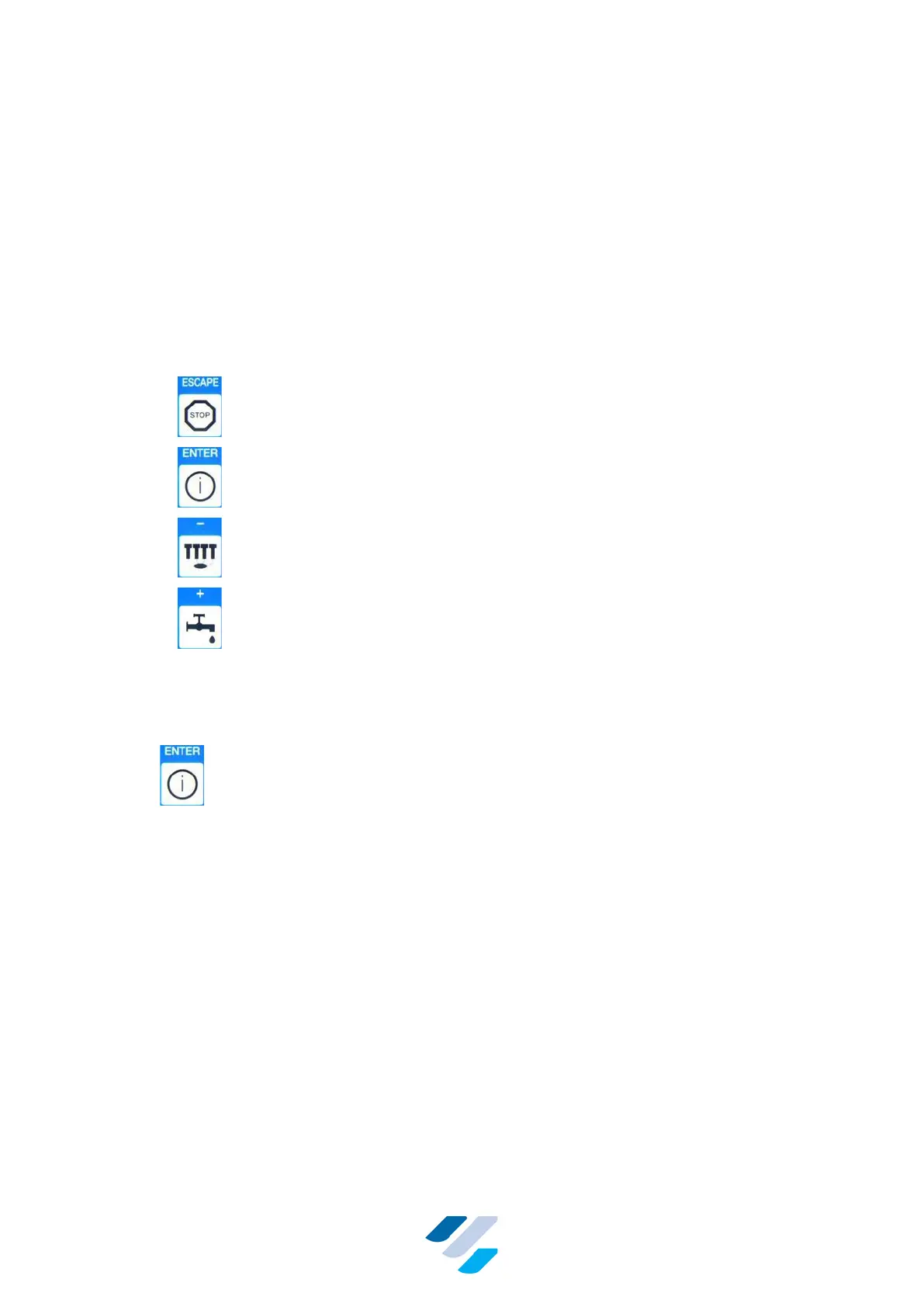
The next keys can be used in this mode:
• – Stop cleaning immediately and go to Standby Mode
• – Execute displayed cleaning phase
• – Display previous cleaning phase option
• – Display next cleaning phase option
When the chosen cleaning phase is finished, the Standby Mode is entered and the leftmost
three LEDs start blinking, see Figure 17. Press escape to cancel the blinking LEDs notification.
10.1.5. Info Mode
Press to enter “Info Mode”
The FullClean Plus keeps a record of the last 40 messages. These messages can be:
• Errors occurred during cleaning
• Report of principal cleaning
Messages can be just a one-screen message (for example “Power failure” or “D-line position”),
or span two screens: one showing “T” as the circulation time, the other screen showing “T” as
the “last circulation temperature”. A two-screen message can be recognized by them both
sharing the same time and date of occurrence, while the actual meaning of “T” is presented in
the second line, see Figure 19 for examples.
Following examples of messages that can be shown:


 To Next Page