Fullwood Packo FullClean Plus
10.1.2. Milk Mode
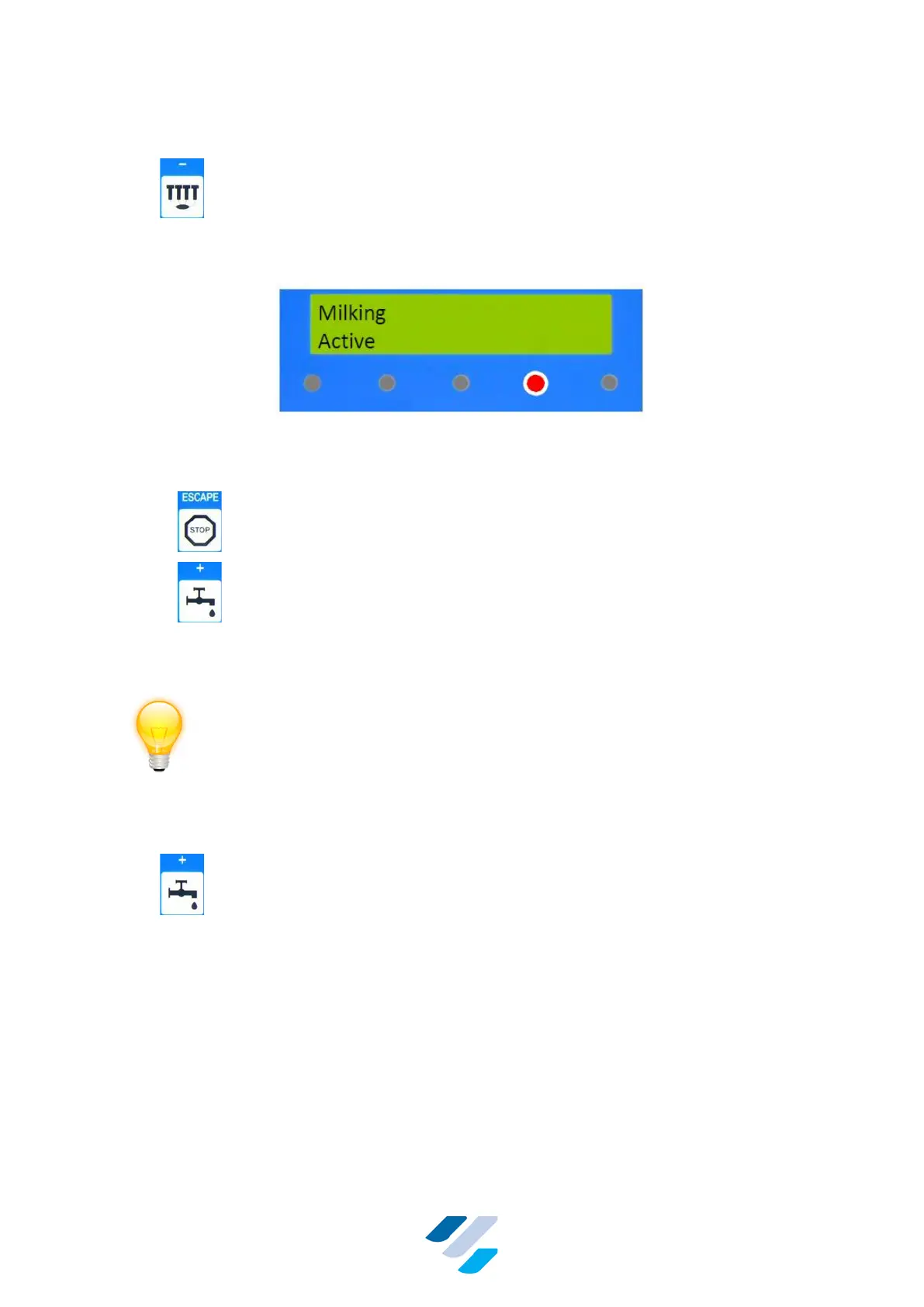
Press to activate the Milking Mode.
If this mode is activated, the controller switches on all equipment for milking like vacuum pump,
milk pump, Milk Meters, automatic cluster removers etc.
Figure 14 Display & LEDs in Milking Mode
In the Milk Mode following keys can be used:
• – Stop milking and go to “Standby Mode“
• – Enter “Automatic Cleaning Mode” (take care, set delivery
line to cleaning position first)
NOTE
If milking is started with the milk delivery line not in proper position, the
following error message appears: "ERR: POS. D. LINE". Milking can only start
after positioning the delivery line in the proper position above the milk tank.
Other error messages are explained in Section 11 ‘user troubleshooting’.
If during milking a power failure occurs, the controller will return to ‘standby
mode’ when the power returns.
10.1.3. Automatic Cleaning Mode
Press to activate the Cleaning Mode.
In this mode a full automatic cleaning of the milking equipment is performed. The different
cleaning phases like pre-rinse, principal rinse, after rinse etc. are executed the way this has
been set in “Adjust Mode”. The progress of the cleaning is shown at the display. At the end of
the cleaning the controller will return to Standby Mode.


 To Next Page