EasyManua.ls Logo

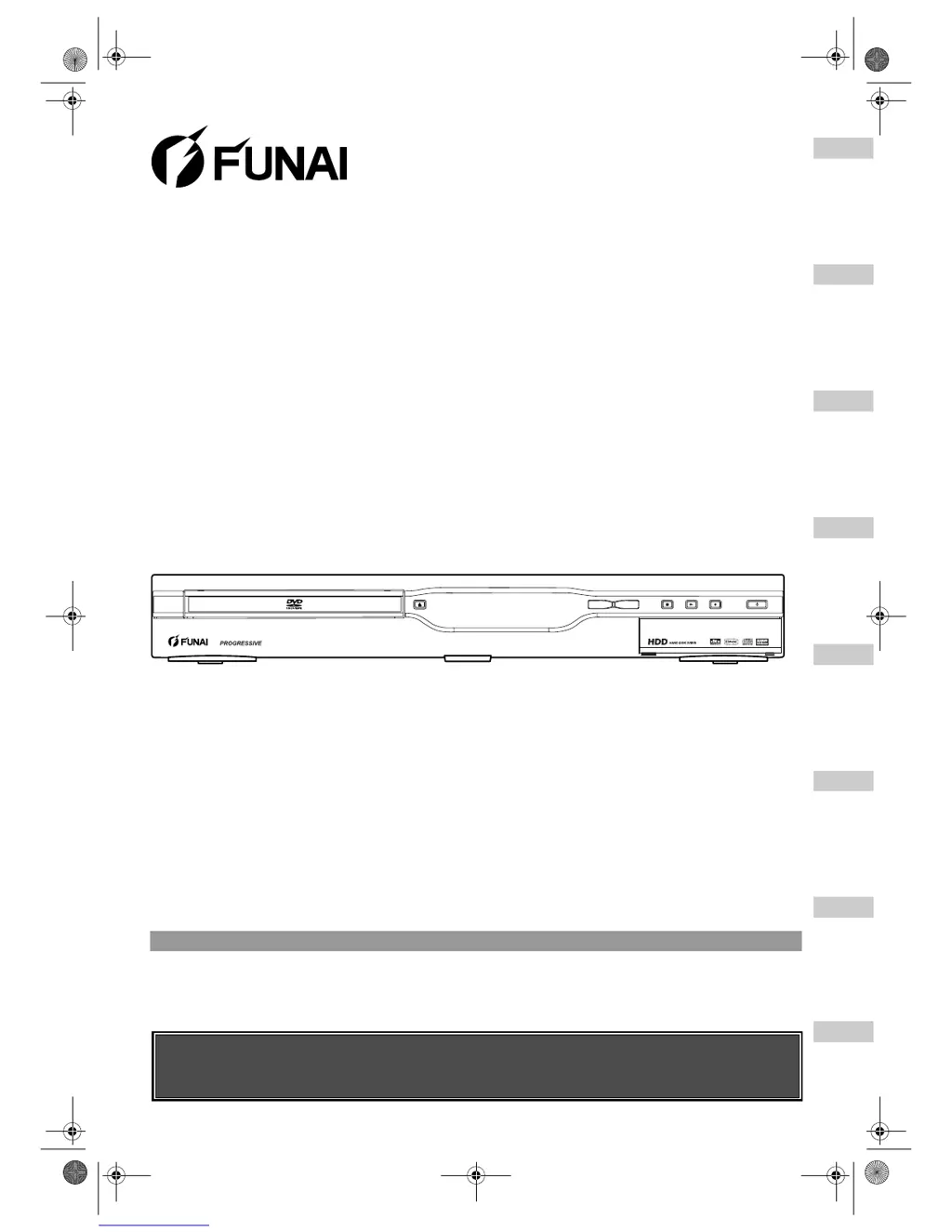
FUNAI HD-B2735 - User Manual

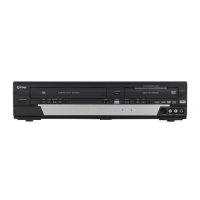
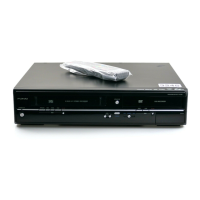
FUNAI HD-B2735
92 pages
Print Icon
To Next Page IconTo Next Page
Loading...
STOP PLAY REC STAND-BY ON
HDD & DVD-R / DVD-RW RECORDING
DVDHDDOPEN/
CLOSE
Before You Start
Connections Initial Setups Recording Playback
Editing
Other Setups Others
Owners Manual
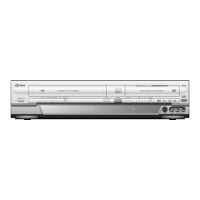
DVD Recorder with HDD
HD-B2735
HD-B2785
Before using this unit you need to complete connections.
Refer to “Connections” on pages 15-17.
Accessories Supplied
• Remote control with two R6 (AA) batteries • RF cable • Owner’s Manual • Quick Setup Guide
E2B21BD_E2B28BD_EN.book Page 1 Monday, August 21, 2006 5:05 PM

Table of Contents

Questions and Answers

  • A
    ashleythompsonSep 6, 2025
    What to do if FUNAI DVD Recorder says you can register up to 18 titles in the Dubbing Title List?
    • J
      Jeffery SmithSep 7, 2025
      If your FUNAI DVD Recorder says you can only register up to 18 titles in the Dubbing Title List, delete unnecessary titles from the Dubbing Title List.
  • A
    Alison WilliamsAug 22, 2025
    Why FUNAI HD-B2735 DVD Recorder says there is not enough space?
    • J
      Joanne WeissAug 22, 2025
      If your FUNAI DVD Recorder indicates there isn't enough space for dubbing, it's because the recording media lacks sufficient space. To resolve this, create sufficient space on the recording media.
  • E
    Eric BestSep 4, 2025
    What to do if FUNAI DVD Recorder says the total chapter number is already at the limit?
    • G
      Gary CookSep 4, 2025
      If your FUNAI DVD Recorder indicates that the total chapter number is already at the limit, delete unnecessary chapters.
  • C
    Christine RamseySep 2, 2025
    What to do if FUNAI HD-B2735 DVD Recorder says you are trying to dub a copy-once programme to a non-CPRM compatible disc?
    • M
      Mrs. Diana Brennan DDSSep 2, 2025
      If your FUNAI DVD Recorder says you are trying to dub a copy-once programme to a non-CPRM compatible disc, insert a CPRM compatible disc.
  • J
    Julie ThompsonSep 1, 2025
    What to do if FUNAI HD-B2735 says the total number of recordable titles is at the limit?
    • Q
      quinnphillipSep 1, 2025
      If your FUNAI DVD Recorder says that the total number of recordable titles is already at the limit, delete unnecessary titles.
  • S
    Samuel LopezAug 30, 2025
    What to do if FUNAI HD-B2735 DVD Recorder says the disc may be unrecordable?
    • W
      williamscynthiaAug 31, 2025
      If your FUNAI DVD Recorder indicates that the disc may be unrecordable, insert a dubbable disc.
  • G
    garysmithAug 29, 2025
    Why FUNAI DVD Recorder cannot record some programs?
    • J
      John BrownAug 29, 2025
      The FUNAI DVD Recorder cannot record programmes that contain a copy protection signal. This is not a malfunction.
  • A
    Andrew LeeAug 27, 2025
    What to do if FUNAI HD-B2735 disc is unsupported?
    • C
      Cassandra MeltonAug 27, 2025
      If the disc is unsupported, or it is scratched or dirty, use only the discs supported by this FUNAI DVD Recorder unit, or clean the disc if necessary.
  • M
    Madison FryeAug 26, 2025
    What to do if I forgot my FUNAI DVD Recorder password?
    • R
      Rebecca ChenAug 27, 2025
      If you have forgotten the password for your FUNAI DVD Recorder, enter the correct password. If the password is unknown, press and hold the [CLEAR] button for 8 seconds.
  • D
    David DavisAug 25, 2025
    What to do if FUNAI HD-B2735 says that the space of the recording media is used up?
    • J
      John PittmanAug 26, 2025
      If your FUNAI DVD Recorder indicates that the space of the recording media may be used up, try deleting unnecessary titles from the Original, or exchange it with the recordable media.

Summary

Getting Started

Precautions & Safety

Essential safety warnings, laser safety, and power connection guidelines.

Installation & Setup Guides

Guidance on unit placement, external connections, and initial setup menus.

Remote Control & Mode Selection

Information on the remote control layout and switching between HDD and DVD operating modes.

Core Functions: Recording & Dubbing

Supported Media & Formats

Details on compatible discs (DVD-R, DVD-RW) and recording formats (VR, Video).

Basic & Timer Recording

Step-by-step instructions for standard recording and setting up timed recordings.

Disc Finalisation & Protection

Procedures for finalizing discs for compatibility and protecting them from editing.

Dubbing Operations

Instructions for performing one-touch and bi-directional dubbing between HDD and DVD.

Core Functions: Playback & Editing

Playback Basics & Features

Guidance on playable discs, basic playback, special playback modes, and media format selection.

Editing Titles & Scenes

How to manage recorded content, including adding/deleting chapter marks, creating playlists, and deleting titles/scenes.

Title Management

Procedures for renaming titles, protecting them from editing, combining, or dividing them.

System Settings & Troubleshooting

Tour of the Setup Menus

A comprehensive guide to all available setup options and their default settings.

Audio & Video Settings

Configuration for digital audio output, playback language, and picture adjustments.

Troubleshooting Common Issues

A detailed list of error messages, their causes, and solutions for common problems.

Specifications & Reference

Technical specifications, language codes, glossary, and declaration of conformity.

FUNAI HD-B2735 Specifications

General IconGeneral
BrandFUNAI
ModelHD-B2735
CategoryDVD Recorder
LanguageEnglish

Related product manuals