EasyManua.ls Logo

FUNAI HD-B2735 - User Manual

FUNAI HD-B2735
92 pages
Print Icon
To Next Page IconTo Next Page
Loading...
STOP PLAY REC STAND-BY ON
HDD & DVD-R / DVD-RW RECORDING
DVDHDDOPEN/
CLOSE
Before You Start
Connections Initial Setups Recording Playback
Editing
Other Setups Others
Owners Manual
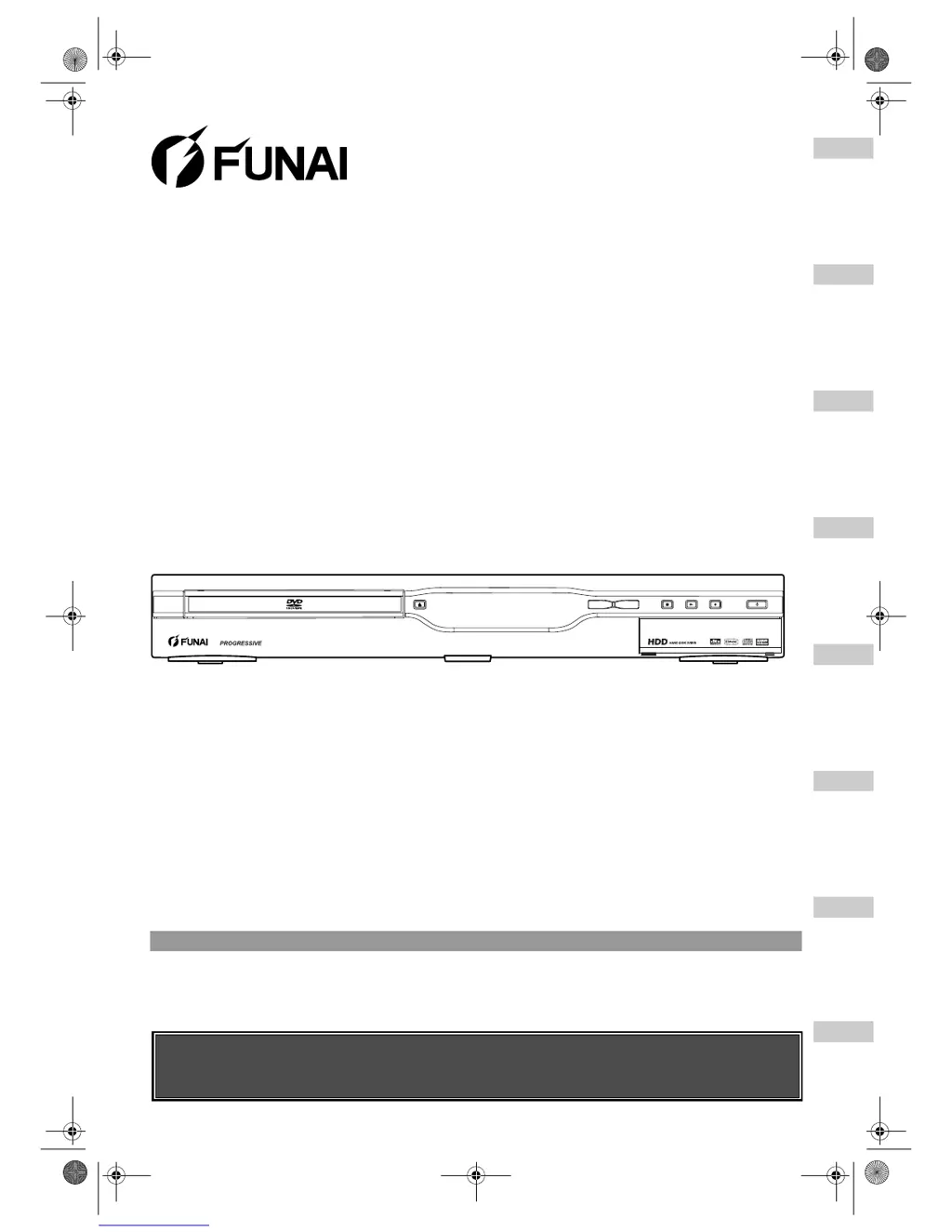
DVD Recorder with HDD
HD-B2735
HD-B2785
Before using this unit you need to complete connections.
Refer to “Connections” on pages 15-17.
Accessories Supplied
• Remote control with two R6 (AA) batteries • RF cable • Owner’s Manual • Quick Setup Guide
E2B21BD_E2B28BD_EN.book Page 1 Monday, August 21, 2006 5:05 PM

Table of Contents

Questions and Answers

  • M
    Ms. Victoria HarmonAug 23, 2025
    What to do if FUNAI DVD Recorder says there is not enough space for the selected Rec Mode?
    • D
      Douglas GrahamAug 23, 2025
      If your FUNAI DVD Recorder indicates that there is not enough space for the selected Rec Mode, you should make sufficient space in the recording media or change the Rec Mode.

Summary

Getting Started

Precautions & Safety

Essential safety warnings, laser safety, and power connection guidelines.

Installation & Setup Guides

Guidance on unit placement, external connections, and initial setup menus.

Remote Control & Mode Selection

Information on the remote control layout and switching between HDD and DVD operating modes.

Core Functions: Recording & Dubbing

Supported Media & Formats

Details on compatible discs (DVD-R, DVD-RW) and recording formats (VR, Video).

Basic & Timer Recording

Step-by-step instructions for standard recording and setting up timed recordings.

Disc Finalisation & Protection

Procedures for finalizing discs for compatibility and protecting them from editing.

Dubbing Operations

Instructions for performing one-touch and bi-directional dubbing between HDD and DVD.

Core Functions: Playback & Editing

Playback Basics & Features

Guidance on playable discs, basic playback, special playback modes, and media format selection.

Editing Titles & Scenes

How to manage recorded content, including adding/deleting chapter marks, creating playlists, and deleting titles/scenes.

Title Management

Procedures for renaming titles, protecting them from editing, combining, or dividing them.

System Settings & Troubleshooting

Tour of the Setup Menus

A comprehensive guide to all available setup options and their default settings.

Audio & Video Settings

Configuration for digital audio output, playback language, and picture adjustments.

Troubleshooting Common Issues

A detailed list of error messages, their causes, and solutions for common problems.

Specifications & Reference

Technical specifications, language codes, glossary, and declaration of conformity.

FUNAI HD-B2735 Specifications

General IconGeneral
BrandFUNAI
ModelHD-B2735
CategoryDVD Recorder
LanguageEnglish

Related product manuals