6.2.7.4 Offset
Offset is the amount of deviations that occurs in the output due to calibration errors of the sensor.
Thus, if there are deviations in the output compared to the expected output, offset value should be
set appropriately to null the effect of deviation.
6.2.7.5 Multiplier
Multiplier is a function given for the user flexibility. If the user wants to observe the output in the
range other than the actual output range, multiplier value should be set.
6.2.7.6 Resolution Decimal Place
This is the measure of the accuracy of the output value. It is the measure of number of digits that
user wants to include in the output display.
For example:
If the output is 2.301 then according to user, he can set the display output.
If Resolution is kept 0 then output is 2
If Resolution is kept 0.1 then output is 2.3
If Resolution is kept 0.01 then output is 2.30
If Resolution is kept 0.001 then output is 2.301
If Resolution is kept 0.0001 then output is 2.3012
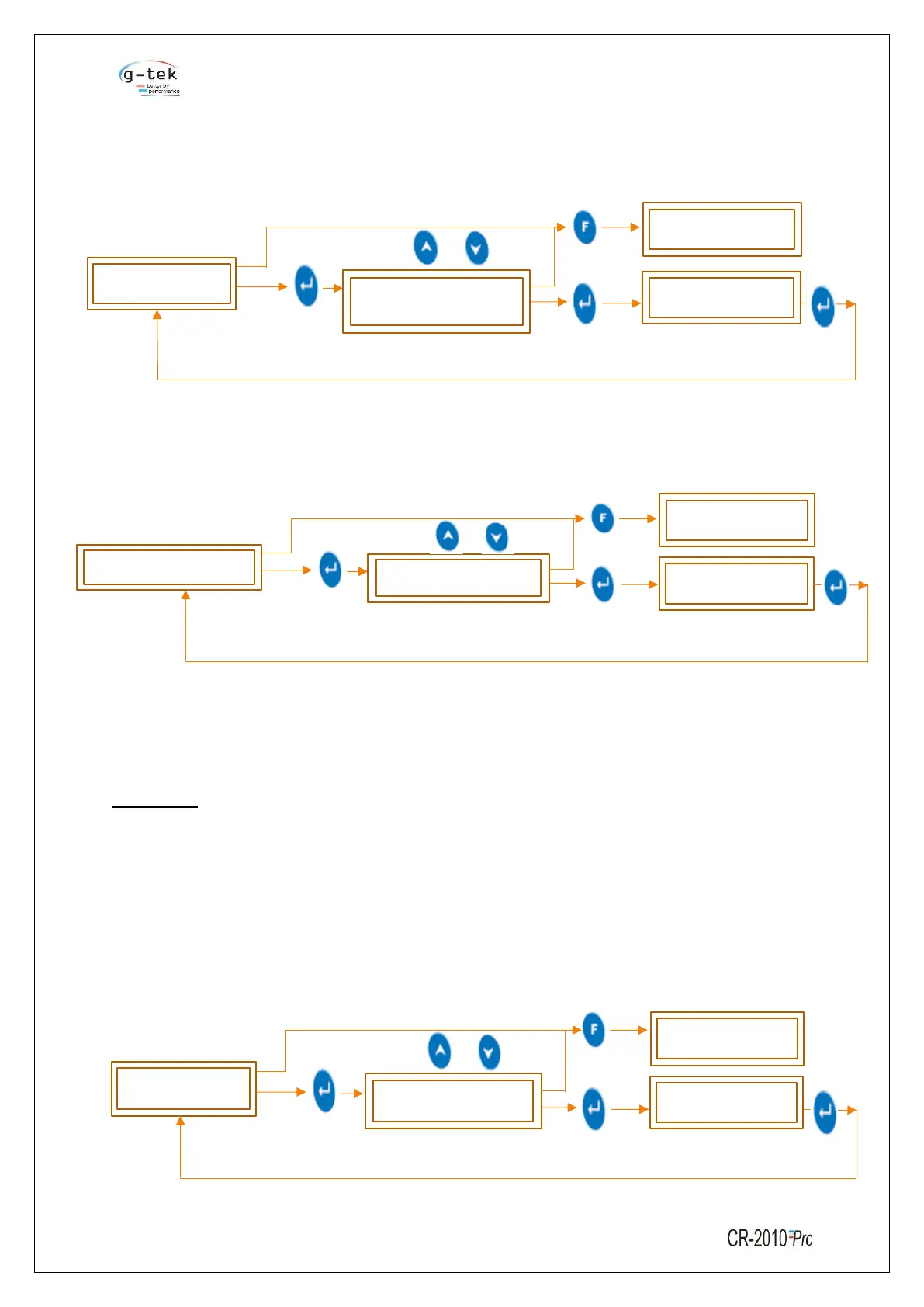
To set the Resolution Decimal Place for a single channel then follow the procedure shown in figure-
32 by pressing the appropriate buttons given in the front panel of the chart recorder.



 To Next Page
 Loading...