8 GPSMAP 76CSx Owner’s Manual
GETTING STARTED > USING THE GPSMAP 76CSX
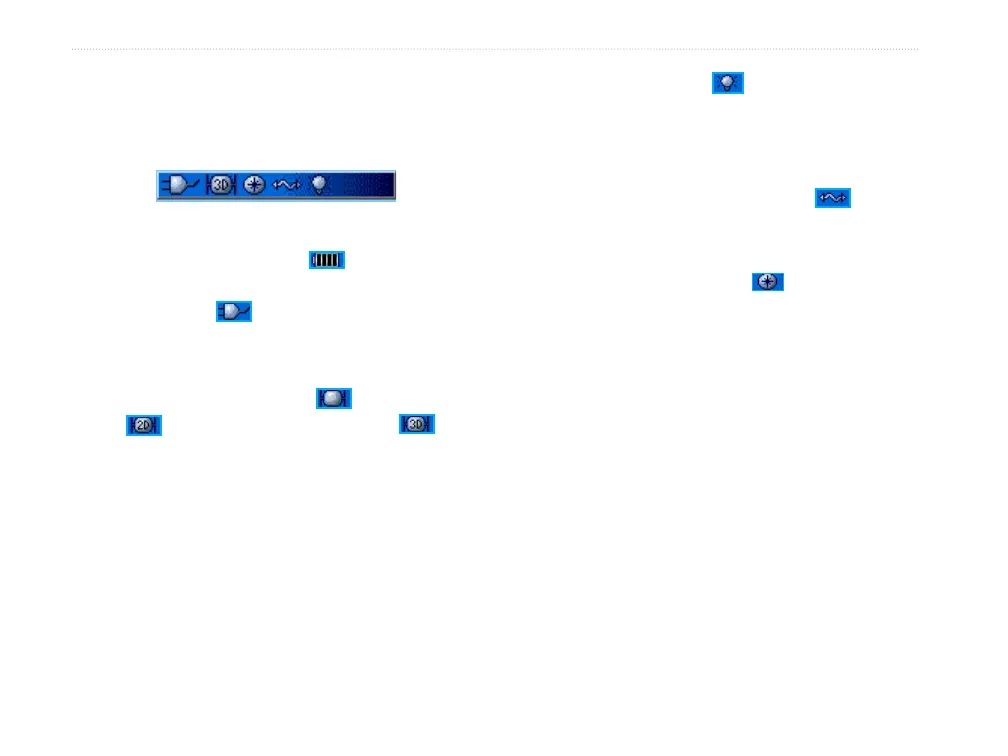
Using the Status Bar
At the top of each page, the status bar provides status
information for several unit features.
Status Bar
• The Battery Power icon ( ) shows the
remaining power as the battery. The Auxiliary
Power icon ( ) appears when the unit is
plugged in to an external or USB power source.
• Satellite signal status is shown when searching
for or acquiring satellites (
), when a 2D fix
( ) is attained and when a 3D fix ( ) is
attained (four or more satellites are received.)
• The Backlight icon (
) appears when the
backlight is on. The Backlight is off when
you turn the unit on. The Backlight uses a
significant amount of battery power.
• The USB Cable Connection icon (
)
appears when the unit is in communication with
a PC USB.
• Electronic compass icon (
) appears when
the electronic compass is turned on.












 To Next Page