GPSMAP 76CSx Owner’s Manual 77
MAIN MENU > SETUP MENU
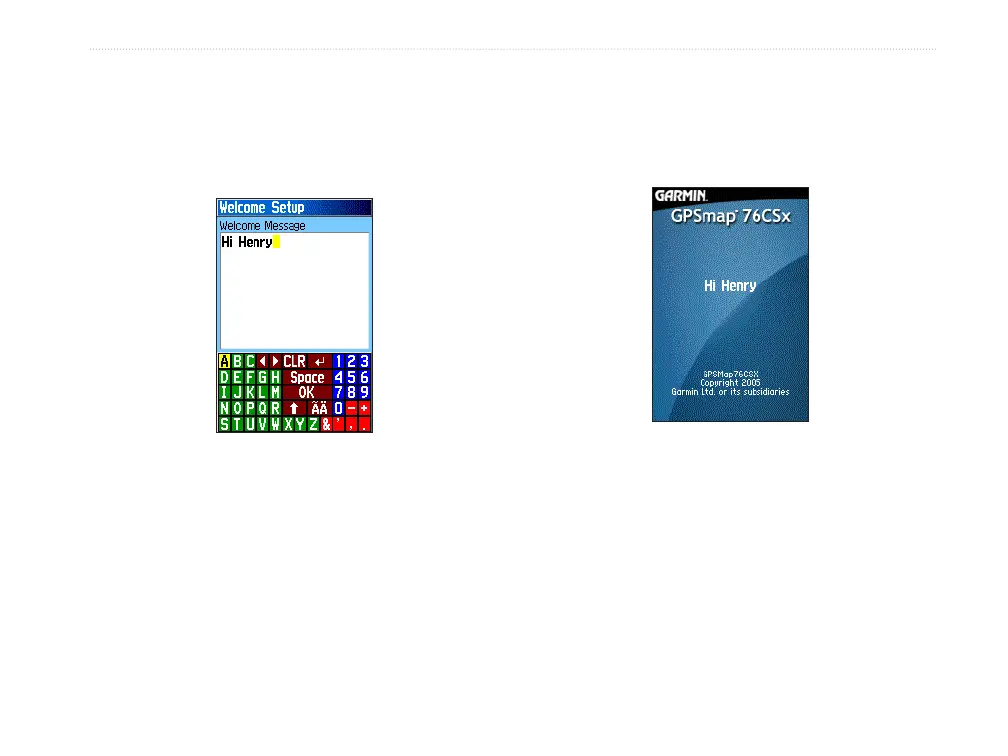
Welcome Setup
Use the Welcome Setup Page to insert a message,
such as owner information, that appears when you
turn on your GPSMAP 76CSx.
Adding a welcome
message
To access the Welcome Setup Page:
On the Setup Menu Page, highlight the
Welcome Message icon, and press ENTER.
To add a welcome message:
1. Use the on-screen keypad and the ROCKER
to enter your welcome message, and press
ENTER.
2. When finished, highlight
OK, and press
ENTER to close.
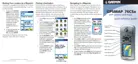
3. Turn you unit off and then on again to view
your Welcome message.
Welcome message












 To Next Page