22 GPSMAP 76CSx Owner’s Manual
BASIC OPERATION > USING THE FIND MENU
3. Select a city from the list and press ENTER to
open the information page for the selected city.
Or
If the city you want is not listed, press MENU,
select a search method, and press ENTER.
Finding an Interstate Exit
Use the Exits icon on the Find Menu to find an
interstate exit.
To find an interstate exit:
1. Press FIND to open the Find Menu.
2. Highlight the Exits icon, and press ENTER.
The Exits Page shows a list of interstate exits
near your location.
3. Use the ROCKER to select an exit, and
press ENTER to open the information page.
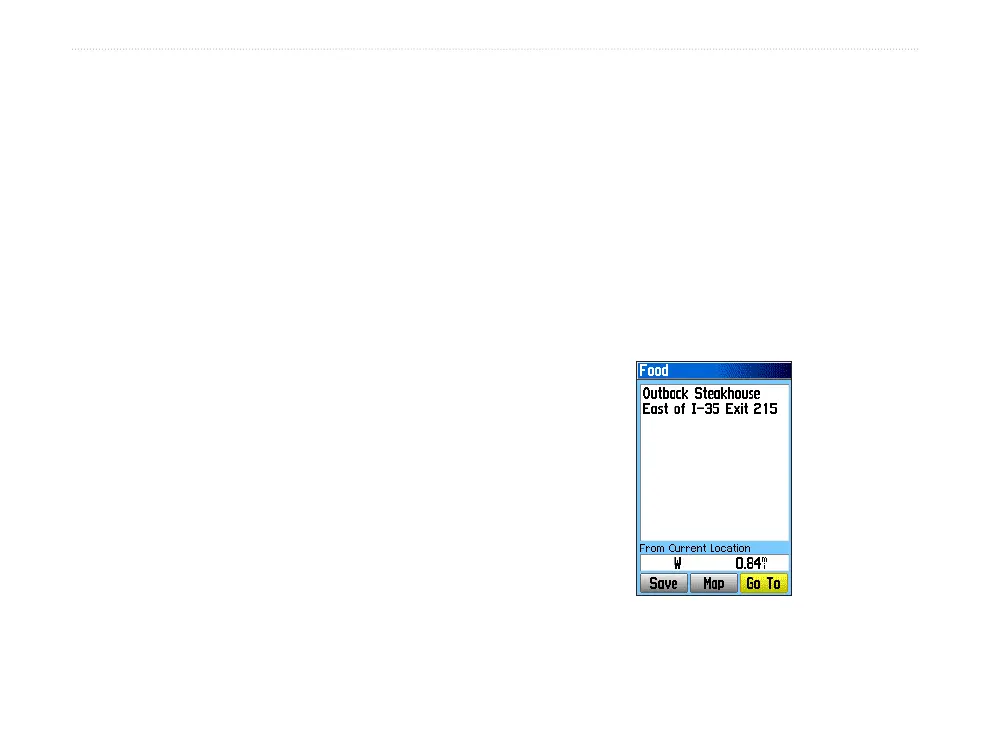
This page contains the exit description, a
list of available services near the exit, and
the distance and bearing from the exit to the
highlighted service.
4. Select a service from the list, and press
ENTER to open the information page for the
selected service.
5. Select Save, Map, or Go To from the bottom
of the page.












 To Next Page