GPSMAP 76CSx Owner’s Manual 67
MAIN MENU > SETUP MENU
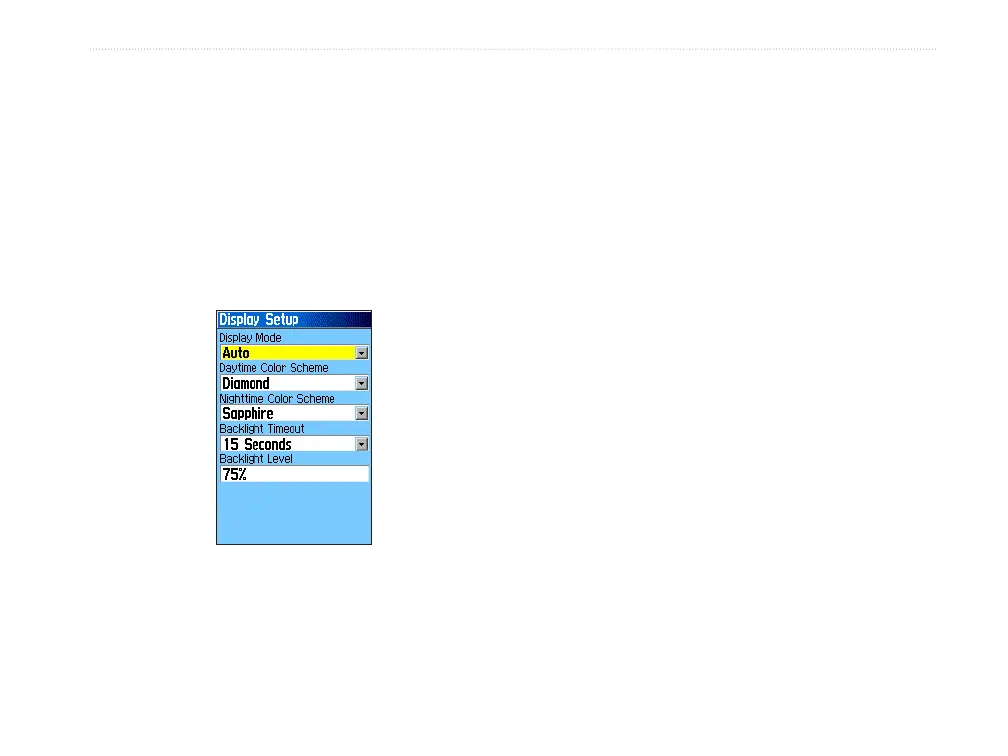
Display Setup
Use the Display Setup to select a screen color scheme
for day and night viewing. You can set the backlight
timeout and the level of brightness. Reducing these
values can significantly save on battery power.
To access the
Display Setup:
On the Setup Menu, highlight the Display icon,
and press ENTER.
Display Mode—sets the display to Day, Night, or
Auto mode. Select Auto to automatically switch from
day to night at sunset and change back at sunrise.
Daytime Color Scheme/Nightime Color Scheme
—
select the color scheme to use when operating in Day
or Night mode.
Backlight Timeout
—sets the backlight to stay on
when it is turned on, or to time out after a selected
period of time has elapsed when using the battery.
The backlight stays on regardless of this setting when
external power is used.
Backlight Level—turns the backlight up or down.
Press up on the ROCKER to increase the intensity or
down to decrease.












 To Next Page