NOTE
The installer can create and install charging stations
once invited with the installation code from the owner.
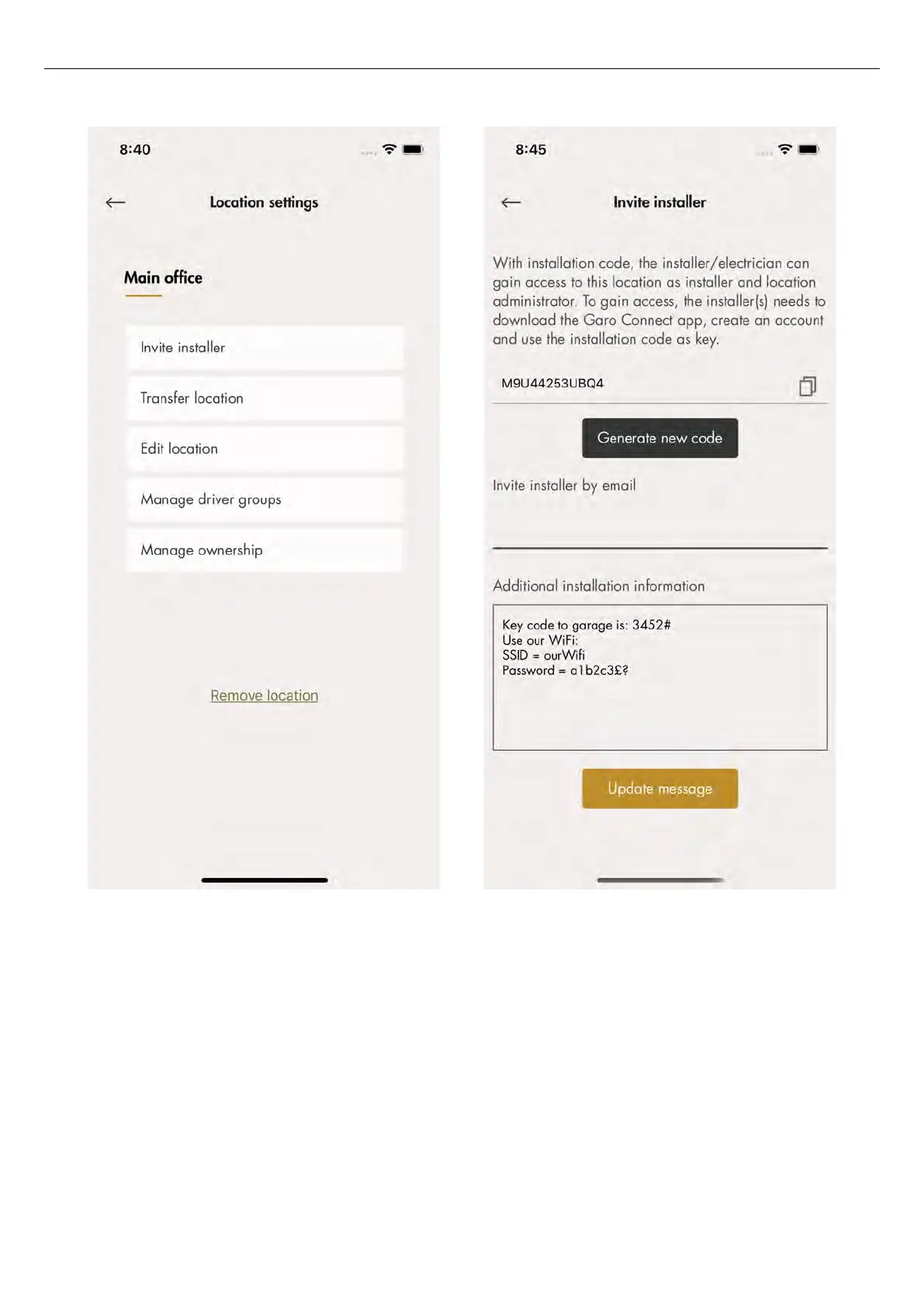
7. Generate an installation code. An e-mail can be
generated to the installer through the GARO
Connect app. This is not mandatory, any
communication channel is fine.
A message to the installer concerning the location
or installation can be tied to the location, for
example the Wi-Fi credentials if a local Wi-Fi is to
be used.
Charger settings
The features available under
Charger settings (owner)
are not mandatory.
• Charger settings
The settings for each charging station can be
changed. Click on applicable charging station,
then
Charger Settings
and follow the instructions in
the app.
64 Version: 1.3
Installation



 To Next Page