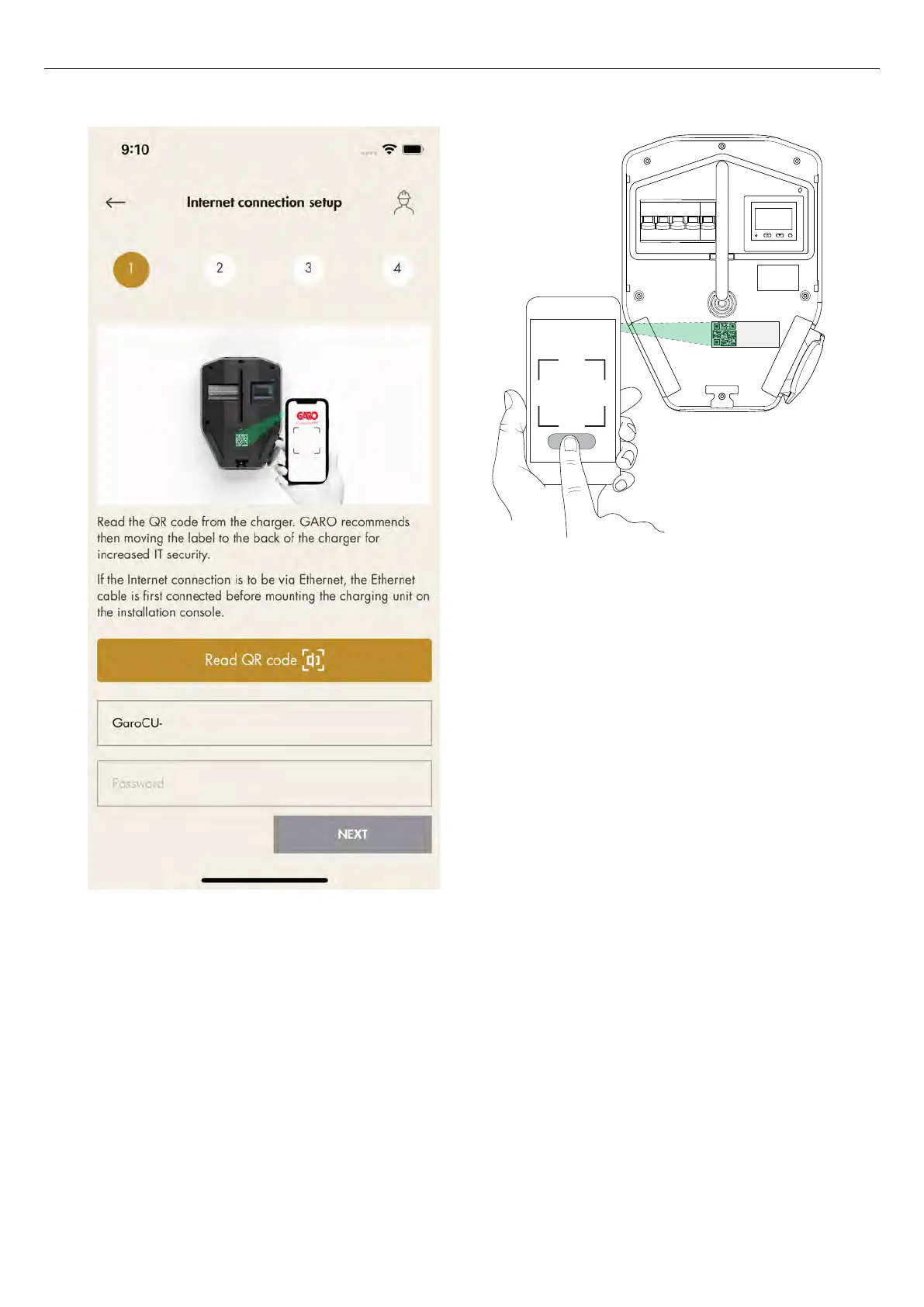
To set up a direct connection, use the charging unit
ID label to enter the credentials to the GARO
Connect app. The QR code is scanned via the
GARO Connect app.
NOTE
It is also possible to enter the Wi-Fi credentials as plain
text in the GARO Connect app, if the QR code can not
be used.
b. Wait until the box lights up with a solid green
light. This can take up to 5 minutes.
GARO
Connect
76 Version: 1.3
Installation



 To Next Page