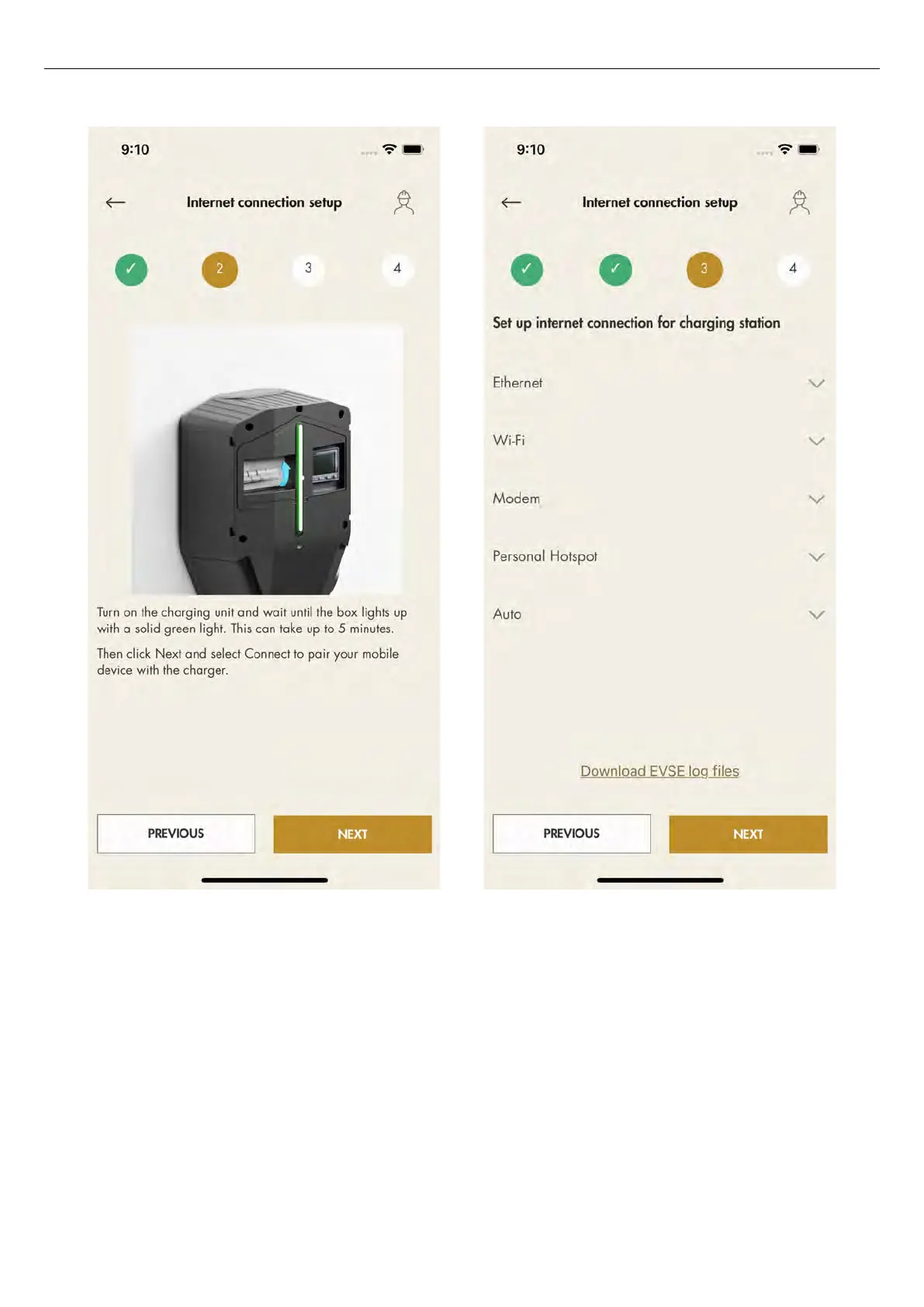
c. Select how to connect to the internet:
-
ethernet cable to router
-
local Wi-Fi connection to existing Wi-Fi with
internet router
-
modem
-
as a temporary solution, a hotspot from the mobile
device
d. The internet media icon will turn green once
connected to the internet.
e. Close the connection between the mobile device
and the charging station.
Once the internet is connected to the unit, the
mobile device will communicate with the unit over
the internet, so the direct connection shall be
closed.
NOTE
Changing internet settings will force the charging
station to a restart.
Version: 1.3 77
Installation



 To Next Page