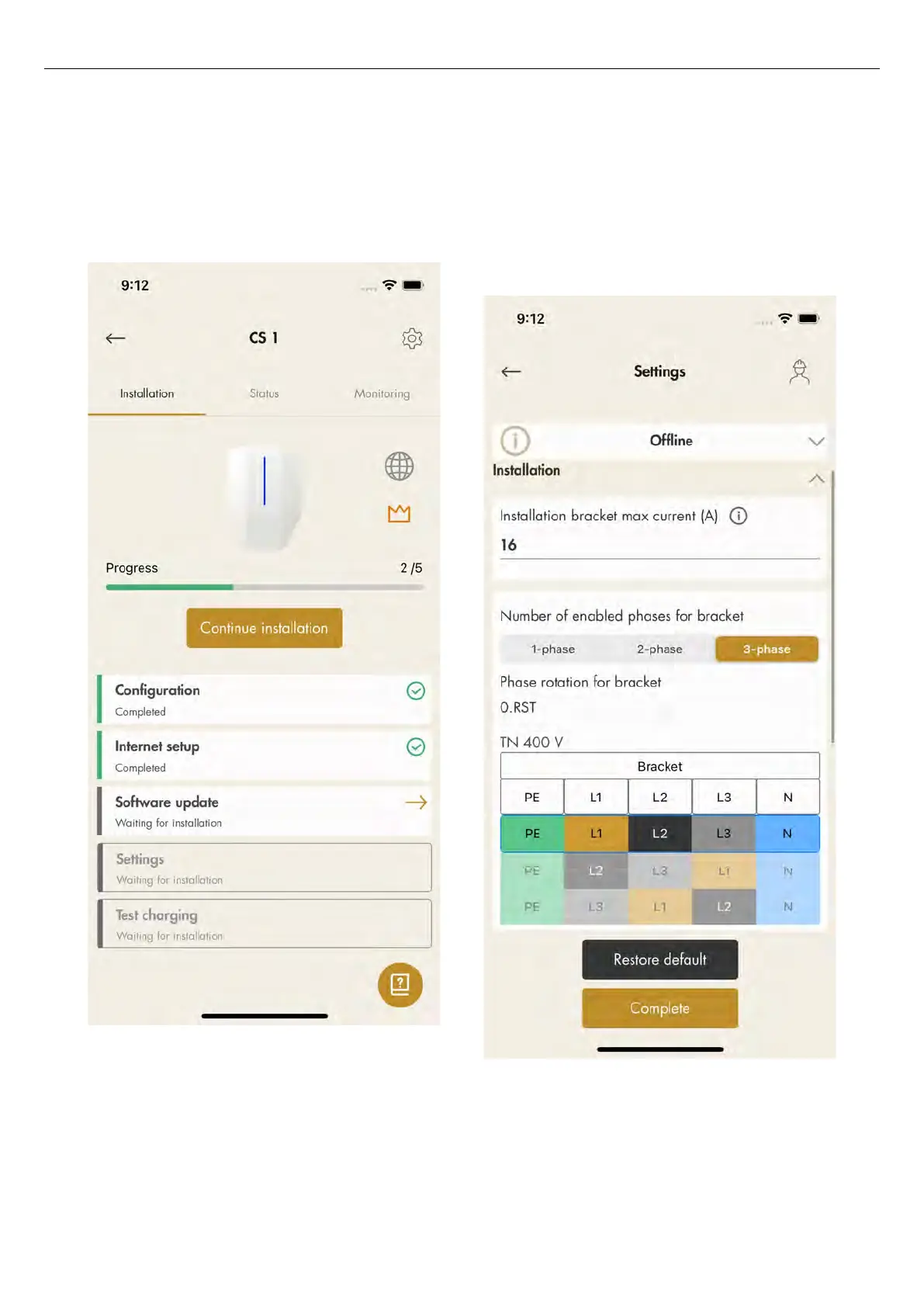
9. Software update.
Software can always be updated, but never
downgraded as this is not allowed due to cyber
security. It is highly recommended to enable
automatic update of firmware (default setting).
NOTE
A software update over a modem can sometimes be
very time consuming. It is possible to update at a later
date.
10. Settings.
There are several configuration settings that are
possible to adjust with the GARO Connect app. In
the GARO Connect app, information is available as
support for each available setting. If it is necessary,
speak to the GARO support organization for further
assistance. Some settings require a restart to take
effect.
NOTE
For information on the different parameters, click the “I”
icon.
11. Test charging and the ground fault protection, refer
to 6.4 To do an earth fault test, page 89. Test the
78 Version: 1.3
Installation



 To Next Page