Y58 User Manual & Install Guide
6.5.4 Base
Navigate to: Main Menu Setup Alarm Base
This subsection enables you to set up the trigger for alarm events based on speed, panel and IO input,
and to define the actions that will be taken when the alarm occurs.
Checkbox – if selected, enables the device to
monitor for overspeed events. In case of speed
exceeding the specified threshold, this alarm
will be triggered. To set the volume to MUTE
for this alarm go to
Basic Setup Other Setup Voice Setup.
TTS
should be set to zero.
DEFAULT SETTINGS:
Checkbox – Unselected
Drop-down list to select the classification level
for the alarm:
Event
Alarm
DEFAULT SETTINGS:
Disabled/not applicable.
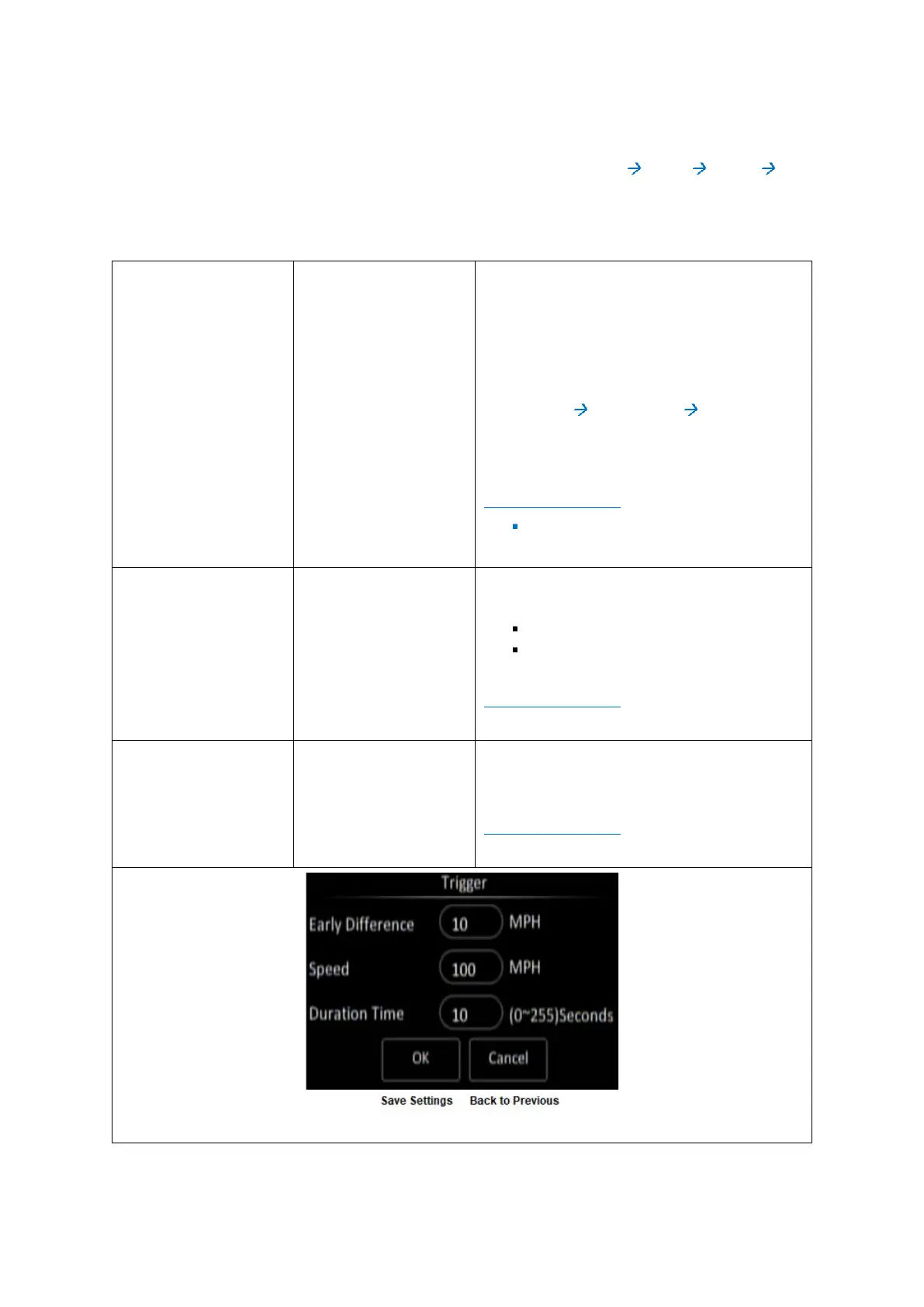
Click the (Setup) button under Trigger to
display the Trigger setup screen.
DEFAULT SETTINGS:
Disabled/not applicable.



 To Next Page