Y58 User Manual & Install Guide
4.8 Step 8: Setting Up Recording
The Y58 is a hybrid DVR. It has the capability of having a combination of 6 Analog; Analog HD, and 2 IP
camera connected at the same time.
This next step is a crucial step, where you will select which cameras to record video from, and also set
up the quality and resolution of the recorded video.
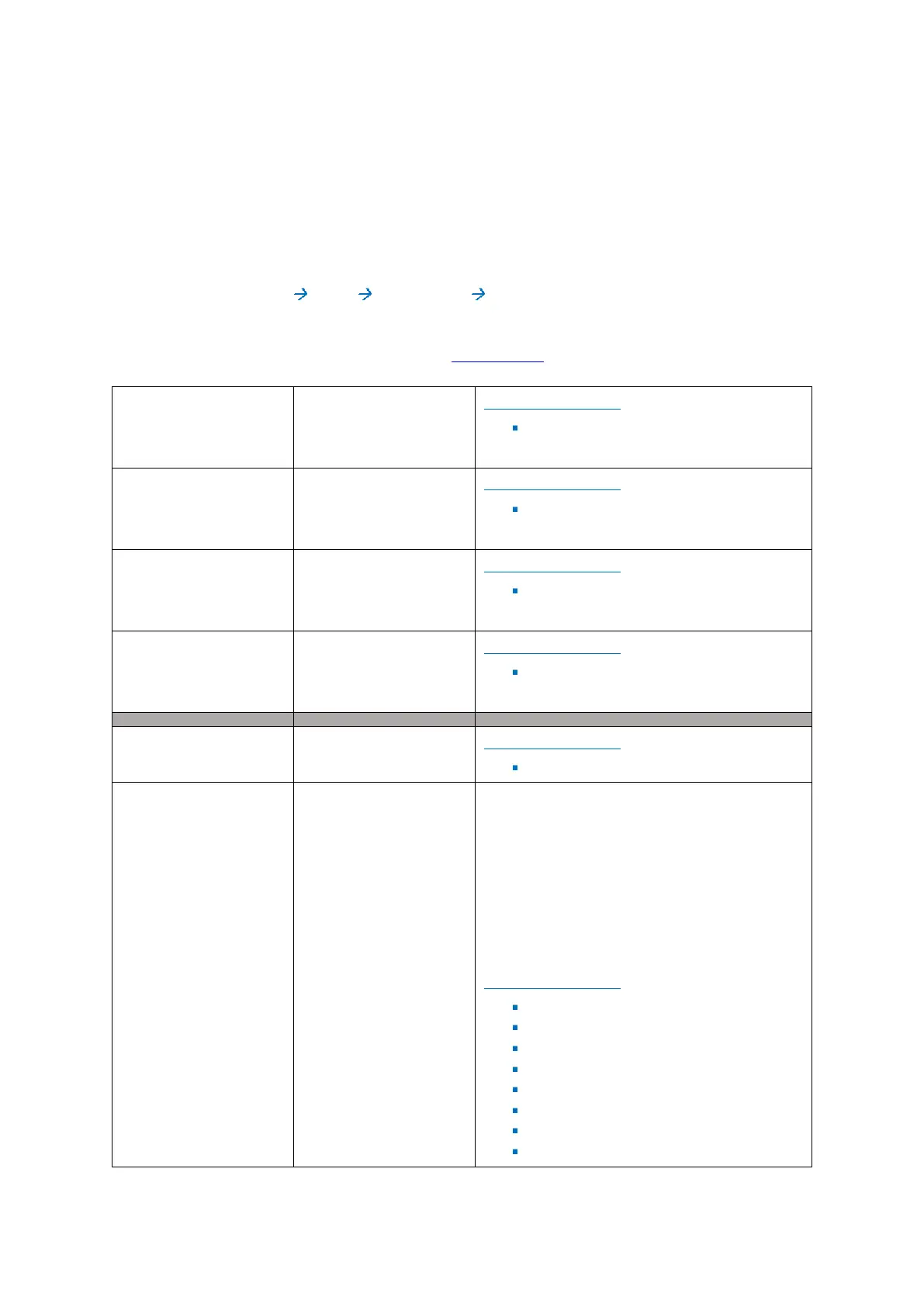
Navigate to: Main Menu Setup Surveillance Record
Please review and adjust the following default settings to match your actual camera configuration. For
a detailed explanation of each setting, please see Section 6.4.2.
DEFAULT SETTINGS:
By Capacity
DEFAULT SETTINGS:
(Disabled/Not Applicable)
DEFAULT SETTINGS:
Checkbox – Unselected
The device comes pre-configured with
standard names for the camera channels. You
may change these names if desired to give each
channel an easily remembered and/or location-
specific name.
Maximum of: 8 characters
DEFAULT SETTINGS:
Channel 1 – set name as – CH1
Channel 2 – set name as – CH2
Channel 3 – set name as – CH3
Channel 4 – set name as – CH4
Channel 5 – set name as – CH5
Channel 6 – set name as – CH6
Channel 7 – set name as – CH7
Channel 8 – set name as – CH8



 To Next Page