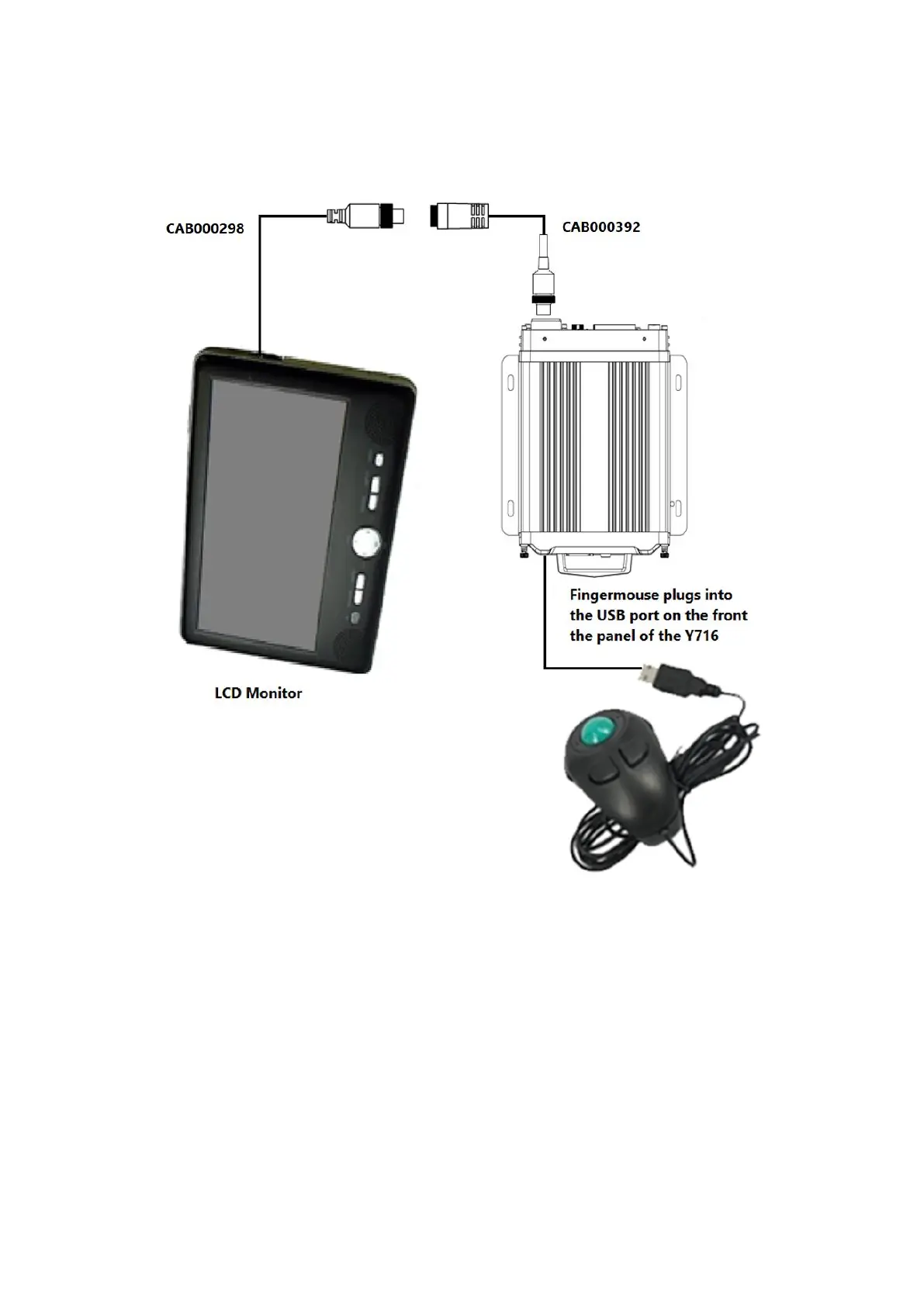
How to Connect the Finger Mouse and LCD Monitor
Figure 3-2 Connecting the Finger Mouse and LCD Monitor
3.1.2 Using the Interactive Control Display (ICD2)
The ICD2 is a full-featured touch display that makes navigating the device menu system very intuitive.
Besides the touch function, this accessory also has several buttons that act as hotkeys allowing the user
to quickly select and go to different functions.



 To Next Page