Y58 User Manual & Install Guide
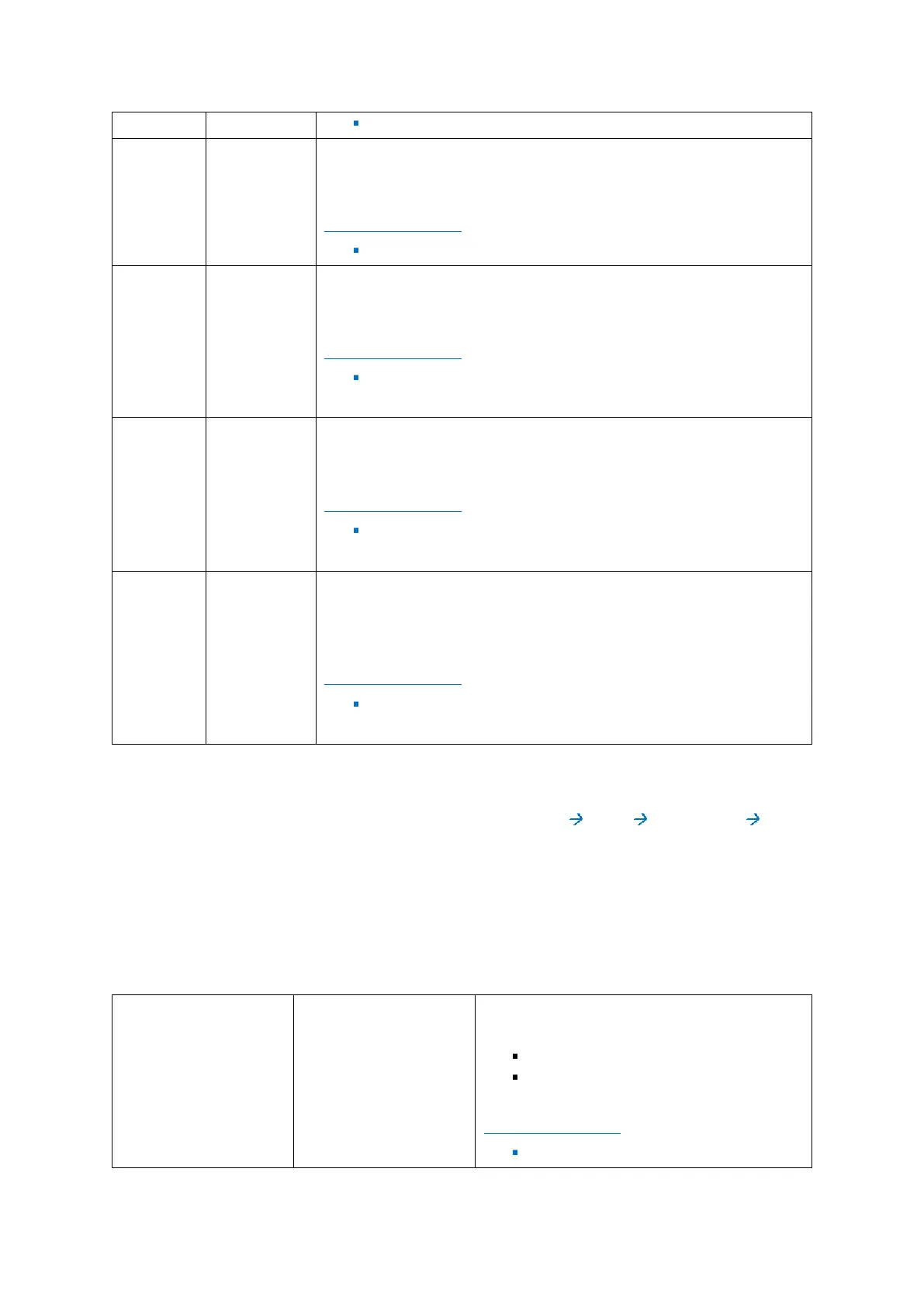
Checkbox – if selected, the speed will be displayed as an overlay text
on top of the live video view on the LCD monitor or ICD2.
DEFAULT SETTINGS:
Checkbox – Unselected
Checkbox – if selected, the GPS coordinates will be displayed as an
overlay text on top of the live video view on the LCD monitor or ICD2.
DEFAULT SETTINGS:
Checkbox – Selected
Checkbox – if selected, the channel name will be displayed as an
overlay text on top of the live video view on the LCD monitor or ICD2.
DEFAULT SETTINGS:
Checkbox – Unselected
Checkbox – if selected, the G Sensor information will be displayed as
an overlay text on top of the live video view on the LCD monitor or
ICD2.
DEFAULT SETTINGS:
Checkbox – Unselected
6.4.2 Record
Navigate to: Main Menu Setup Surveillance Record
The Y58 is a hybrid DVR. It has the capability of having a combination of Analog; Analog HD and a single
IP camera connected at the same time.
Please Note: The IP camera is a separate device and uses its own settings. Analog HD cameras have a
maximum frame rate of 30 Frames Per Second. This subsection enables you to configure the settings
related to the video being recorded from the various cameras.
This drop-down list enables you to select what
system format the video will be recorded in:
PAL
NTSC
DEFAULT SETTINGS:
NTSC



 To Next Page