Y58 User Manual & Install Guide
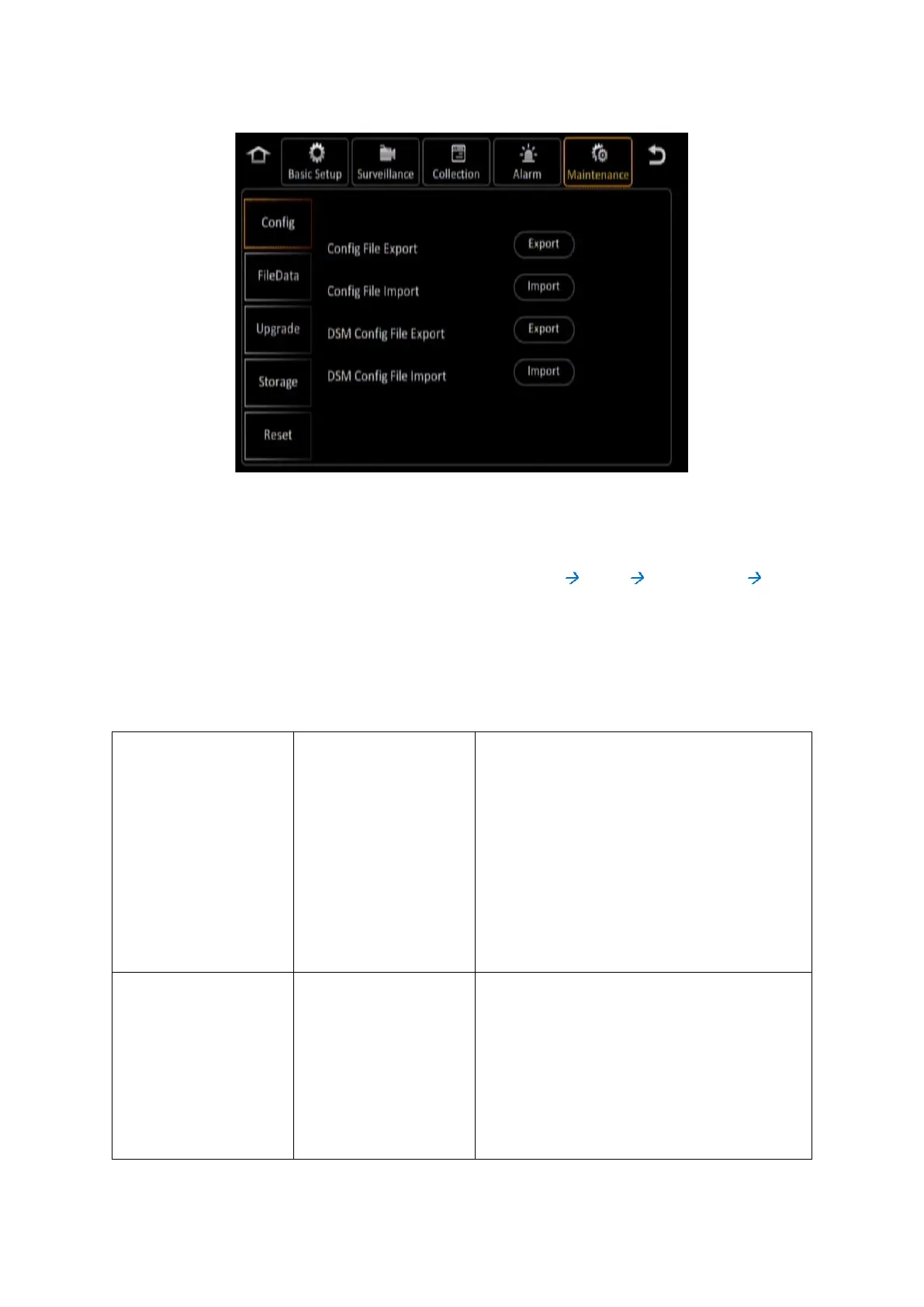
Figure 6-8 Maintenance Tab in the Device Configuration Options
6.6.1 Config
Navigate to: Main Menu Setup Maintenance Config
This subsection enables you to import and export configuration files for easy configuration of multiple
Y58.
Please Note: If you are using the Finger Mouse/LCD combination to navigate you will need to use
a Gatekeeper Systems USB Hub to allow two devices to share the one USB port.
Click the (Export) button to export the entire
device configuration settings to a file. This file
will be saved on an external storage device
(most commonly a USB flash drive attached to
the device USB port).
Click the (Import) button to import the device
configuration settings from a file. You will need
a compatible configuration file saved on an
external storage device (most commonly a USB
flash drive attached to the device USB port).



 To Next Page