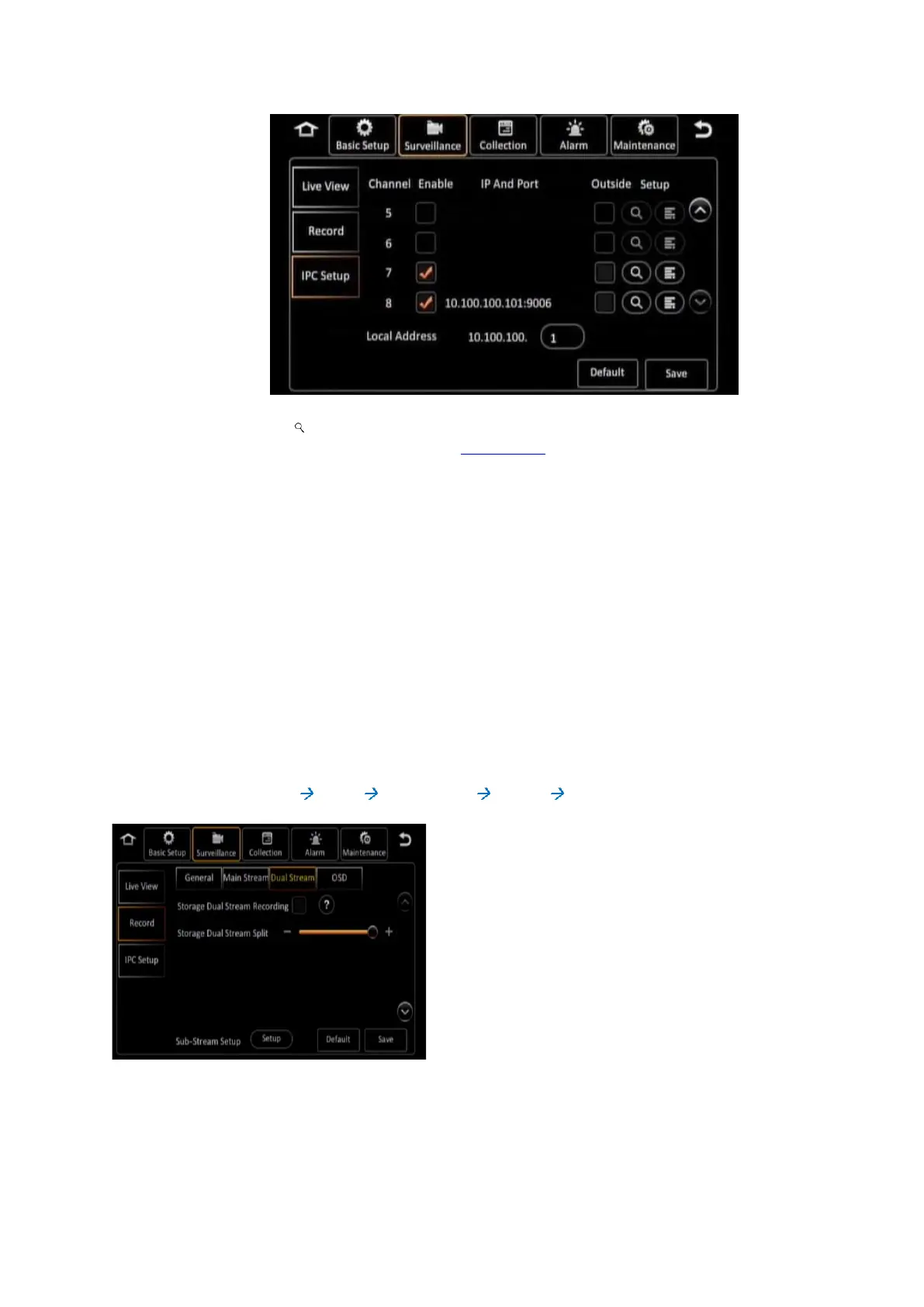
Click on the ( ) icon which is on the same row as channel 7 and 8 to add the new IP
Camera. More information is listed in section 6.4.3.
Your new IP Camera’s IP address will now be added to the list on the channel which you had
previously selected when you performed the search. Ensure the Enable checkbox next to the channel
is selected.
Click on the (Save) button to save the settings and exit from this screen. Your new IP Camera is now
configured, and will stream video to the selected channel for viewing and recording.
7.2 Configuring Substream Recording Quality
When you choose to record the Substream to a secondary storage device using the Sub Record option,
you can also choose a different set of quality settings to use for this Substream recording. To configure
this, first go to the Record settings under the Surveillance tab in the Setup menu as follows:
[Navigate to: Main Menu Setup Surveillance Record Dual Stream]
Figure 7-1 Setting Up for Substream Recording
Click the (Setup) button to set up the recording options for the Substream.



 To Next Page