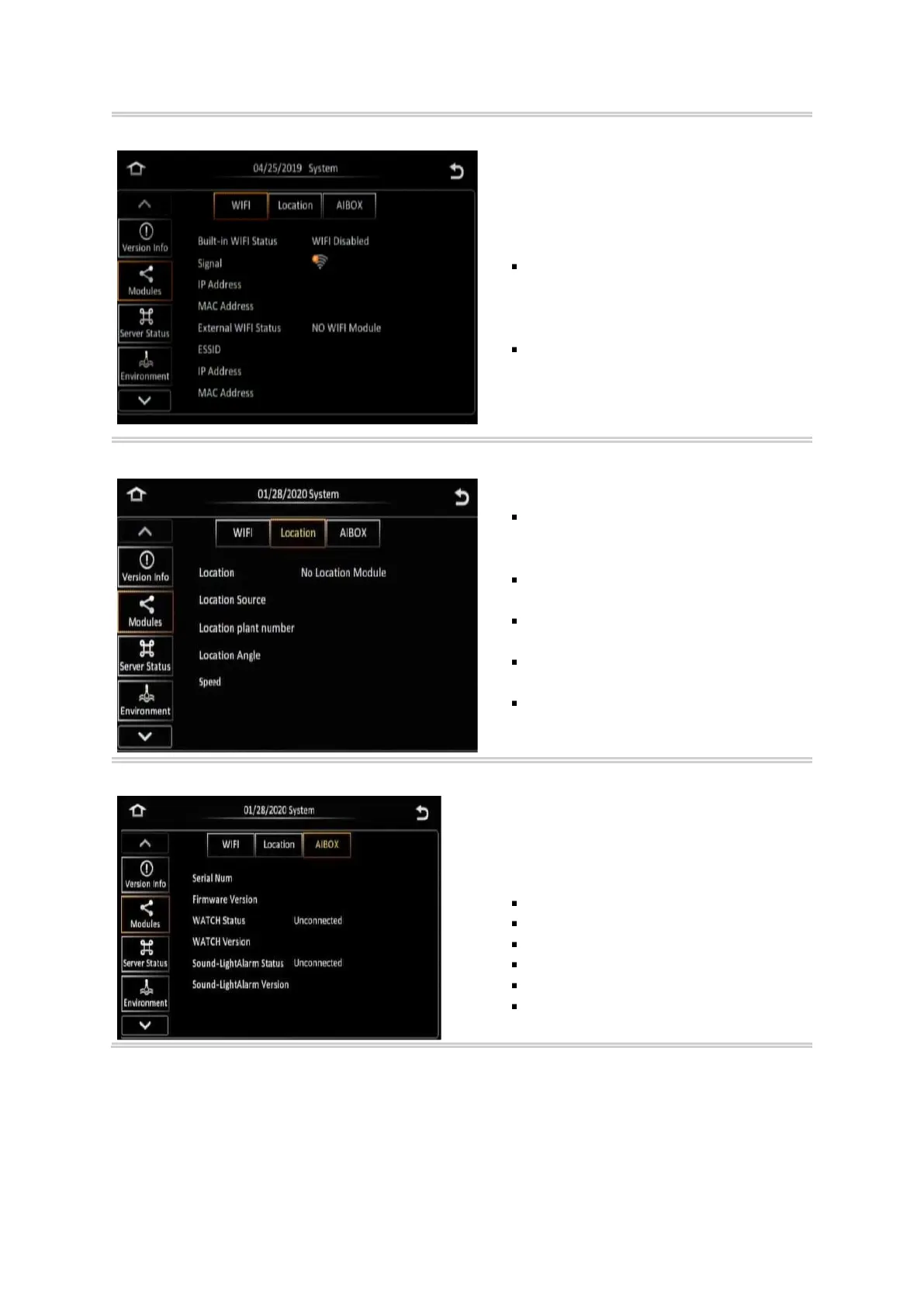
This screen shows a summary of the WIFI
statuses for the Y58.
There are two types of WIFI Statuses with
similar information displayed:
FlexFi (Built-in WIFI)
- Signal
- IP Address
- MAC Address
External WIFI
- ESSID
- IP Address
- MAC Address
This screen shows a summary of the Location
of the Y58.
Location status – defines the physical
location of the Y58 using GPS co-
ordinates.
Location source – defines where the
Location is sourced.
Location Plant Number – is an internal
marker.
Location angle – is the degrees east of
true north.
Speed – is the speed of the vehicle
when the location was relayed to the
Y58.
This screen displays all the information for
AIBOX Panel in “Modules.”
It goes as follows:
Serial Number
Firmware Version
Watch Status
Watch Version
Sound-Light Alarm Status
Sound-Light Alarm Version



 To Next Page