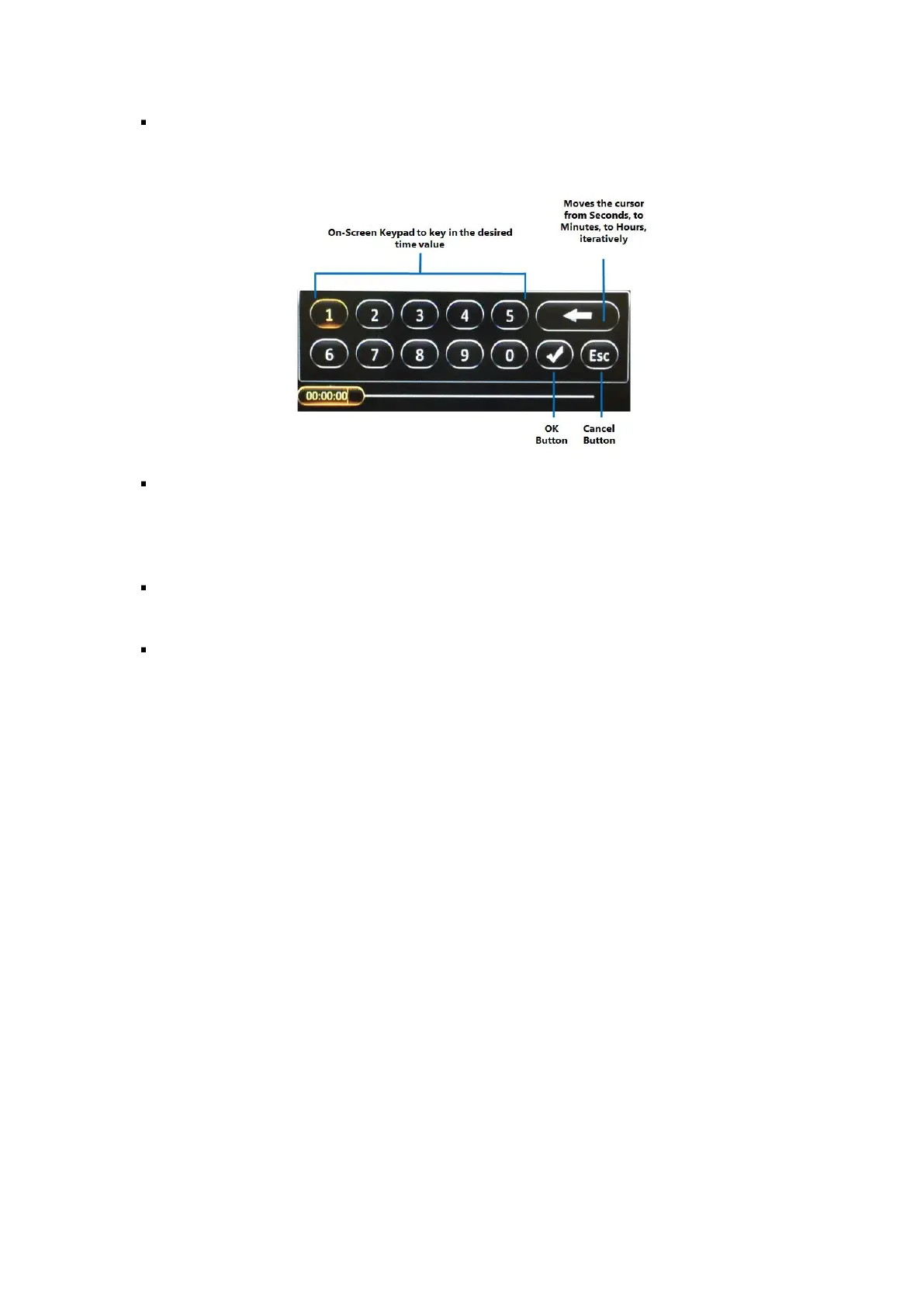
Playback Start Time: This shows the selected playback time. Clicking on it will bring up the time
control dialog which allows you to key in a specific time (in hh:mm:ss 24-hour time format) from
which to begin the playback.
Playback Start Time Marker: This vertical blue dotted line indicates the playback start time across
the camera channels. If you are using a Finger Mouse or an ICD2, you can click and drag left
and right along the coloured bars to quickly move the marker to select a different playback
start time.
Playback Video: After selecting the playback start time and specifying the camera channels,
clicking (Playback) will proceed to the playback screen for the recorded video.
Export Video: Clicking the (Export) button will allow you to export the recorded video as a clip
from a specified start and end time.
REC Search Step 4: Playing the Recorded Video
If you are using a Finger Mouse, toggle the on-screen controls by pressing the Right Button, whereas,
with the ICD2, you would just tap anywhere on the video. If there is no user input, then the on-screen
playback controls will auto-hide after 15 seconds of inactivity.



 To Next Page